How to record vocals over a song on your phone, step by step
Published
Sing over a backing track, a beat or your own guitar take on your phone: wired headphones, latency, Zoundroom's editor, GarageBand, BandLab and covers.
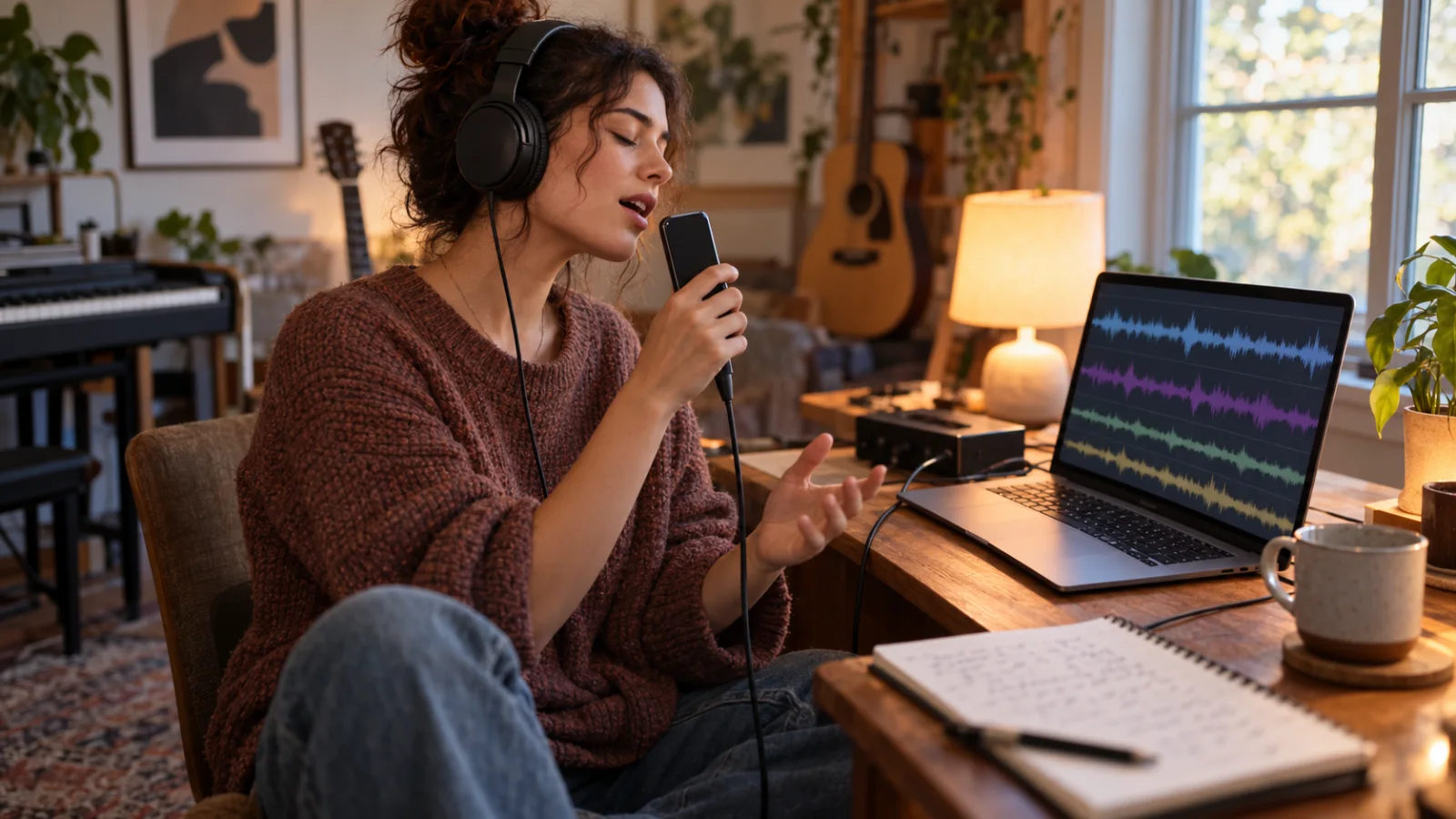
To record your voice over a song on your phone, you need an app that plays the track into your headphones while the microphone records only you, and keeps your voice on its own track so you can balance it afterwards. Use wired headphones: Bluetooth adds a delay that BandLab’s help center puts at 34 to 300 ms, against about 5–10 ms with a cable, and your vocal lands late. Then choose by situation. If the song already lives in a Zoundroom project, record takes over it in Zoundroom’s multitrack editor on iPhone, Android or in the browser. For a free studio with instruments on iPhone, use GarageBand; on Android (or iPhone), BandLab. To add a vocal over your own guitar idea on a recent iPhone without headphones, Voice Memos can record a second layer.
What you need before you press record
- A phone and the track as an audio file. A backing track, a beat you’re allowed to use, or your own guitar or piano take. GarageBand and BandLab both import MP3, WAV and AAC (M4A) files.
- Wired headphones. A 3.5 mm jack with an adapter if your phone needs one, USB-C or Lightning. Closed-back headphones leak less of the track into the microphone than open ones. Many earbuds have a microphone in the cable and the phone may record from it instead of its own mic, so make a ten-second test and listen before the real take.
- A quiet, soft room. A bedroom with curtains, a bed and a full wardrobe beats a bathroom or an empty living room, which add an echo you can’t remove later.
- Something to hold the phone at mouth height. A stand, a shelf or a pile of books. Your hands make noise and the distance changes when you move.
- The lyric somewhere else. On paper or on a second screen, so you don’t touch the phone while it records. Turn on Do Not Disturb: a notification sound in the middle of the chorus ruins the take.
If the song sits too high for you, change it first with the guide on how to change the key of a song. If it’s too fast to learn, slow it down without changing the pitch and practice before you record.
How to record over a track in Zoundroom’s multitrack editor
The multitrack editor opens any audio in a project and lets you record takes over it while it plays. Each take becomes a track, up to 8 tracks counting the original (the original plus up to 7 takes), with audio up to 30 minutes long. It’s the same editor on iPhone, Android and at app.zoundroom.com, so you can start on the phone and finish on the computer.
- Put the track in the song’s project. Import the backing track or beat, or use a recording you already made in that project, such as your guitar idea.
- Open the editor. Tap ⋮ on the audio and choose Edit audio.
- Check the BPM. The editor estimates the BPM and key when it opens the audio. The metronome and the count-in follow that BPM, so if the estimate is wrong (it can fail on free-tempo material), correct it with tap tempo.
- Calibrate the latency once. In the editor’s settings, tap Calibrate in a quiet place: the editor plays a few clicks through the speaker and measures your device’s delay, so your takes line up with the song.
- Plug in wired headphones and set the count-in. Choose 0, 1 or 2 bars of count-in, and turn the metronome on if the track has no clear beat at the start.
- Record a take. Press record: the song plays in your headphones and your voice is recorded on a new track. Sing the whole song or the section you need.
- Compare takes. Record two or three. Use Solo (S) to hear one take with the track and Mute (M) to hide the ones you don’t want; delete a take that doesn’t work. If one sits slightly early or late, nudge it with the track’s sync control.
- Balance the volumes. Lower the original a little so the vocal sits on top, and set each take’s volume. If a take was recorded too quietly, the editor raises it automatically. The 3-band EQ and the one-knob compressor can take some boom out of the voice and even it out.
- Save a version. Save it as a new version, “Name (v2)”, next to the original, which stays untouched, or export the mix as an M4A file to send it.
The editing isn’t destructive, and when you reopen the edited audio the takes come back as separate tracks, so you can add a harmony next week. If you close the app halfway, it offers to recover your changes.
Worked example: a vocal over your own guitar idea
You have a guitar-and-humming memo of an original song, “Porch Light”, at 92 BPM, saved in its project. The editor estimates 92 BPM, you calibrate once, set a 1-bar count-in and record three passes. Here’s the session before you save:
| Track | What it is | What you do with it |
|---|---|---|
| Original | Guitar memo, 2:48 | Volume down a little so the voice sits on top |
| Take 1 | Lead vocal, first pass | Muted: rushed in the second verse |
| Take 2 | Lead vocal | Kept at full volume |
| Take 3 | Harmony, chorus only | Kept, lower than the lead |
Four of the eight tracks are used, so there’s room for a doubled chorus later. You save “Porch Light (v2)” and write one line in the song’s note: “v2: take 2 lead, harmony a third above in the chorus”.
Other ways: GarageBand, BandLab and Voice Memos
GarageBand on iPhone (free)
GarageBand is free on the App Store and works as a full studio with instruments, so it’s a good fit when you also want to add drums or keys.
- Import the track. Set the song section length to Automatic so the whole file fits. Tap the Tracks button, then the Loop Browser button in the control bar, then Files. Tap “Browse items from the Files app”, choose the file and drag it so its left edge lines up with the start of the ruler. GarageBand accepts AIFF, WAV, Apple Loops, AAC and MP3.
- Match the tempo. Apple notes that imported audio files, except Apple Loops, don’t follow GarageBand’s tempo changes. Set the song tempo to the track’s BPM, which you can find with the song key and BPM finder, or the click won’t match the track.
- Set the click. Tap the Settings button in the control bar, then Metronome and Count-in, and turn the count-in on.
- Add an Audio Recorder track and set the level. Sing the loudest line and drag the In level slider: if it turns red, lower it. Input Settings has a Noise Gate for low hiss. With an external microphone or a headset, the Monitor button lets you hear yourself.
- Record. Tap the Record button in the control bar, sing, and tap Play to stop. Record again on a new track to keep several takes.
The GarageBand demo guide covers the rest of a session, from arranging to sharing.
BandLab on iPhone, Android or the web (free studio)
BandLab’s studio is free (its paid Pro and Max plans add extras on top of the free creation tools) and is the easiest free option on Android.
- Import the track. In a new project, tap Import Track at the bottom of the New Track tab and pick the file. On iOS it takes MP3, MP4, WAV, M4A and AAC; on Android, MP3, MP4, WAV, M4A and OGG. BandLab may add a few seconds of silence at the start: drag the region’s start to the faint dotted line.
- Add a vocal track. Tap + under the track headers and choose Voice/Audio.
- Fix the latency. On Android, run Studio Settings > Latency Fix; BandLab says iOS compensates latency automatically. On the web, the latency test is under Tools in the Studio menu.
- Record. Tap the red Record button, sing, and tap it again to stop.
Voice Memos on a recent iPhone (no headphones)
On supported models (iPhone 16 Pro and 16 Pro Max, iPhone 17, 17 Pro and 17 Pro Max, iPhone Air, iPhone 18 Pro and 18 Pro Max), Voice Memos can add a second layer to a recording. You play your instrumental idea through the speaker and sing over it; Apple says it uses processing and machine learning to isolate the vocal, so you don’t need headphones. The limit: the first layer has to be a Voice Memos recording (or a mix sent from Logic Pro), and you get two layers, not a multitrack session. For several takes or a backing track from a file, use one of the apps above. The voice recorder apps for singing comparison covers Voice Memos and the alternatives in detail.
For a dry vocal idea with a click and no backing, the free online voice recorder records in the browser with an optional count-in and click; it doesn’t play a backing track.
Why Bluetooth headphones make your vocal late
You sing to what you hear. With Bluetooth, the phone has to encode the track, send it over the air and the headphones have to decode it before it reaches your ears. You hear the song late, you sing in time with that late song, and the app records your voice against the real one: your vocal arrives late by roughly the headphone delay. BandLab’s help center puts it at 34 to 300 ms depending on the devices, against about 5–10 ms with wired headphones, and BandLab doesn’t recommend Bluetooth for recording.
How much is that in music? At 90 BPM a beat lasts about 667 ms and a sixteenth note about 167 ms:
| Delay | At 90 BPM | What it does to the take |
|---|---|---|
| 5–10 ms (wired) | A few percent of a sixteenth note | Nothing you’ll notice |
| 34 ms (good Bluetooth) | About a fifth of a sixteenth | Loose on a tight beat |
| 150 ms | Almost a whole sixteenth | Clearly behind the beat |
| 300 ms | Almost an eighth note | Sounds like a different rhythm |
Calibration fixes the delay that belongs to the phone itself. Zoundroom’s editor plays clicks through the speaker, listens with the microphone and measures your device’s delay, then places your takes where they belong. It can’t measure a Bluetooth headset’s delay, which changes with the headphones, so with Bluetooth the takes won’t stay in time even after calibrating. BandLab’s latency test works on the same idea. The rule is simple: calibrate once per device, and record with a cable.
How to get a clean vocal take on a phone
- Distance: a hand span. 15–20 cm from your mouth to the phone’s microphone. Closer adds boom and pops on “p” and “b”; farther adds the room. Point the mic slightly to one side of your mouth, not straight at it.
- Level: test the loudest line. Sing the chorus at full voice before the real take. If the meter turns red or the sound cracks, step back a little or lower the input; a quiet take can be raised, a distorted one has to be sung again.
- Room: soft things around you. Face an open wardrobe or hang a duvet behind you, and stay away from bare walls and corners.
- Headphone volume: lower than you think. Loud headphones leak the track into the microphone, and you’ll hear it under your voice. If you can’t hear your pitch, lift one ear cup off.
- Takes: three full passes. The first one finds the level, the second is usually the best, the third gives you a backup line for the weak spots.
For room treatment, mic technique and processing in more depth, see how to record vocals at home; for recording the whole song on a phone, the guide to recording a song on your iPhone or Android phone.
Singing over someone else’s song: what you can do with the recording
Recording yourself over a song to practice, or to keep a cover on your phone, isn’t the problem. Publishing it is, because two different rights meet in it: the song itself (the composition and lyrics, owned by the songwriters and their publishers) and the recording of the backing (the master, owned by a label or a producer).
- If you play the music yourself, only the song is involved. In the US, the Copyright Office explains that once a song has been distributed to the public in the US, anyone can release an audio cover under the compulsory license of Section 115, paying the royalties and sending the required notice. That license covers the musical work only, not a sound recording.
- If you sing over the original instrumental, a karaoke track or a beat you found online, you’re also using someone else’s recording, and the compulsory license doesn’t cover that: you need the owner’s permission. A beat you bought or leased comes with terms that say where you can release it.
- Video is a separate case. The Copyright Office’s definition of a phonorecord excludes sounds accompanying an audiovisual work, so a cover video falls outside that license.
This isn’t legal advice. Before you release a cover, check who owns the song and the recording, and read the terms of the platform or distributor you’ll use.
Which method fits your situation
| Your situation | Method | Watch out for |
|---|---|---|
| The song or backing is already in a Zoundroom project | Zoundroom’s multitrack editor, on the phone or at app.zoundroom.com | Calibrate once, wired headphones |
| iPhone, and you also want instruments or drums | GarageBand | Set the song tempo to the track’s BPM |
| Android phone, free | BandLab | Run Latency Fix first |
| Recent iPhone, your own guitar idea, no headphones | Voice Memos second layer | Two layers only; the first is a Voice Memos recording |
| A vocal idea with a click, no backing | Online voice recorder | It doesn’t play a track |
| The track is too high for you | Change the key first | One or two semitones sound most natural |
| The track is too fast to learn | Slow it down, practice, then record at full speed | Record the final take at 100% |
| You only have Bluetooth headphones | Borrow or buy a wired pair before recording | Calibration can’t fix Bluetooth delay |
Frequently asked questions
Can I record vocals over a song with AirPods or other Bluetooth headphones?
You can, but your voice will land late. Bluetooth headphones add a delay that BandLab measures at 34 to 300 ms, and Zoundroom’s editor can’t measure it to correct it. Use wired headphones; on supported iPhones, Voice Memos can layer a vocal over your own instrumental recording without any headphones.
How do I record my voice and the music at the same time on my phone?
There are two ways. Play and sing in the same room and record both with one microphone, which is quick but leaves you no way to balance them later. Or record the music first and then sing over it with headphones on a separate track, which lets you fix the balance, keep the best take and add a harmony.
What’s the best free app to record vocals over a beat?
On Android, BandLab: it’s free, imports the beat and has a latency fix. On iPhone, GarageBand is free and adds instruments. If the beat or the demo is already in a Zoundroom project, record over it in Zoundroom’s multitrack editor and keep the takes with the song.
How many takes can I record over a song in Zoundroom?
Up to 8 tracks counting the original: the song plus up to 7 takes, with audio up to 30 minutes long. Each take has its own volume, mute, solo and sync control, and you save the result as a new version or export the mix as M4A.
Can I upload a cover I recorded over the original instrumental?
Not without permission from whoever owns that instrumental recording. If you play the music yourself, releasing an audio cover in the US goes through the compulsory license for the song; using the original backing or someone else’s beat needs the recording owner’s permission too.
Where Zoundroom fits: the song, its takes and the lyric in one project
The moment to record over a song is when the idea is worth hearing with a voice on it but isn’t ready for a full production. In Zoundroom each song is a project with its recordings, lyrics, notes and files, so the backing, your vocal takes and the lyric stay together instead of spread across three apps. Import the backing or open your guitar idea, choose Edit from its ⋮ menu to open the multitrack editor, calibrate once, record two or three takes with wired headphones, balance them and save a new version; then write in the song’s note which take you kept and what to fix next time. It works the same on your phone and at app.zoundroom.com, so a take you record on the phone can be mixed on the computer. Be clear about its limits: Zoundroom isn’t a full DAW, the editor doesn’t separate stems or remove the original vocal, has no reverb, pan or fades, doesn’t record a new take on each loop pass, exports the mix as M4A rather than WAV or MP3, and can’t keep Bluetooth takes in time. For comping, reverb and the final mix, move to GarageBand, BandLab or another DAW.
Sources
All pages checked on October 2, 2026.
- Apple Support, GarageBand for iPhone: Import audio and MIDI files (Loop Browser > Files > “Browse items from the Files app”; AIFF, WAV, Apple Loops, AAC and MP3; imported audio doesn’t follow tempo changes), Record sounds with the Audio Recorder (Record button, In level slider, Noise Gate, Monitor) and Change song settings (Metronome and Count-in).
- GarageBand on the App Store: free.
- Apple Support, iPhone User Guide: Add a second layer to a Voice Memos recording and its supported models.
- Apple Newsroom, Voice Memos update brings Layered Recording to iPhone 16 Pro lineup (December 2024): instrumental through the speaker, no headphones, vocal isolated with processing and machine learning, mixes sent from Logic Pro.
- BandLab Help Center: Fixing Bluetooth Distortion and Latency (about 5–10 ms wired, 34–300 ms Bluetooth), Troubleshooting: Latency (latency test, Latency Fix on Android, automatic on iOS), Importing Audio and MIDI Files and Getting Started with the BandLab Studio.
- BandLab Blog, BandLab Pro and Max (September 15, 2026): free creation tools and the two paid plans.
- US Copyright Office, Circular 73: Compulsory License for Making and Distributing Phonorecords: when the Section 115 license is available, what it doesn’t cover (sound recordings) and the definition of a phonorecord.