Start with one recording
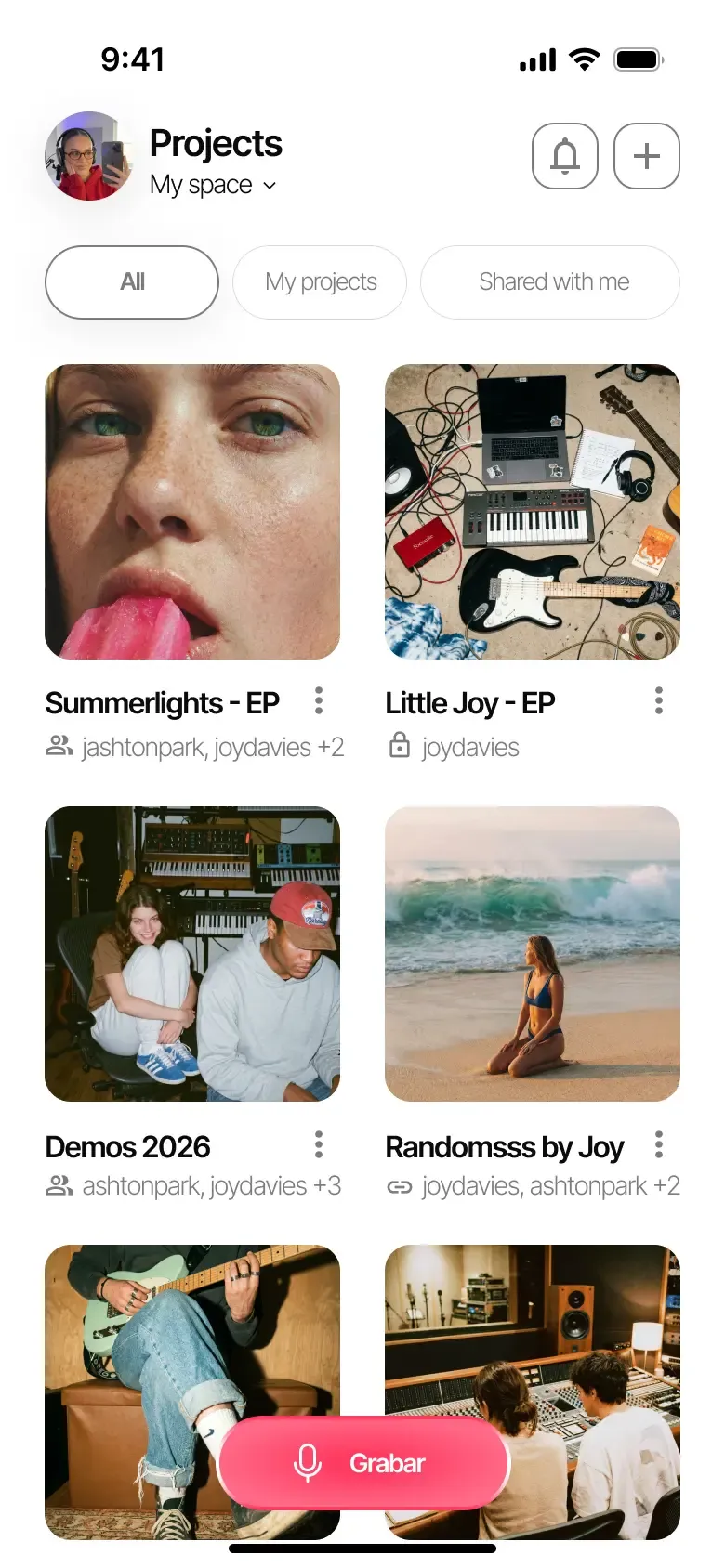
- 1 Create a project with the working title of your song.
- 2 Record an idea or import an audio file from your device.
- 3 Name the take and add a note with your next idea.
All your music in one place. Instant, clutter-free, and no lost ideas.
Also available on iOS and Android.
Keep more recordings and longer lyrics, organize songs with your own tags, and leave feedback right on the audio. Try Pro with a song you’re already working on.
Create your account and choose the solo artist path during setup. At the end, activate the free Pro trial on the plan screen.
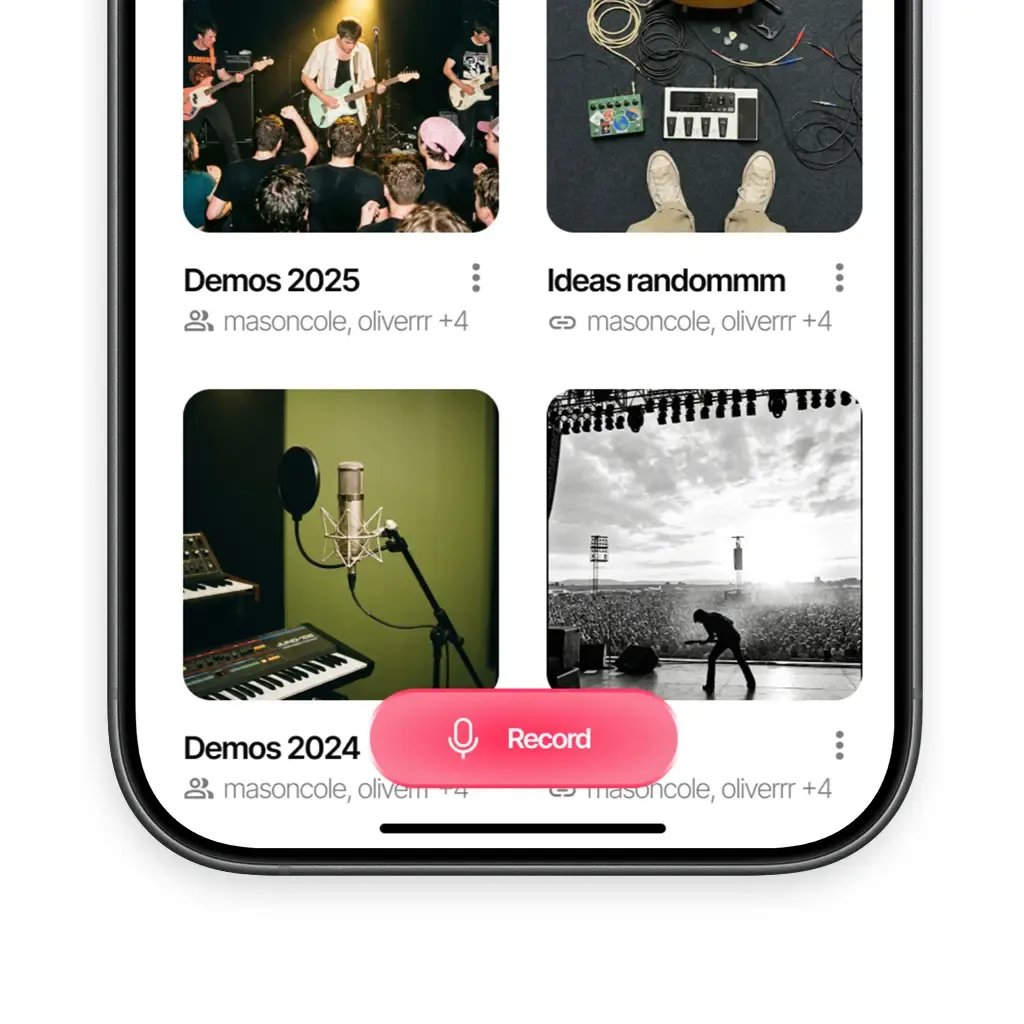
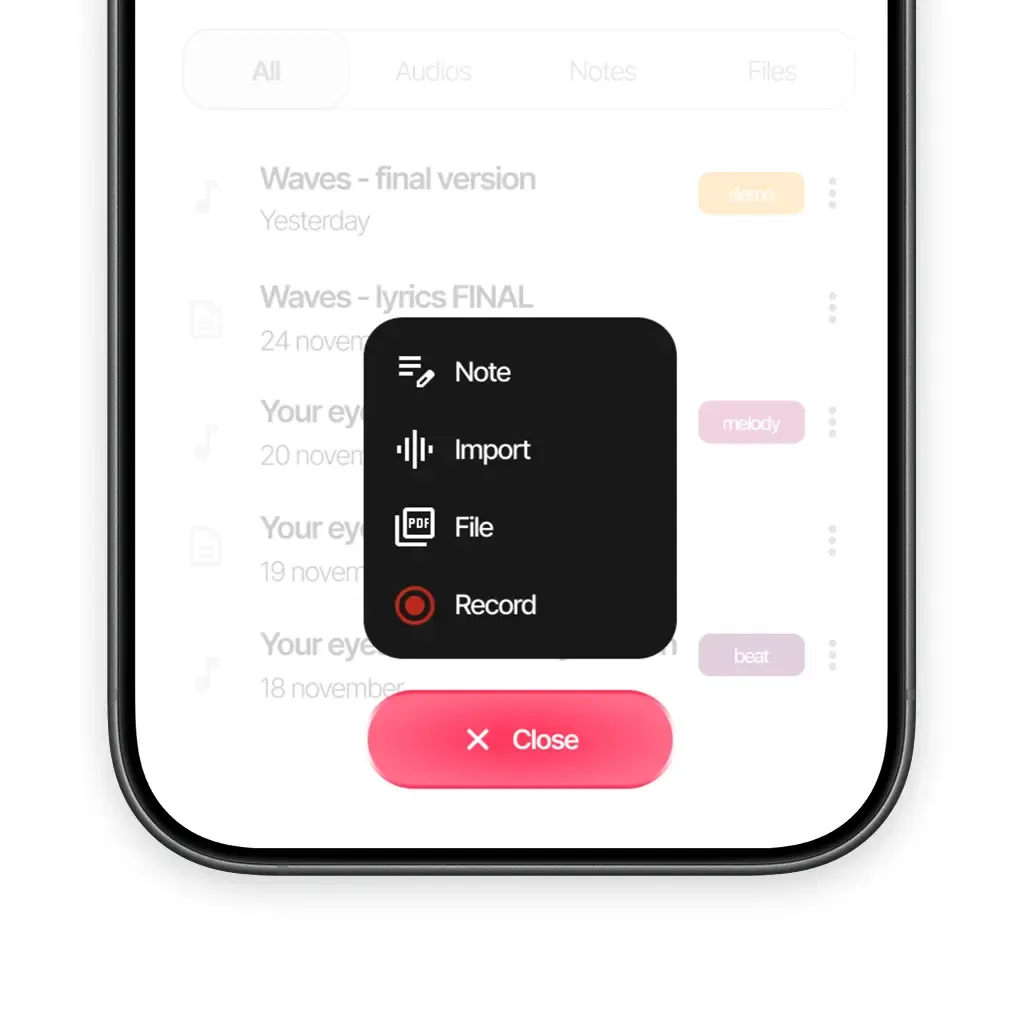
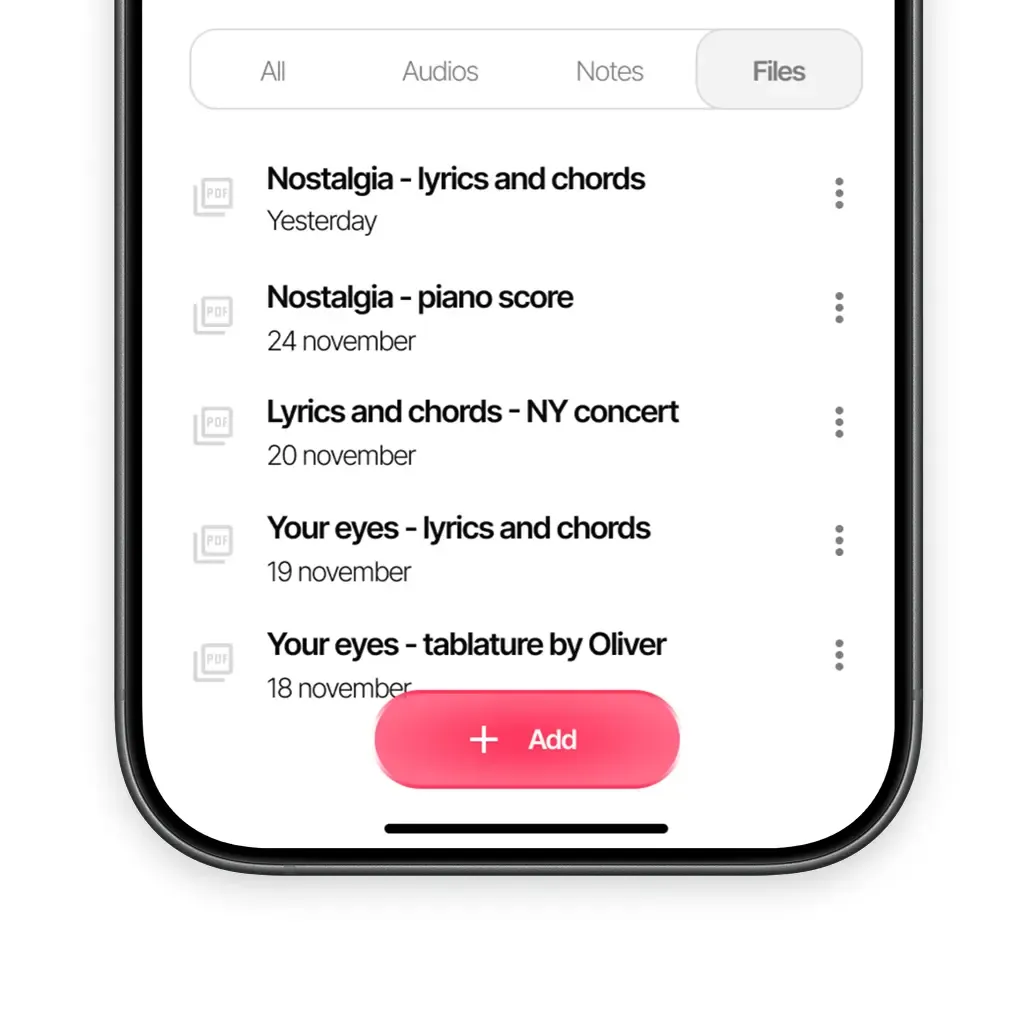
Bring in the riff you recorded on your phone or capture a new melody. Keep it in a song project and add a note about the part you want to develop next.
An audio and a short note are enough to start. Add lyrics and more recordings as the song takes shape.
Yes. Import it into the project, then add tags or insert it into a lyric note.
Yes. With an internet connection, use the same account in the browser to open your projects and recordings.
Available on iOS, Android, and in your browser.