Write your first chorus
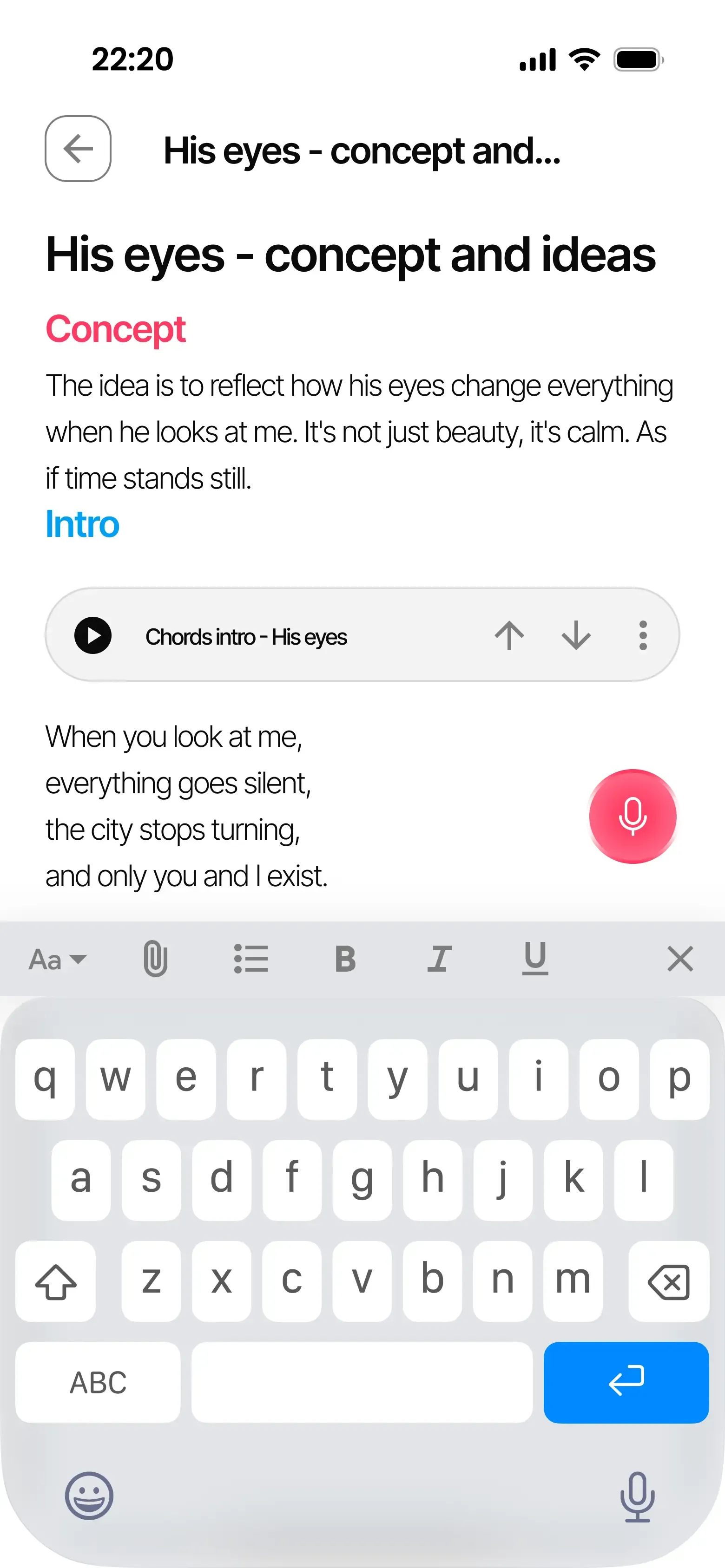
- 1 Create a note inside the song project and write your first lines.
- 2 Record inside the note, or insert audio already in the project.
- 3 Play the melody while you revise the lyric and try another phrasing.
Notes built for songwriters. Lyrics and audio in one place.
Also available on iOS and Android.
Keep more recordings and longer lyrics, organize songs with your own tags, and leave feedback right on the audio. Try Pro with a song you’re already working on.
Create your account and choose the solo artist path during setup. At the end, activate the free Pro trial on the plan screen.
Try a short writing exercise here: play the melody, write two lines and sing them back. Change a word where the phrase feels crowded.
Practice melody · 8 bars · 96 BPM
Start with an image: a light left on, a train leaving, or a room after everyone has gone. Let the second line change what the first one means.
Copy your lyrics before continuing.
Sing your lines over it
Use headphones so the melody does not leak into your take. The recording stays in this browser until you download it.
Your take
Continue with your own melody in Zoundroom: record inside a note, or import an audio into your project and insert it in the note. Listen while you refine the words.
Also available on iOS and Android.
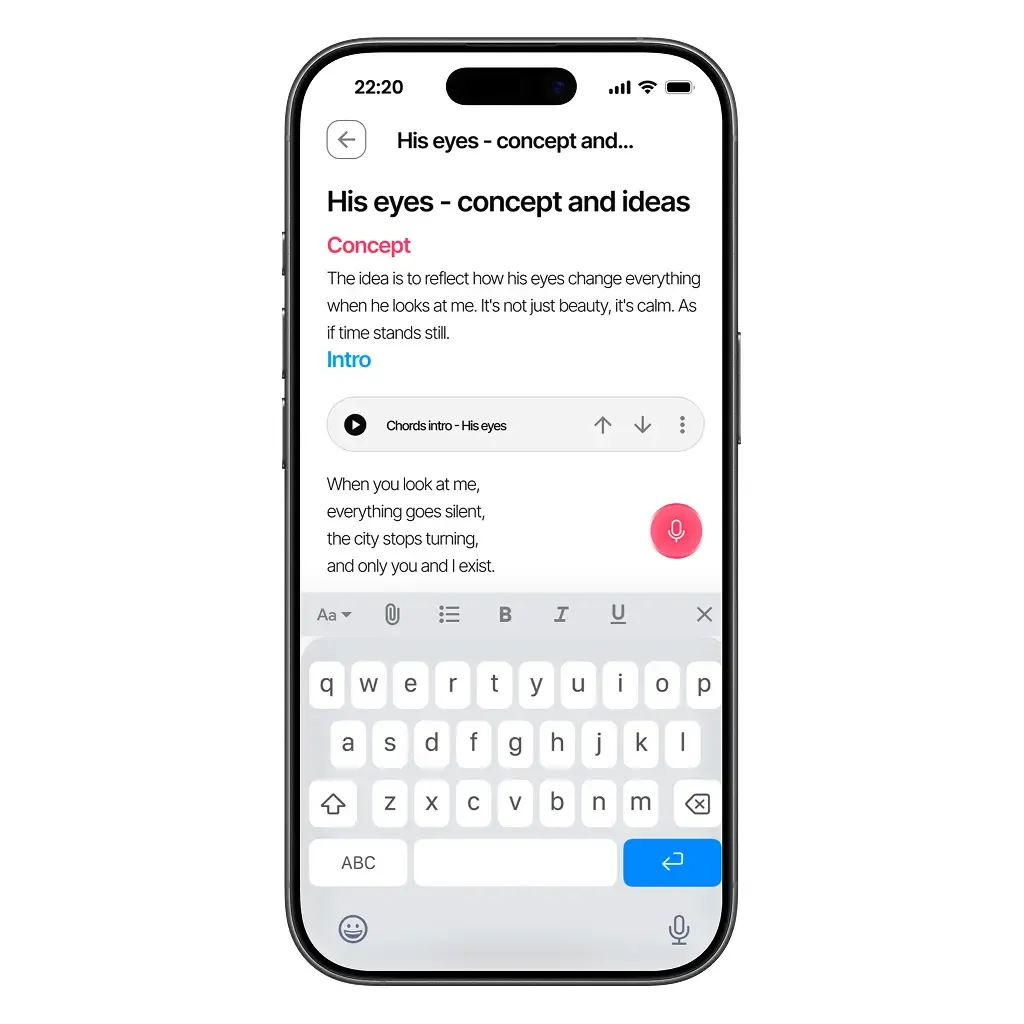
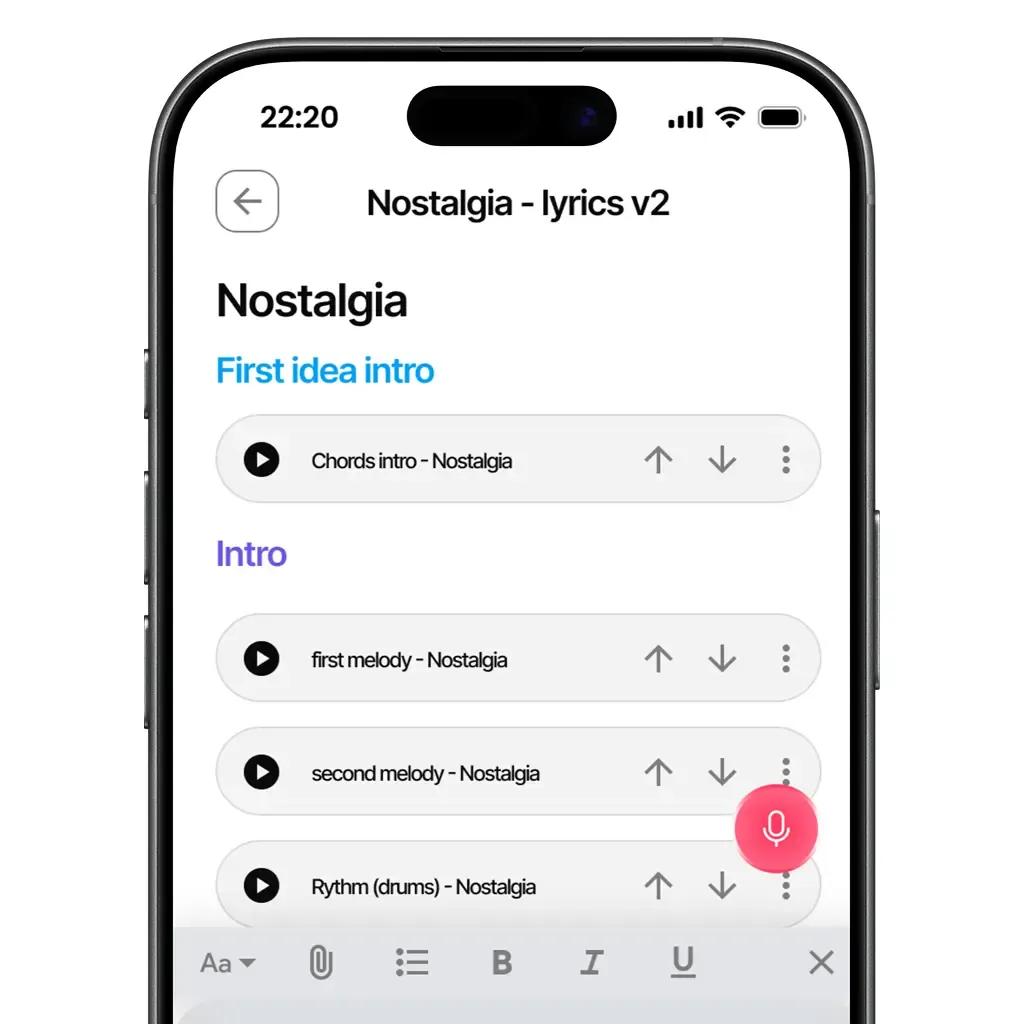
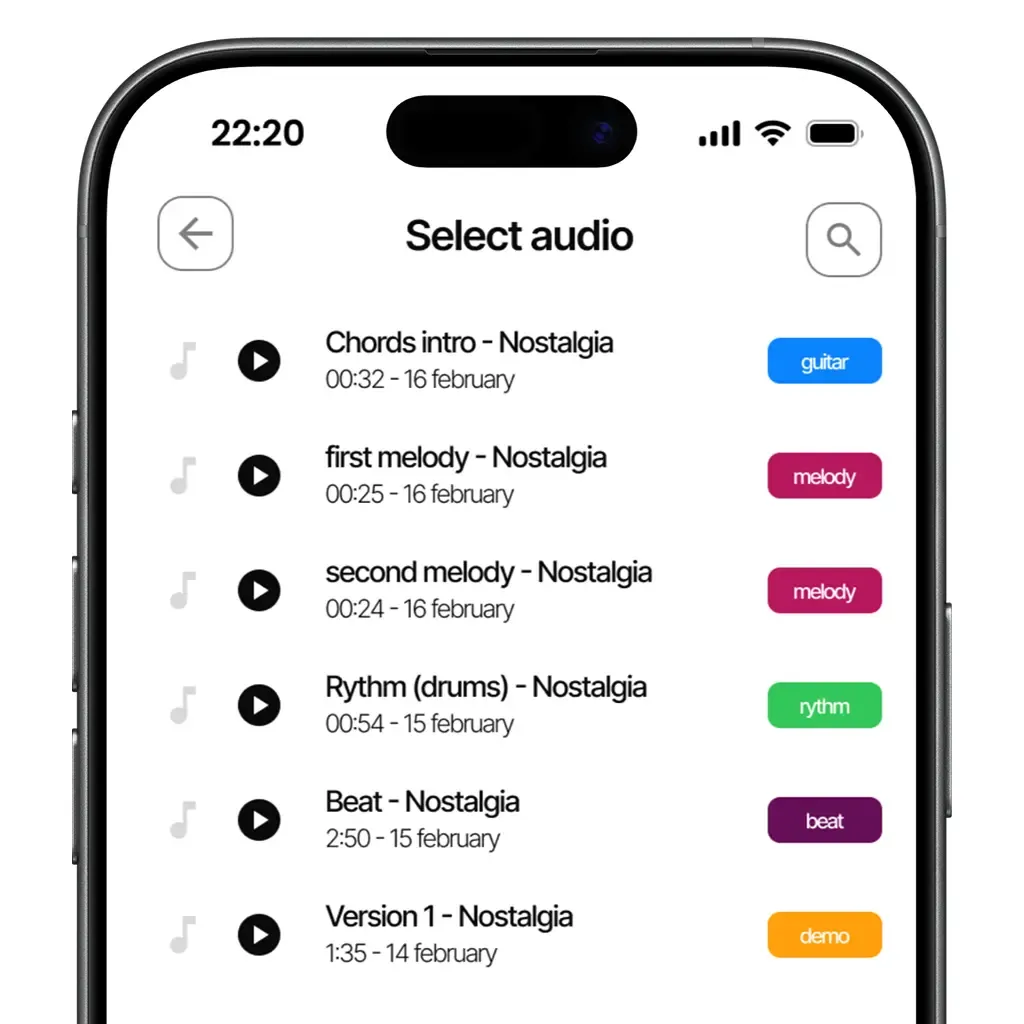
Keep two chorus melodies beside the same lyric. Play each recording while you revise the words, then develop the version that fits your song.
Write a line, record a melody inside the note or insert an existing audio. You can move between listening and writing as the idea develops.
Import the file into the song project, then insert that audio into your note.
Yes. A Free account lets you create a project, write a note and record your first ideas.
Create a note for a song, give your verses and chorus their own headings, and insert the recordings beside the lines they belong to. Keep a separate note for spare lines or ideas you want to return to.
Yes. Insert both recordings into the note and play each while you read the words. You can also record another melody directly from the note as you try a new phrasing.
Available on iOS, Android, and in your browser.