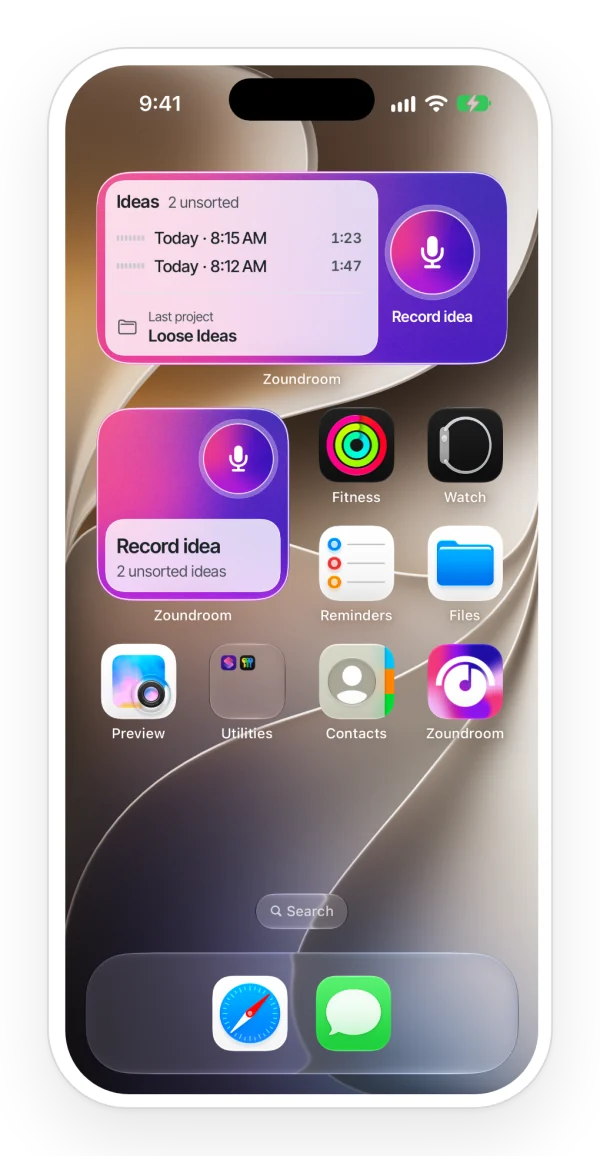
Catch a melody, write the words and develop the song in the same project. Zoundroom keeps your recordings and lyrics together, from the first line to the next rehearsal.
Keep more recordings and longer lyrics, organize songs with your own tags, and leave feedback right on the audio. Try Pro with a song you’re already working on.
Create your account and start the free trial on the plans screen, which appears at the end of setup, from the star and when you reach a limit. On iPhone and the web, if you have never tried Pro.
Try it this week with a real song: record three takes and write the lyric.
Keep more recordings and longer lyrics, organize songs with your own tags, and leave feedback right on the audio.
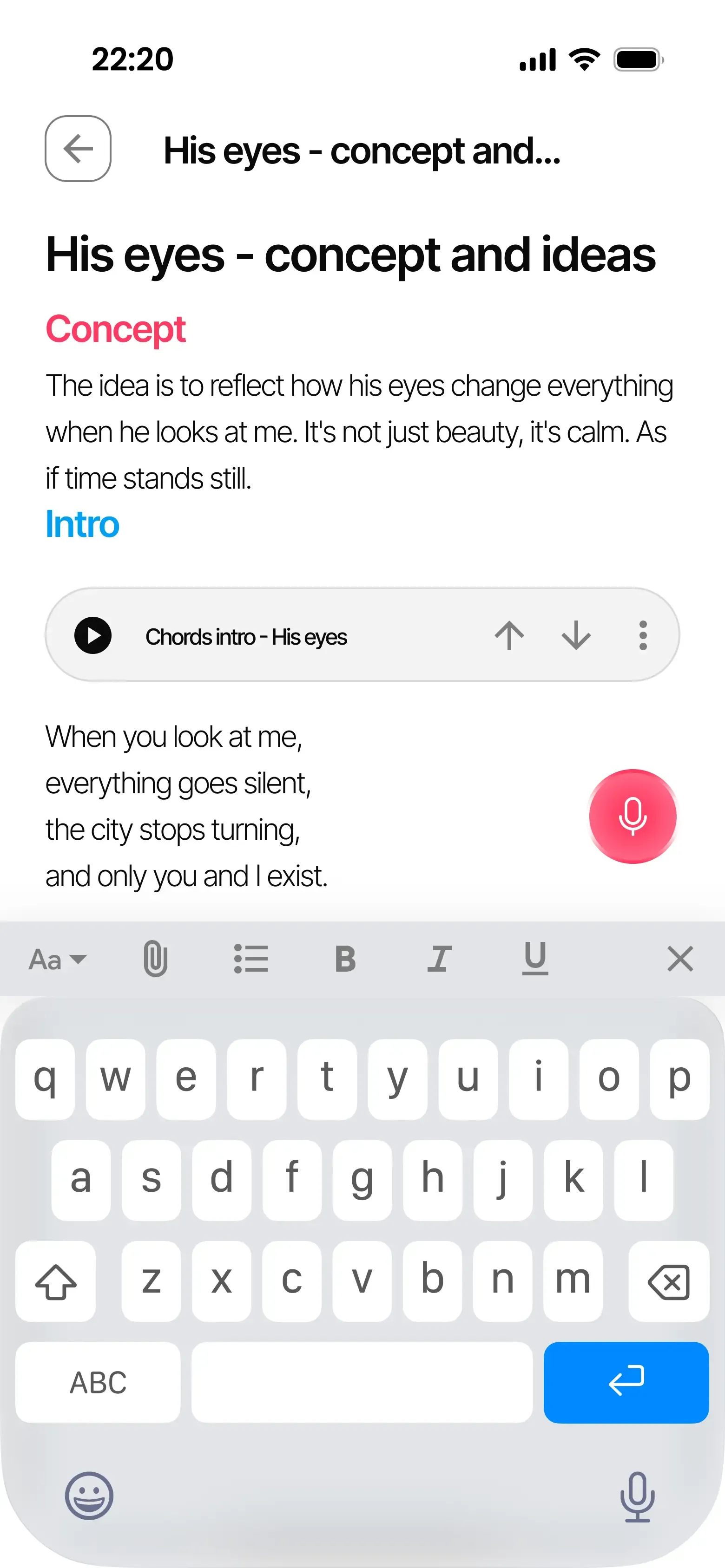
A guitar phrase after rehearsal, a vocal melody on the way home, a rhythm you want to try later: record it in the song project. Give the take a name that tells you what to listen for, such as ‘chorus — higher ending’. Add a short note about the next thing you want to try.
Record and import ideas →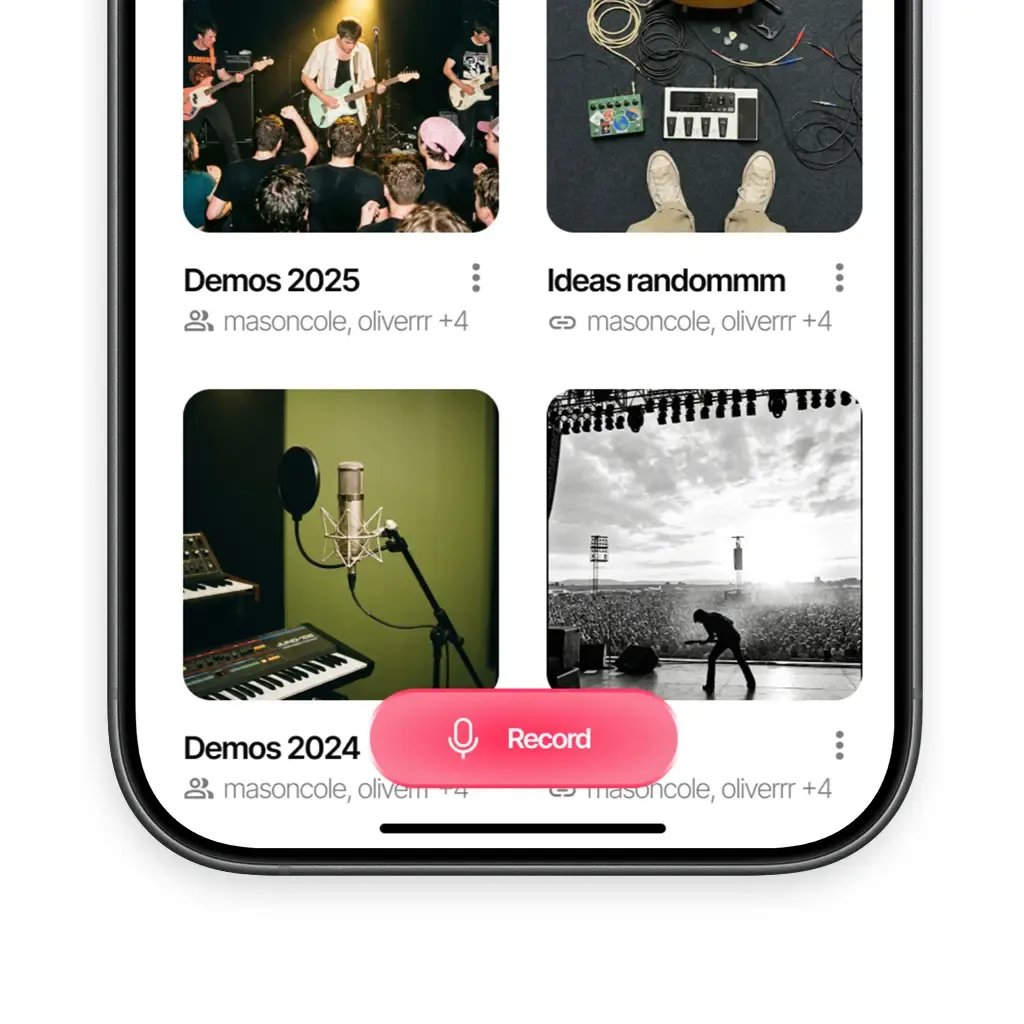
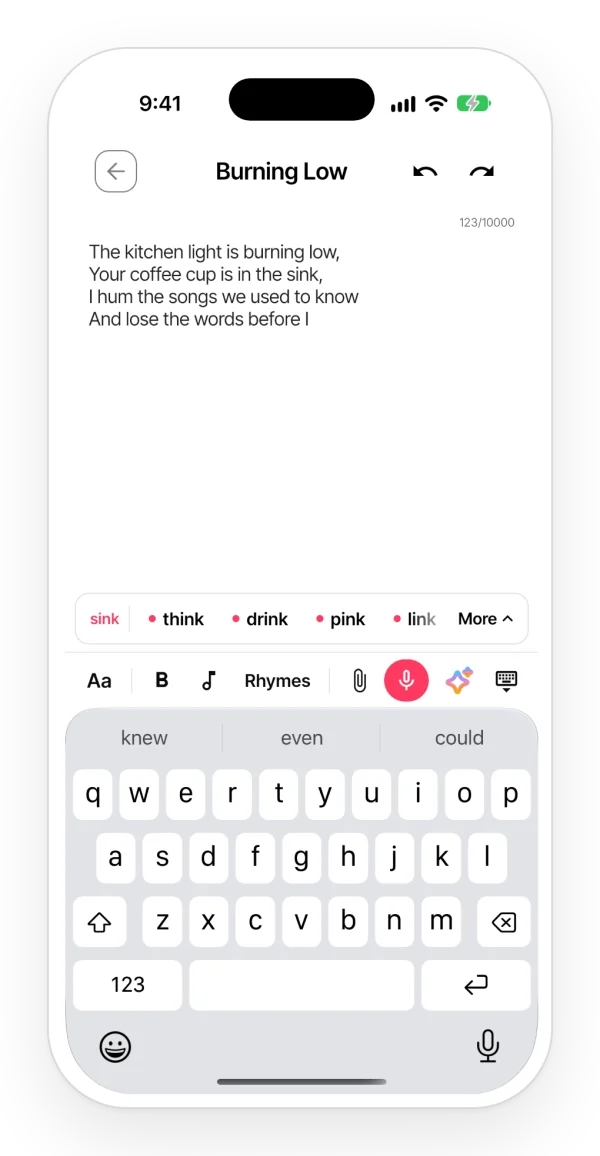
When you sit down to write, open a note in that project. You can record directly inside the note or insert an existing recording beside the relevant lines. Listen while you change the words, record another melody and compare the phrasing. The lyric and the sound stay part of the same song.
Lyrics and notes →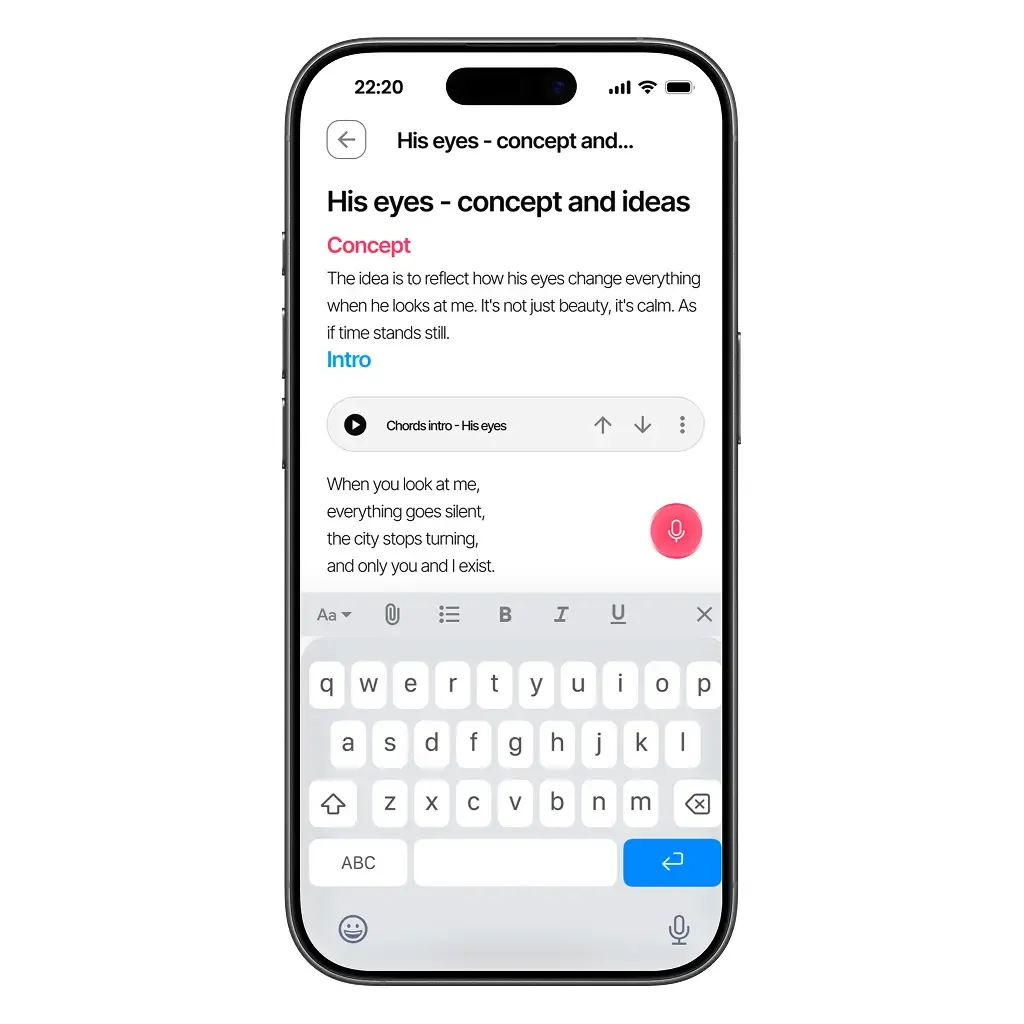
Put the demo and working lyric in the project, then invite your collaborator with a code. Choose an editor or viewer role according to how you want to work together. A bandmate can join from Android or the browser, so the group can use the devices they already have.
Collaboration →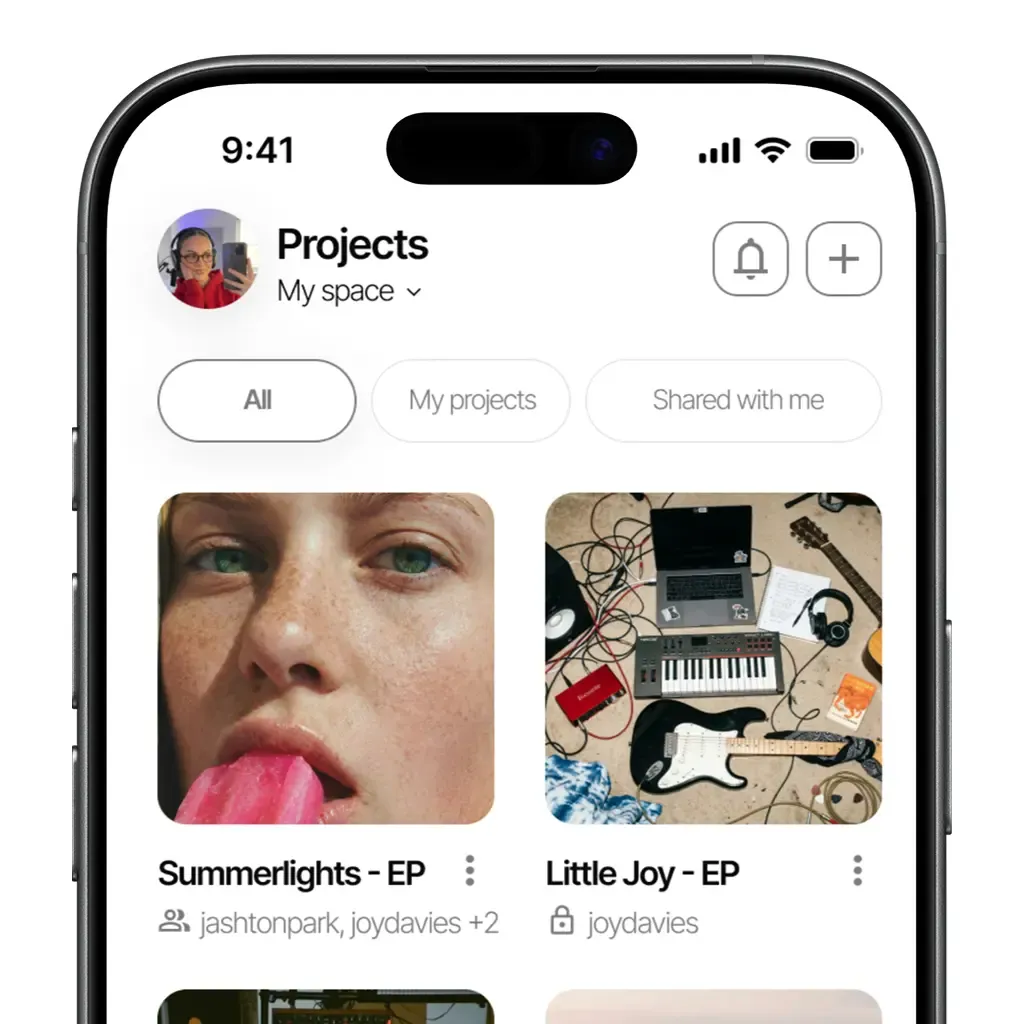
Yes. Create a Free account to start a project, write notes and record your first ideas. You can explore Zoundroom with a song you are already working on.
Yes. Import an audio file from your device into the project, then insert it into a note if you want to write beside it.
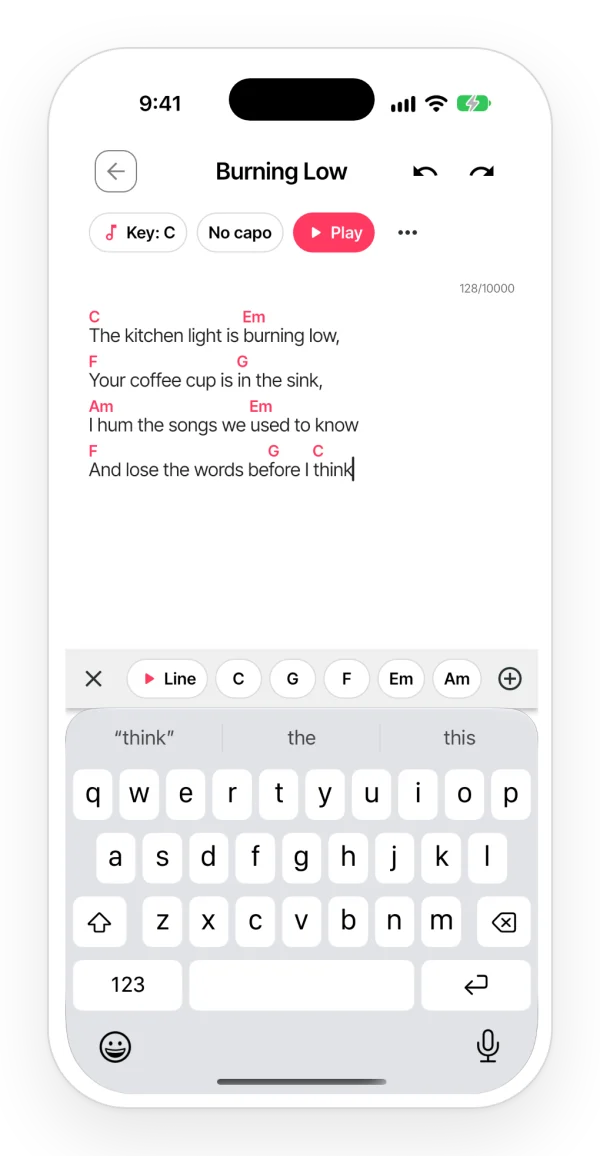
Yes. Sign in to the webapp with the same account and an internet connection to open your projects, lyrics and recordings. Rhymes as you write and the chords over the lyrics are there too, with their sound and play mode.
Yes. Develop your lyrics and rough ideas in Zoundroom, work on production in your DAW and import a new demo into the project when you want to share or develop it further.
Available on iOS, Android, and in your browser.