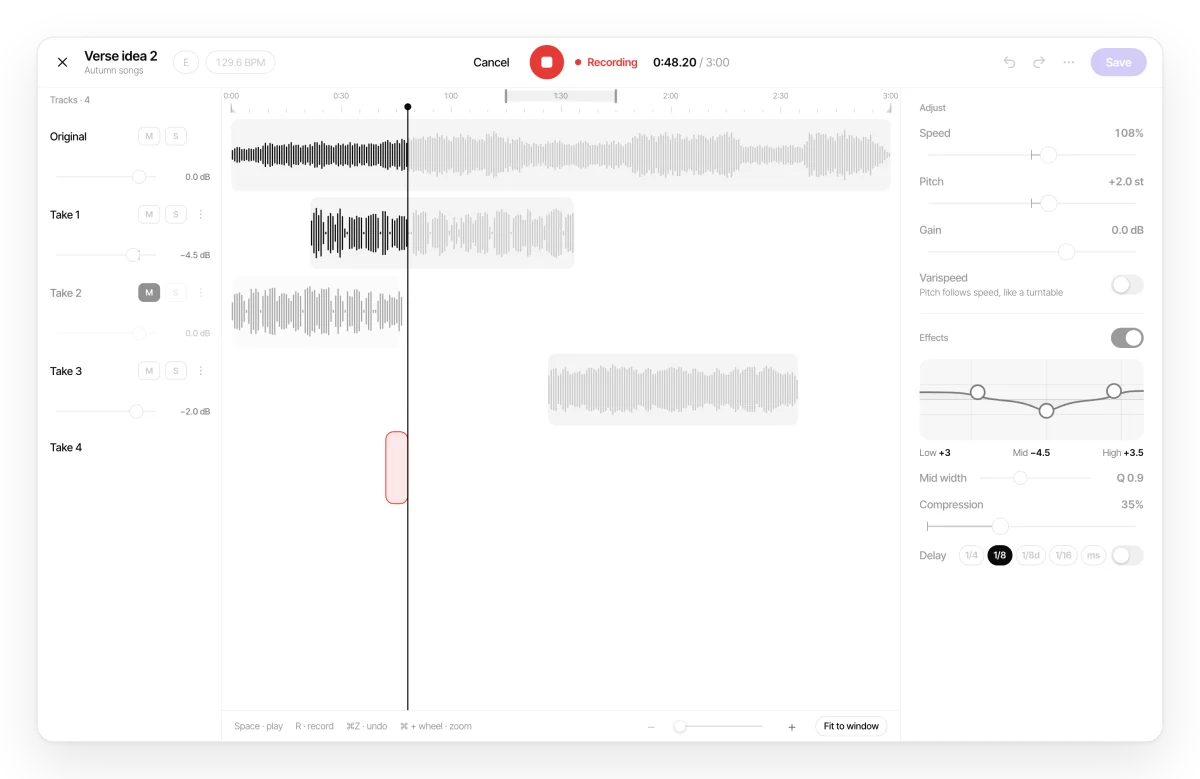
How it works
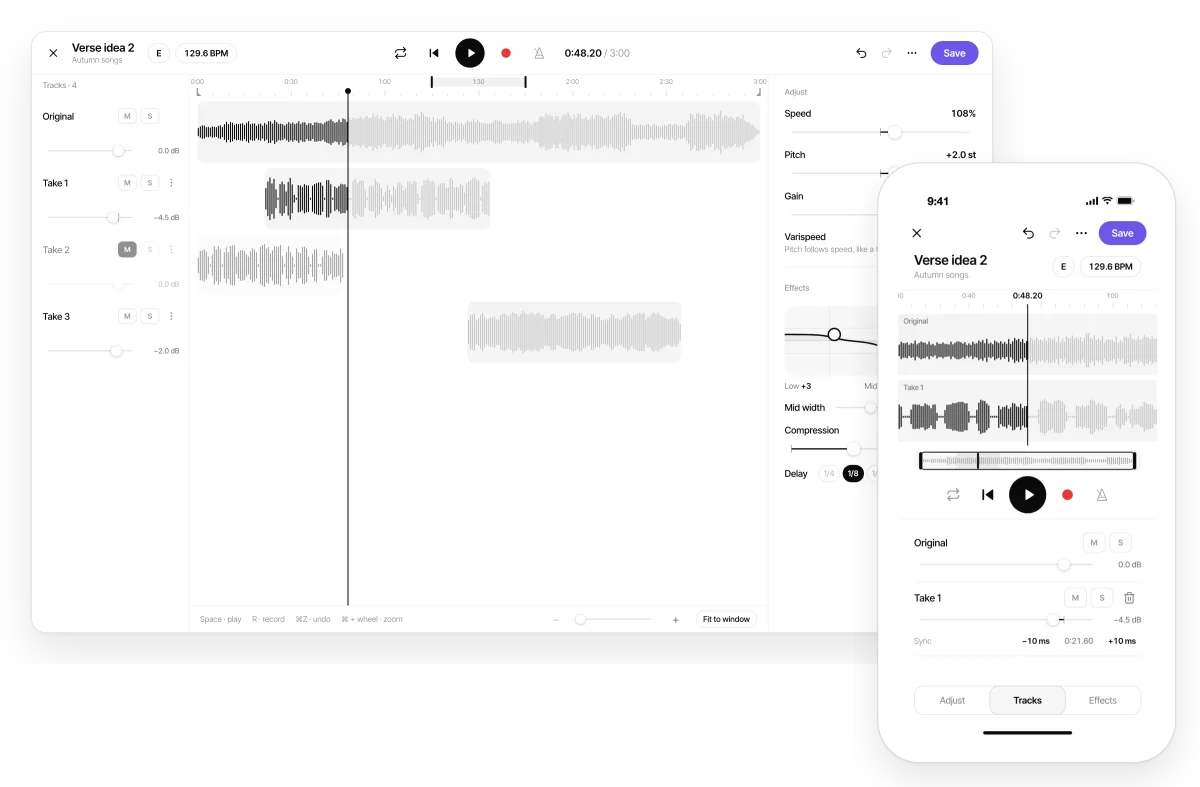
Audio is processed on your device in real time. When you save, the result is uploaded to your project as a normal audio file that plays in every version of the app.
-
Open the audio
In any project, tap ⋮ on the audio and choose Edit audio. On iPhone, Android or app.zoundroom.com.
-
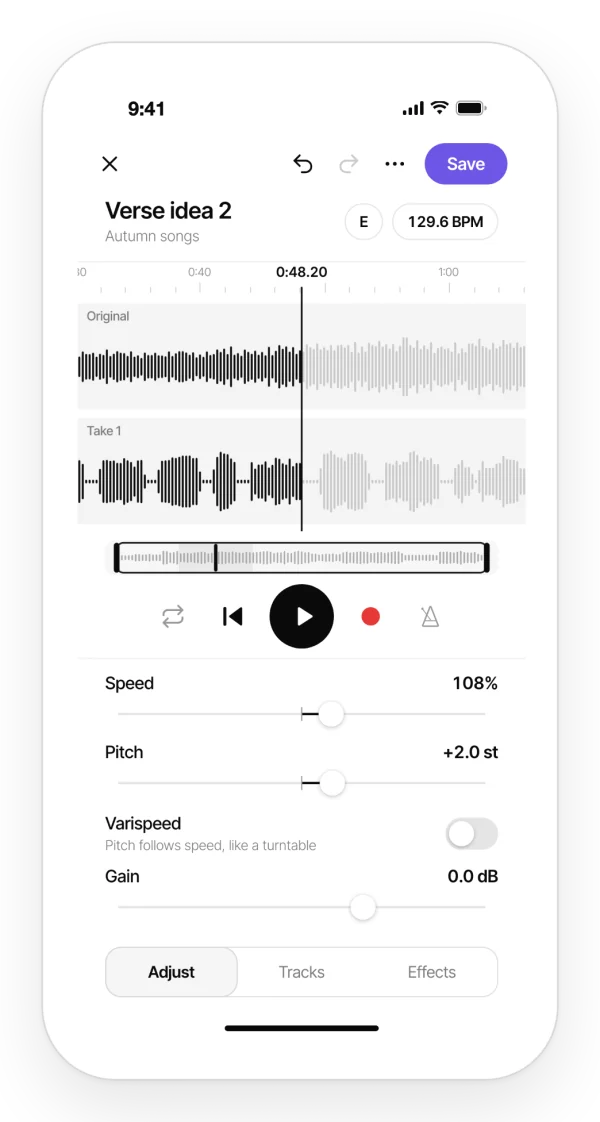
Adjust and record
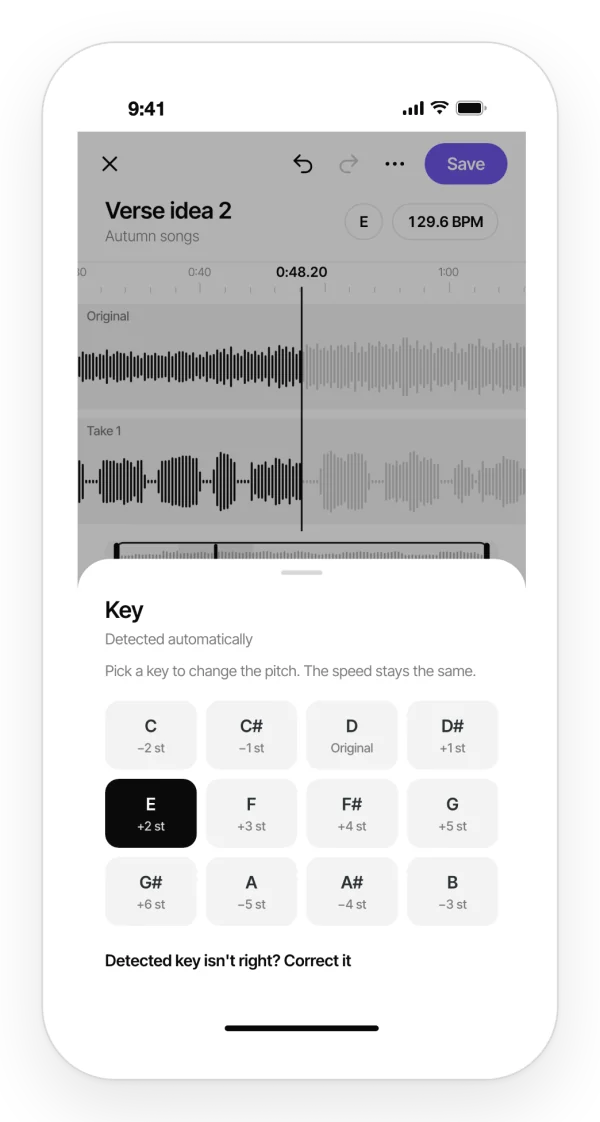
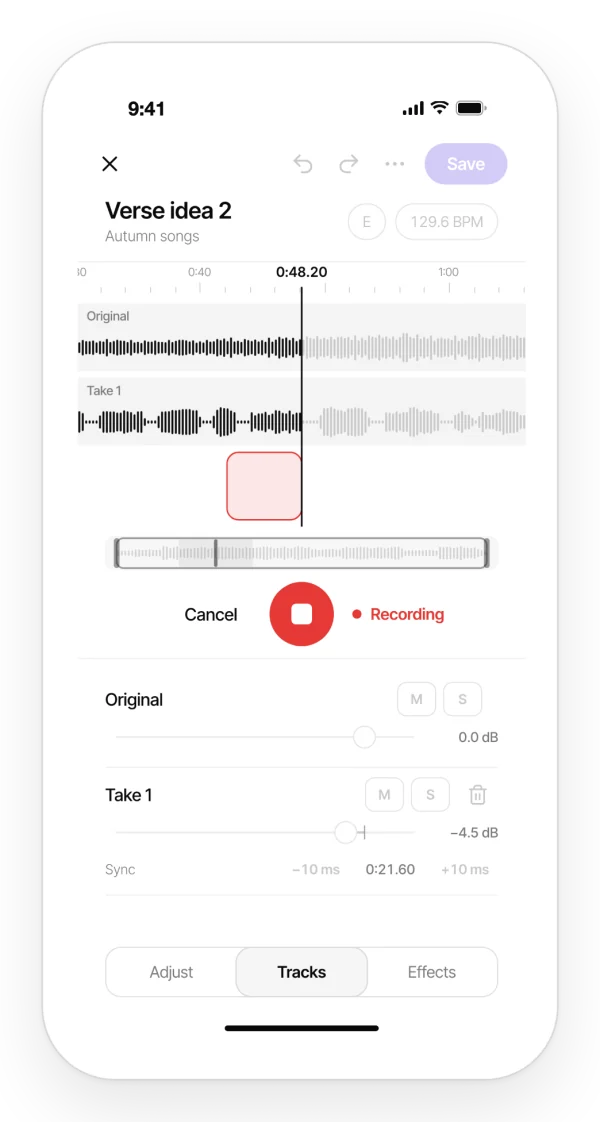
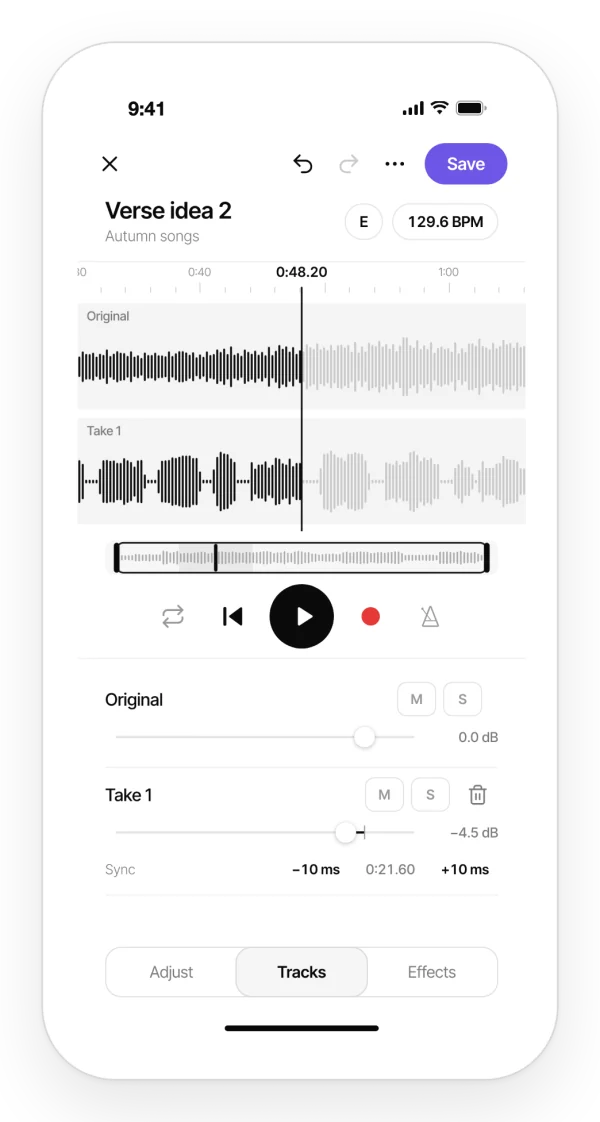
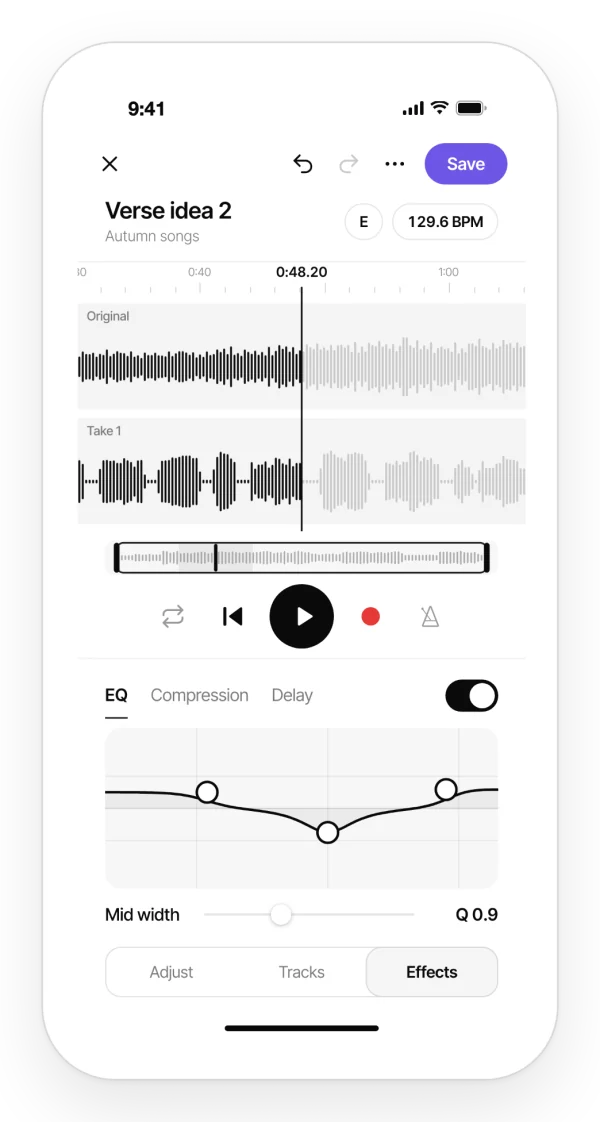
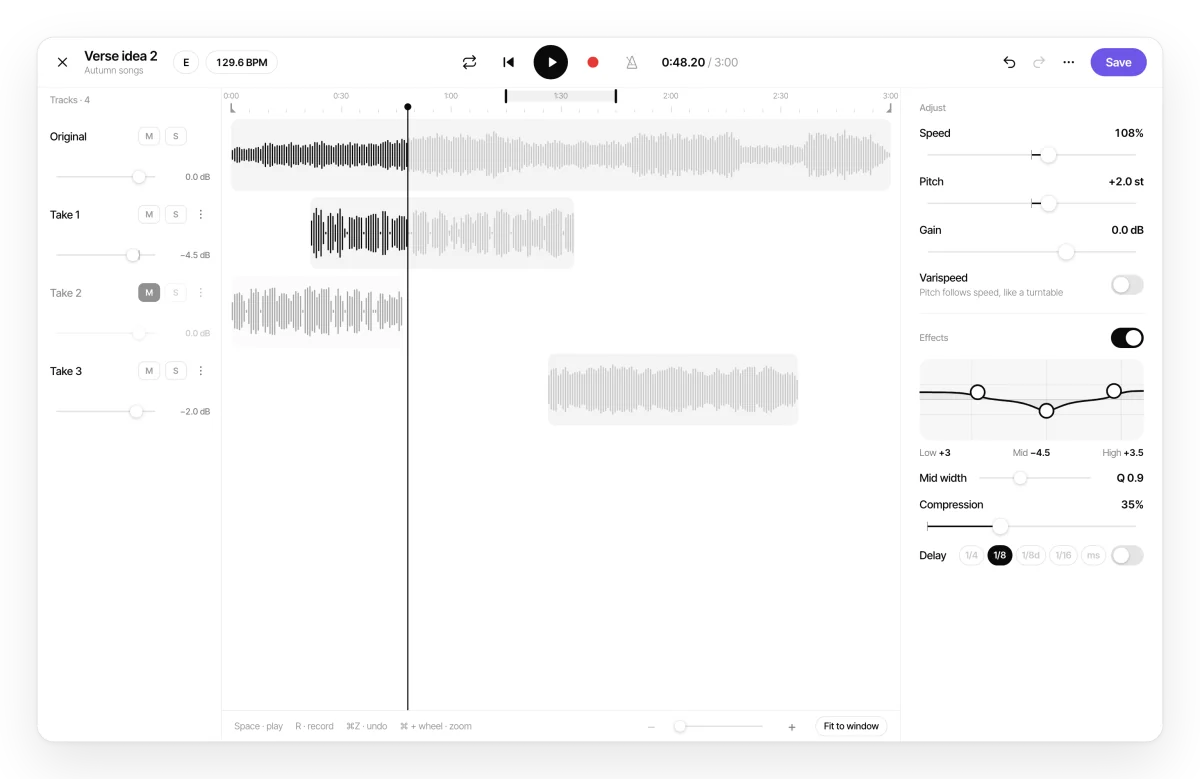
Change speed, pitch and effects, and record your takes over it. Editing is non-destructive.
-
Save
Replace the audio in the project, with the same name and position, or save it as a new version: “Name (v2)”.
-
Export when you need to
Share the mix as an M4A file (AAC 256 kbps).
In shared and band projects
- It works in personal, shared and band projects. In a band, every member can record their take over the song and save their own version.
- If you did not create the audio, you always save a version under your name: a bandmate’s original is never overwritten.
- If the audio has comments or sits in a note, the editor asks before saving.