

Start with one collaborator
- 1 Choose a project and add the recording and lyric you want to share.
- 2 Create an invitation code and send it to your collaborator.
- 3 Agree on the next change and keep the updated material in the project.
Ditch WhatsApp, WeTransfer, and Gmail. One single space for you and your collaborators to work on your music together.
Also available on iOS and Android.
Keep more recordings and longer lyrics, organize songs with your own tags, and leave feedback right on the audio. Try Pro with a song you’re already working on.
Create your account and choose the solo artist path during setup. At the end, activate the free Pro trial on the plan screen.
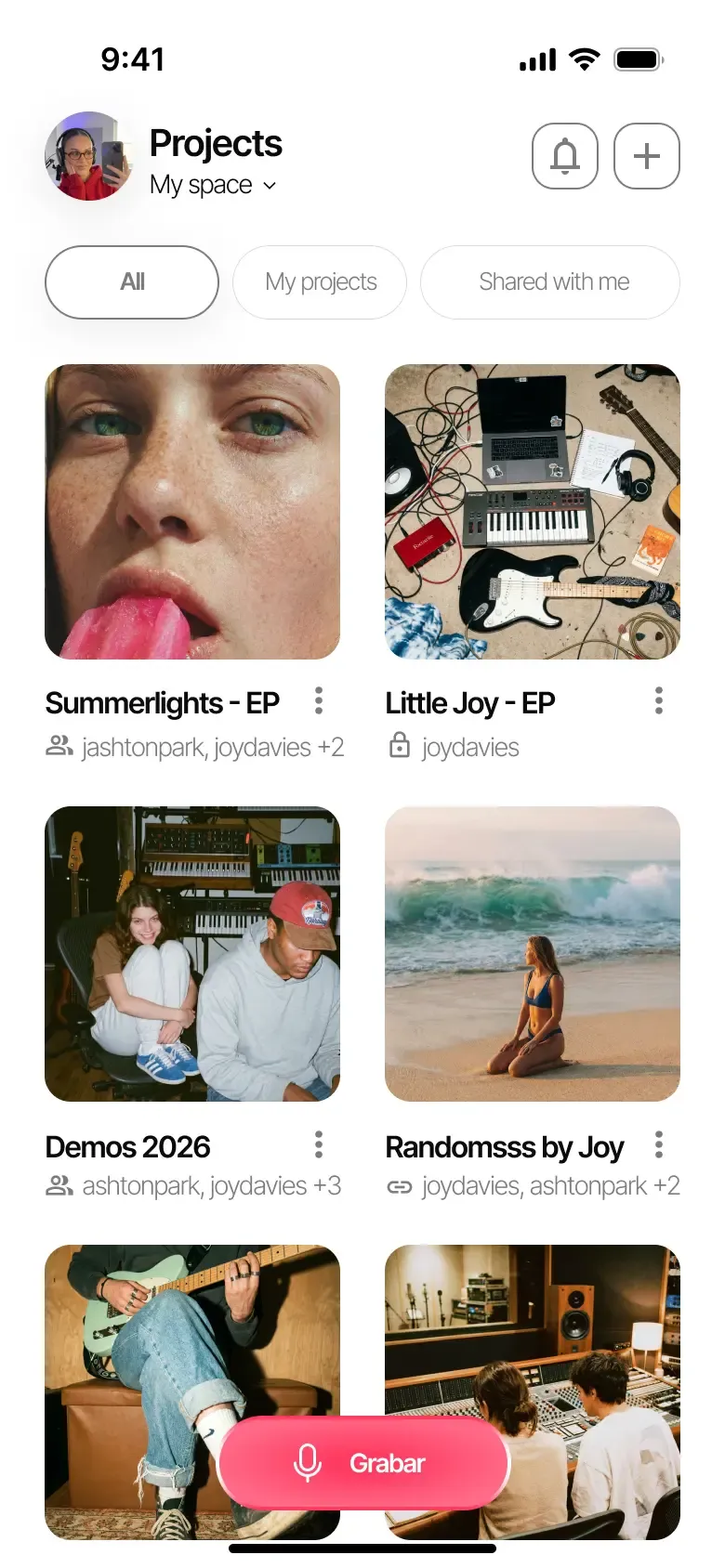
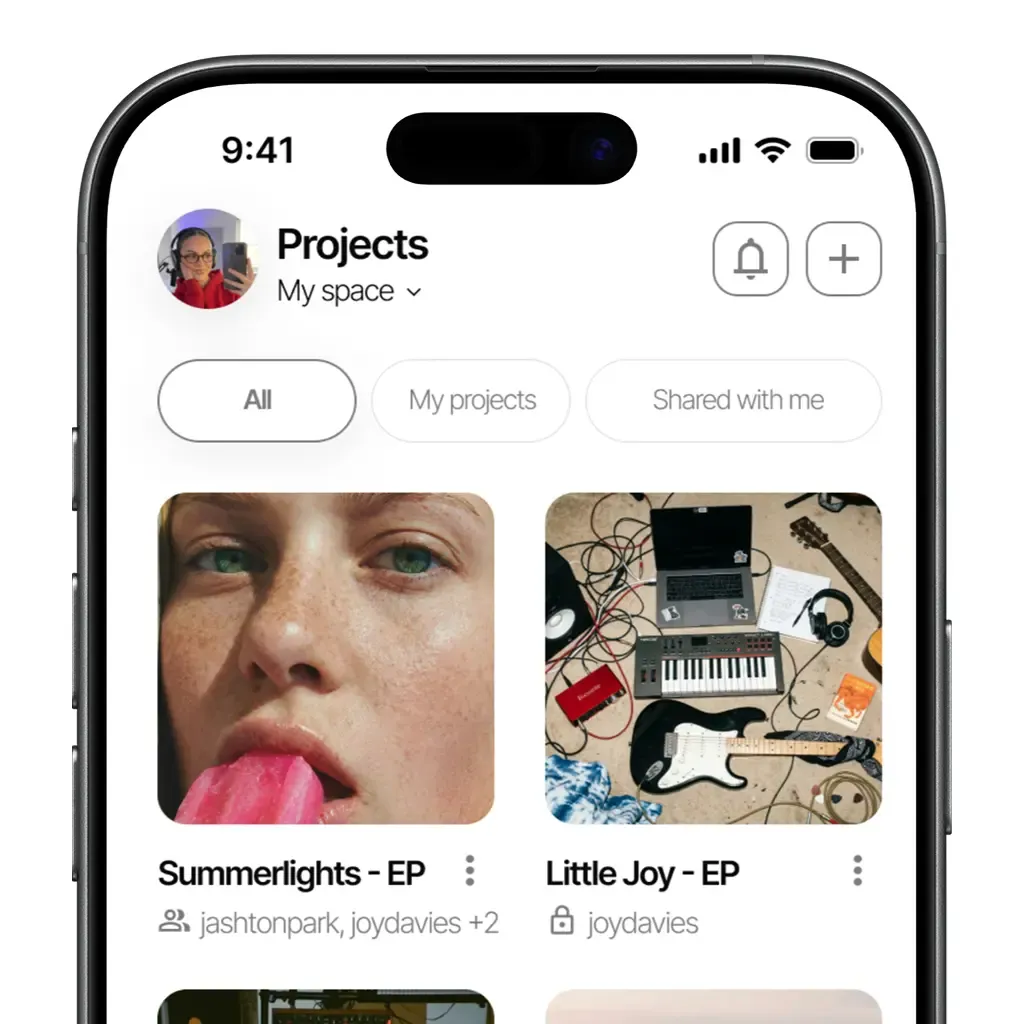
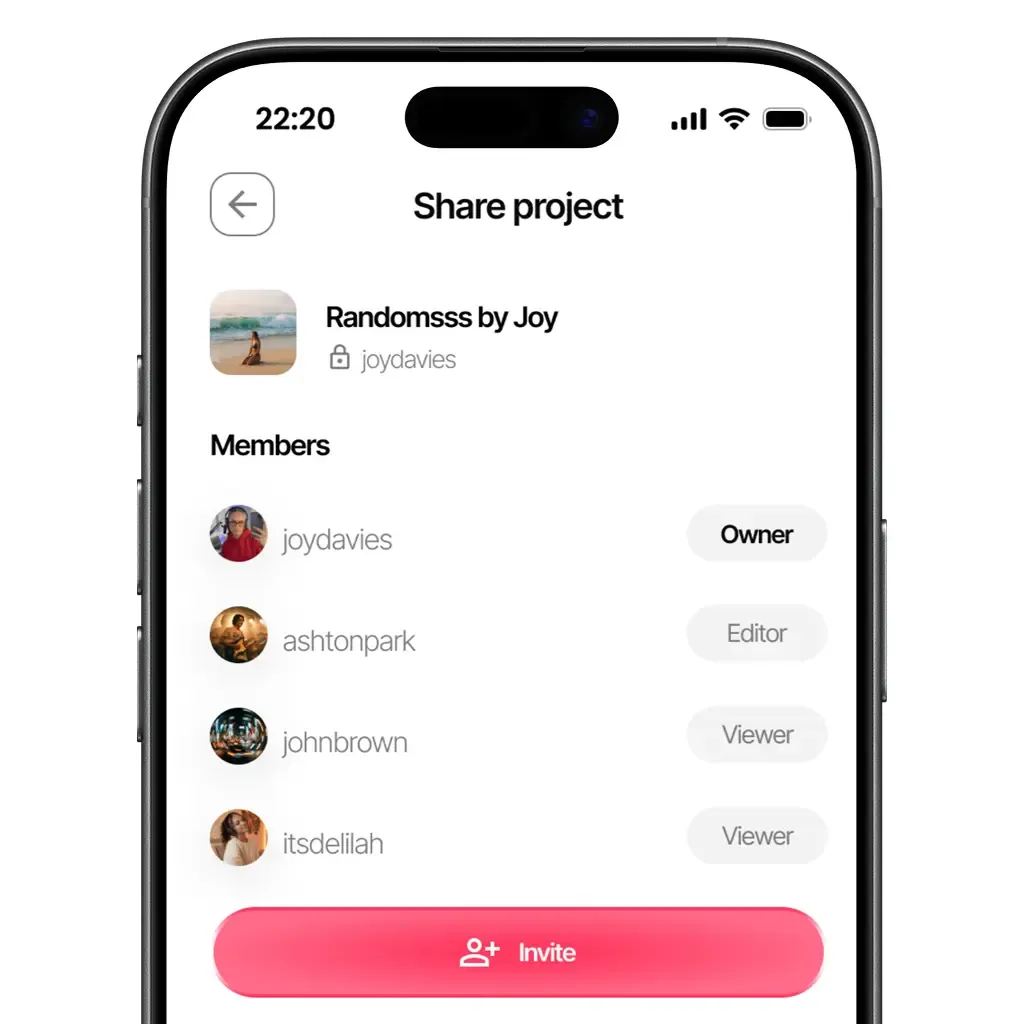
Bring the demo and working lyric into a shared project. Invite a co-writer to add ideas or a collaborator to listen, with the role that suits their part in the song.
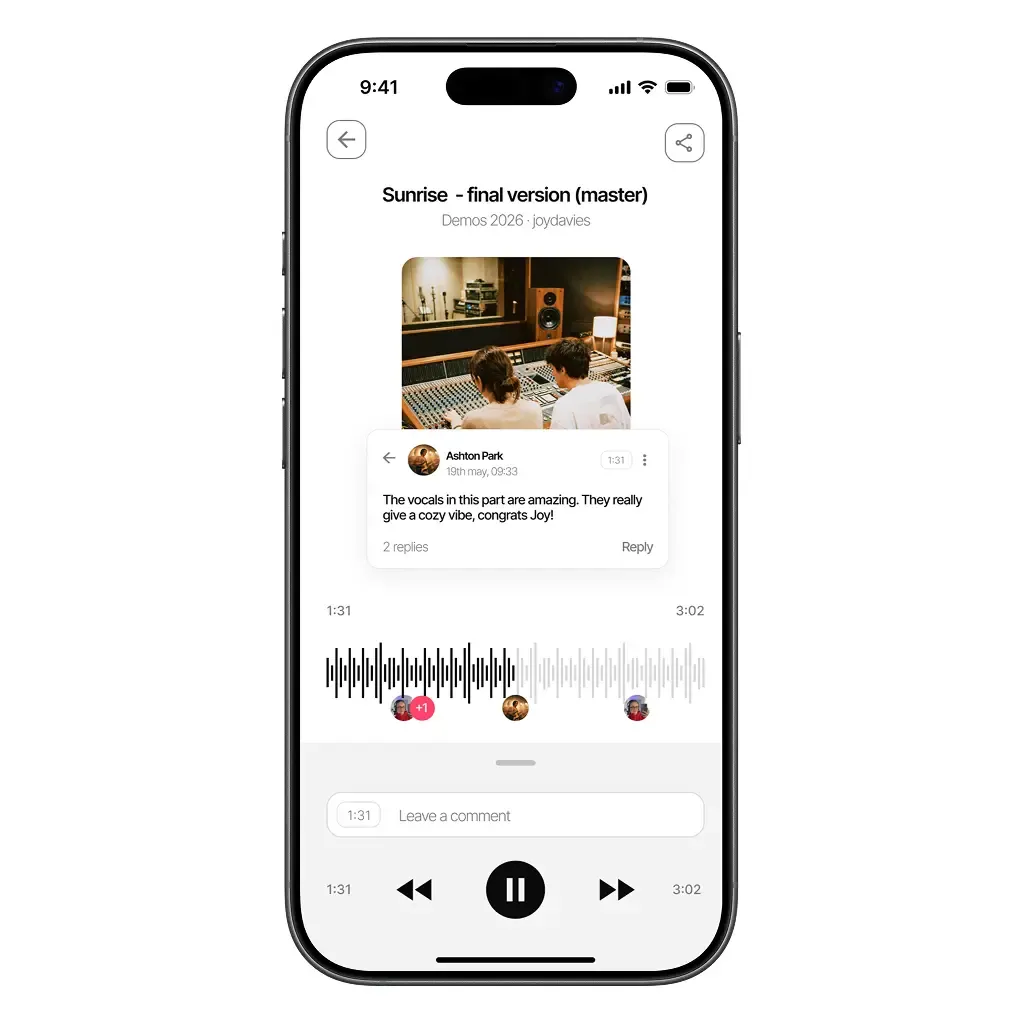
A comment at the relevant moment makes feedback easy to locate. Keep the musical question specific: which melody, phrase or arrangement should you try next?
They sign in to Zoundroom and enter the invitation code for your project.
Yes. Roles let you choose who can edit and who can view the project.
Open the project's recording and comment at the moment you want to discuss. For example: ‘Try the lower harmony here’. Pro and Band include timestamped audio comments, so the feedback stays attached to the relevant passage.
Add the current demo and lyric note to the project. Write one question you want to resolve, then invite your co-writer. They can listen and read the same material before the next session.
Available on iOS, Android, and in your browser.