A melody on the way home can become the song you bring to rehearsal. Record it on Android, put the words beside it and keep developing the idea in one project.
Keep more recordings and longer lyrics, organize songs with your own tags, and leave feedback right on the audio. Try Pro with a song you’re already working on.
Create your account and start the free trial on the plans screen, which appears at the end of setup, from the star and when you reach a limit. On iPhone and the web, if you have never tried Pro.
Try it this week with a real song: record three takes and write the lyric.
Keep more recordings and longer lyrics, organize songs with your own tags, and leave feedback right on the audio.
Import a riff from your phone or record a fresh vocal idea in the project. Name it for what makes it useful: “chorus — rising last line”. Add a note about the next phrase to try, so the idea has a starting point when you return.
Record and import ideas →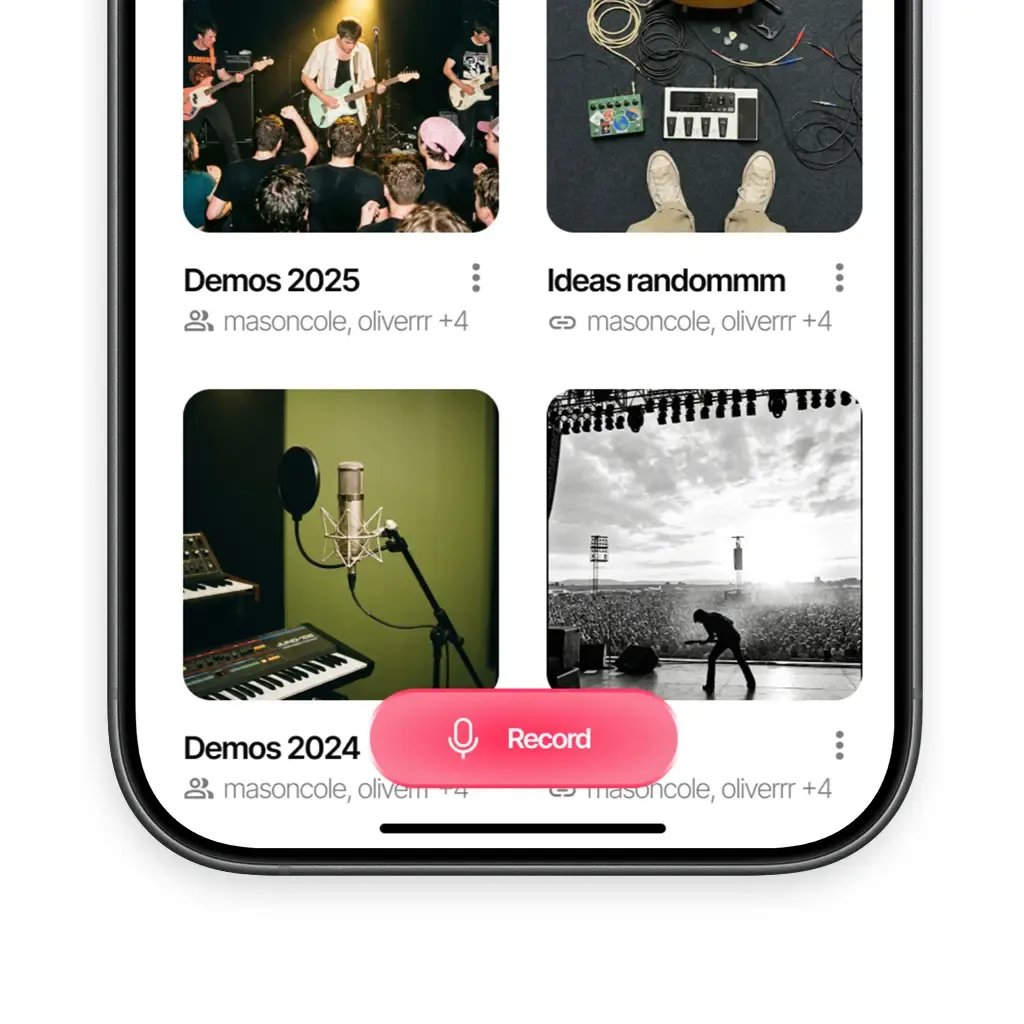
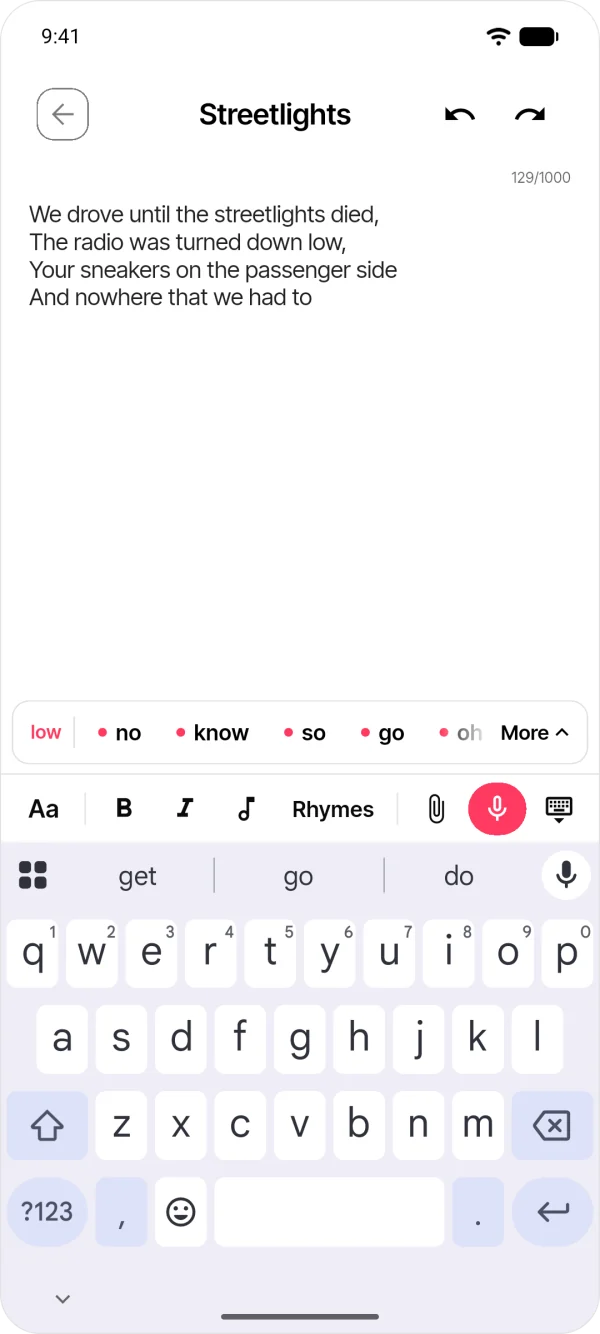
Open a project note, write a few lines and record directly inside it. Listen while you edit the lyric. Keep a second take when you want to compare two endings, and add tags to distinguish the parts of the song.
Lyrics and notes →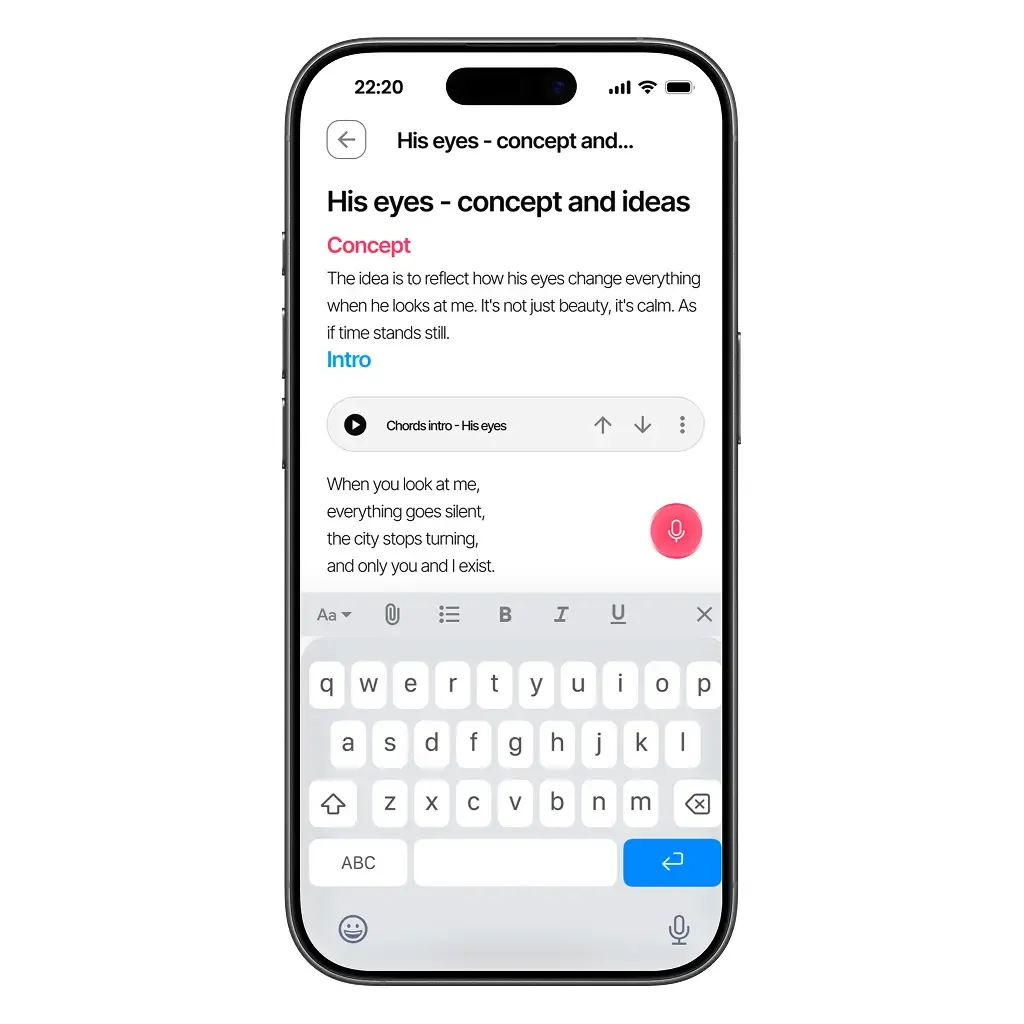
Invite a bandmate with a project code and choose an editor or viewer role. They can join from Android, iPhone or the browser. Bring the recording and lyric to rehearsal together, with a clear question about the next version.
Collaboration →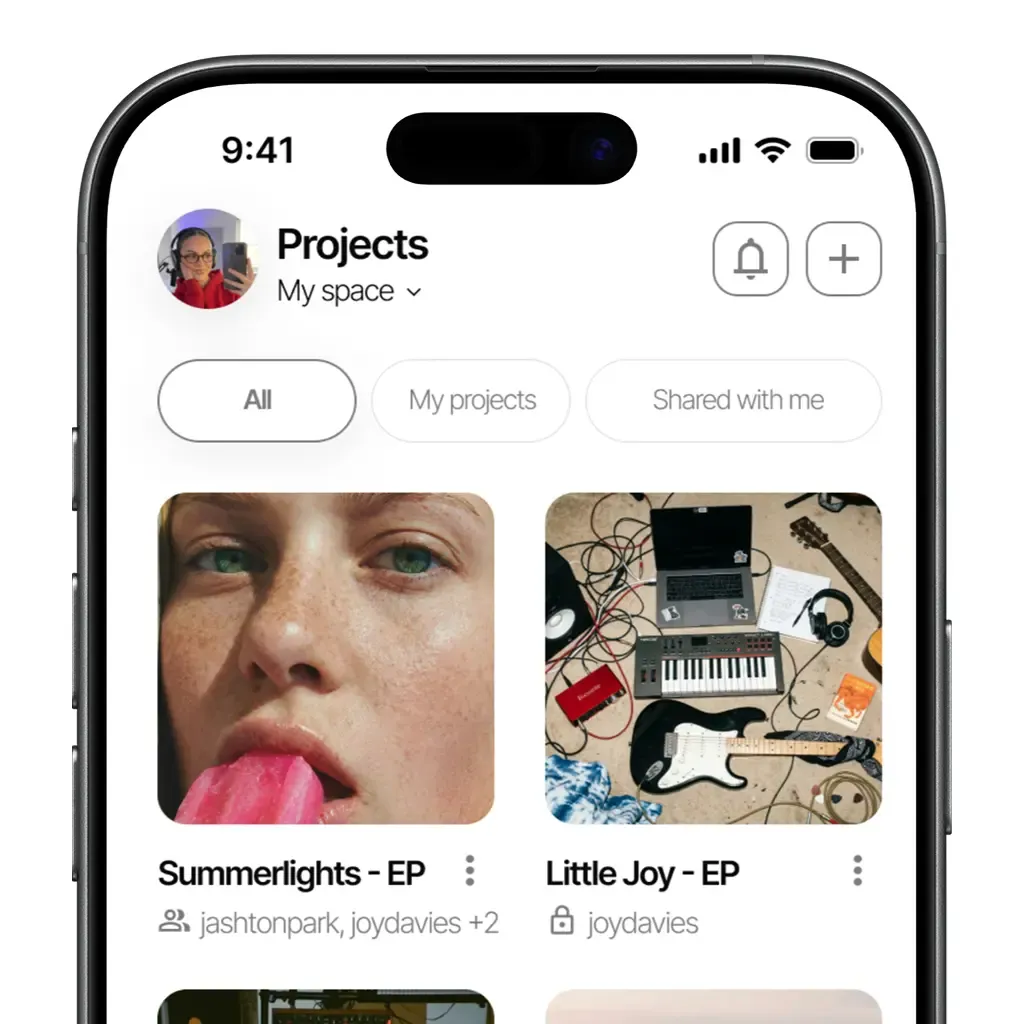
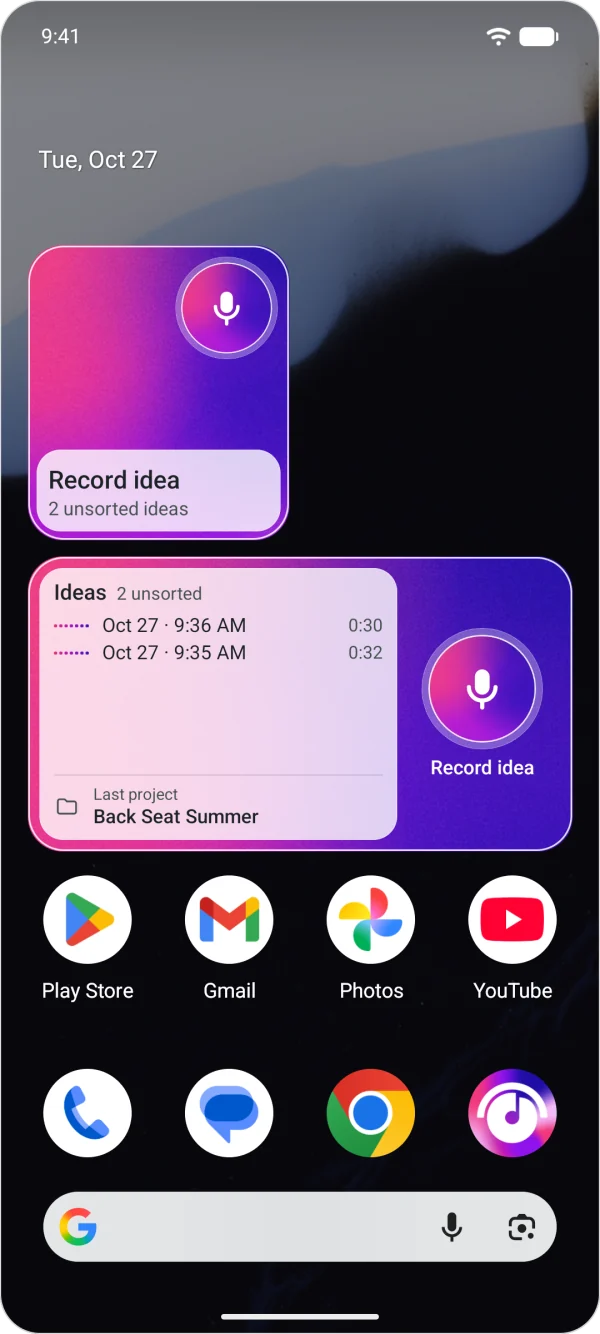
Yes. Import the audio file into a song project. You can then insert that recording into a note alongside your lyrics.
Yes. Record directly inside a note, or insert existing audio. You can listen while you write.
Yes. Share a project invitation code. Your collaborator signs in with their own account on iOS, Android or the web.
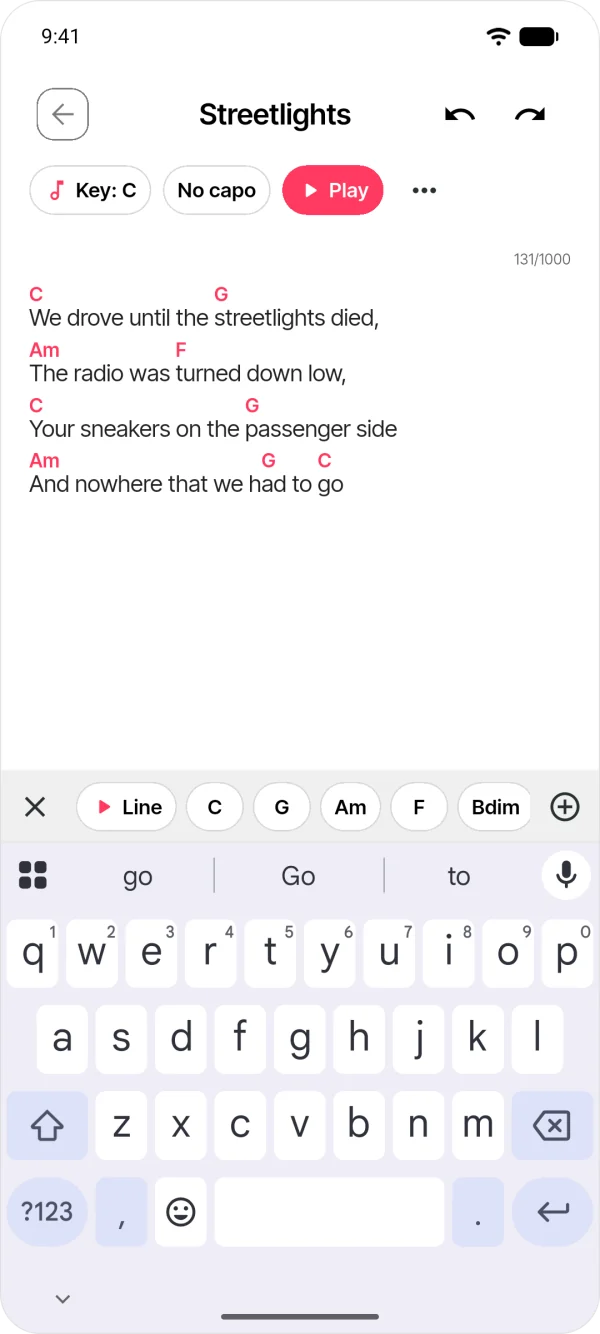
Yes. Open the webapp with the same account and an internet connection to access the project and continue writing. Rhymes as you write and the chords over the lyrics are there too, with their sound and play mode.
Available on iOS, Android, and in your browser.
