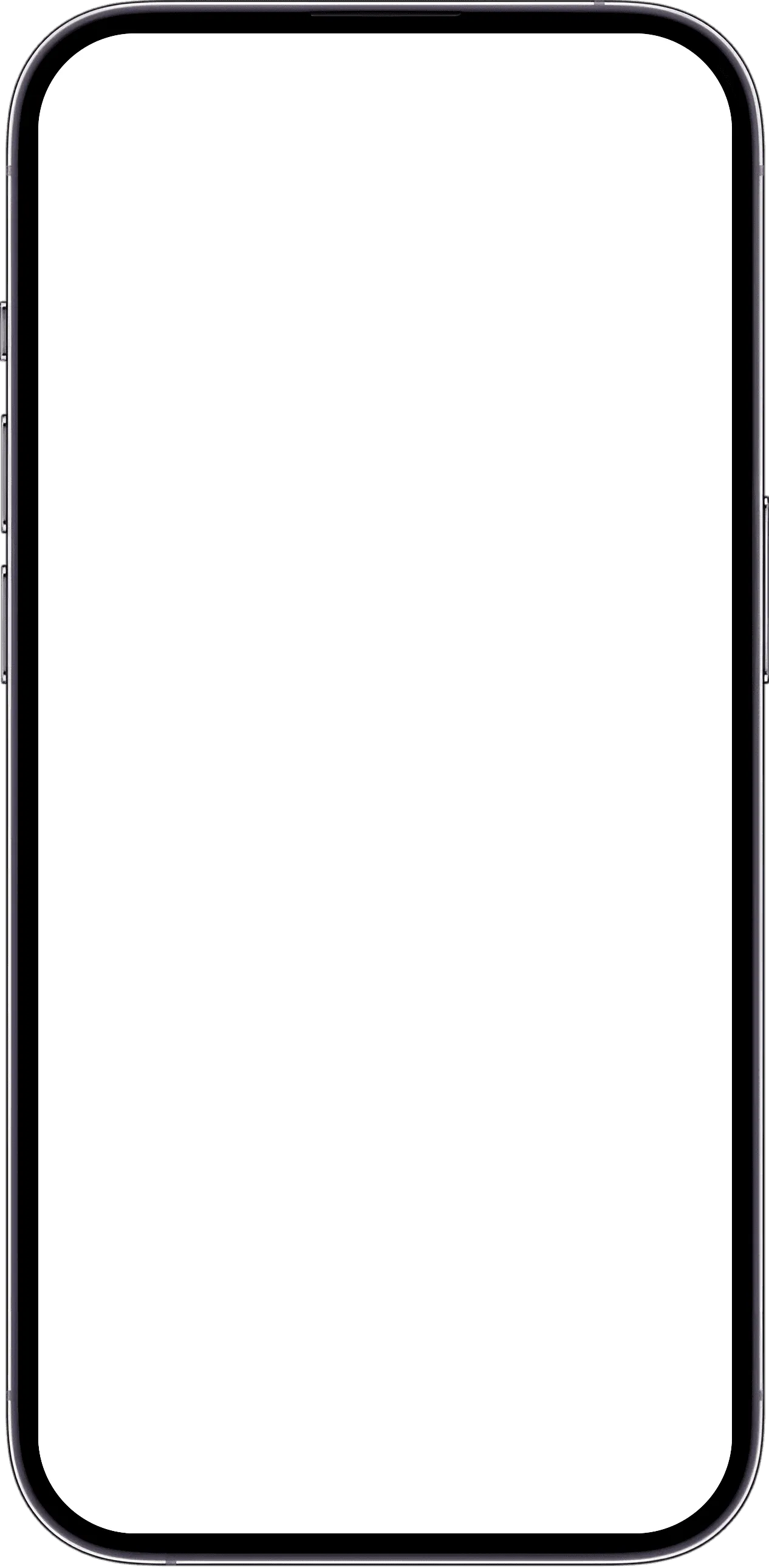
Give your recordings a song to belong to. Bring a melody, riff or rehearsal take into Zoundroom and keep its lyrics, notes and next ideas together.
Keep more recordings and longer lyrics, organize songs with your own tags, and leave feedback right on the audio. Try Pro with a song you’re already working on.
Create your account and start the free trial on the plans screen, which appears at the end of setup, from the star and when you reach a limit. On iPhone and the web, if you have never tried Pro.
Try it this week with a real song: record three takes and write the lyric.
Keep more recordings and longer lyrics, organize songs with your own tags, and leave feedback right on the audio.
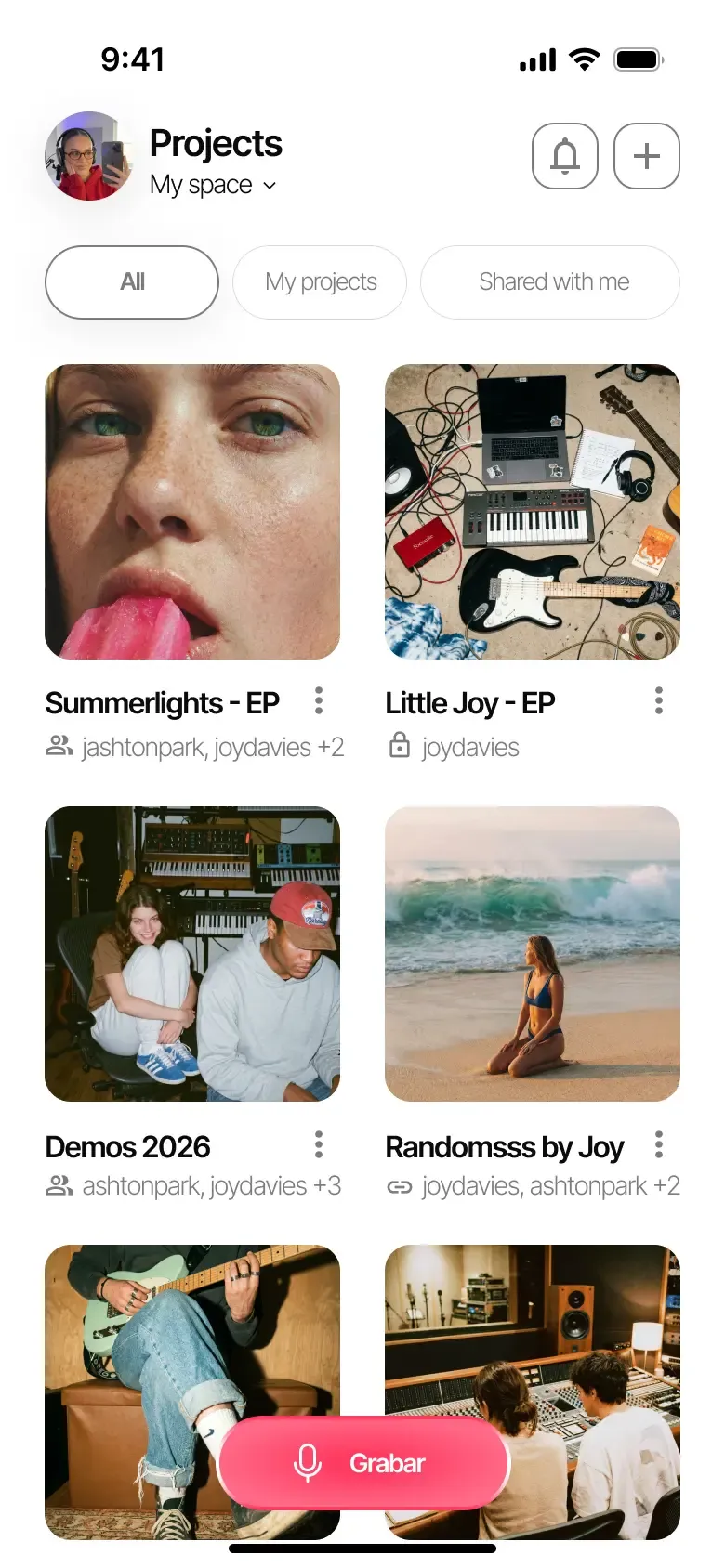
Start with a take you actually want to return to. Put two versions of the same riff in one project and name them for the difference: ‘verse — picked’ and ‘verse — strummed’. Add tags to help you identify the parts. Next time you open the project, both ideas are there to compare.
Organize by projects →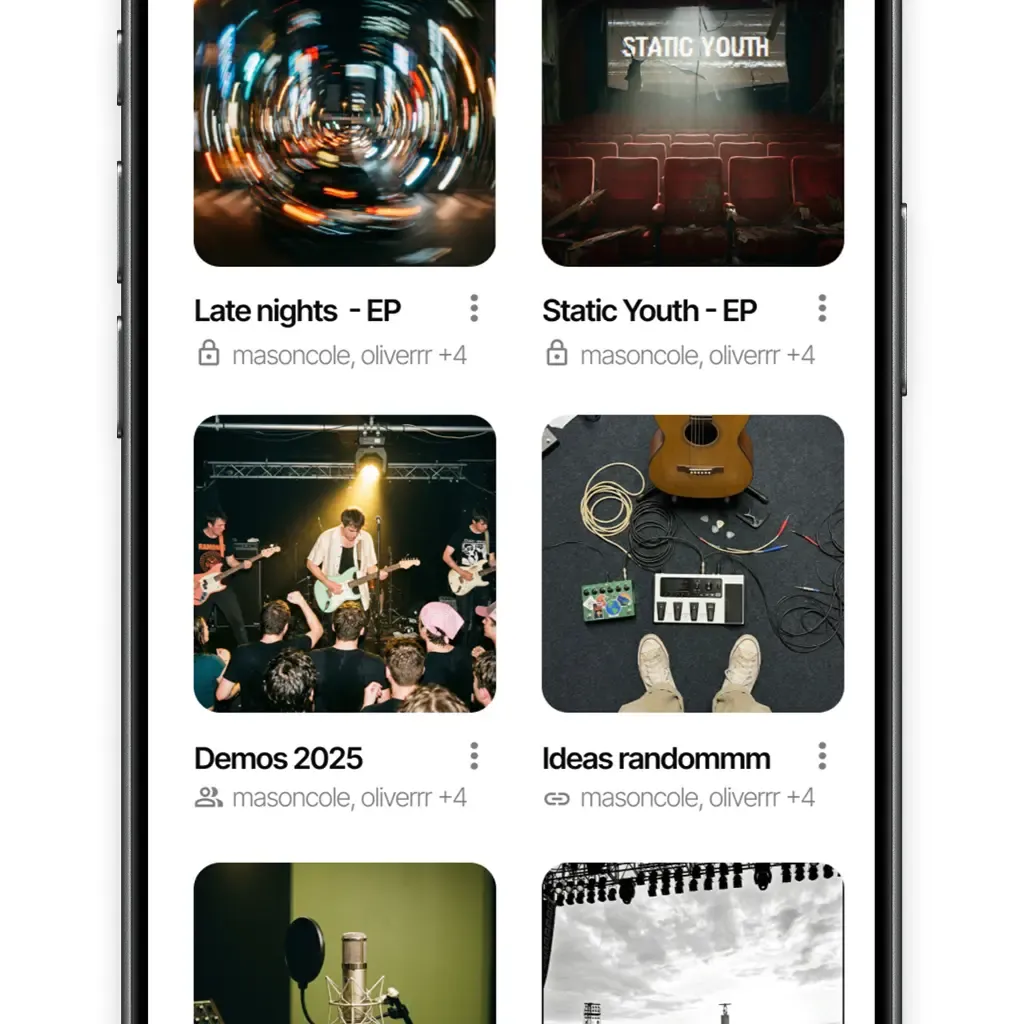
Create a note for the lyric and insert the imported audio at the line it belongs to. You can add several recordings to the same note, listen while you write and record a new idea from inside the editor. A melody can become a chorus without losing the words that first made it work.
Lyrics and notes →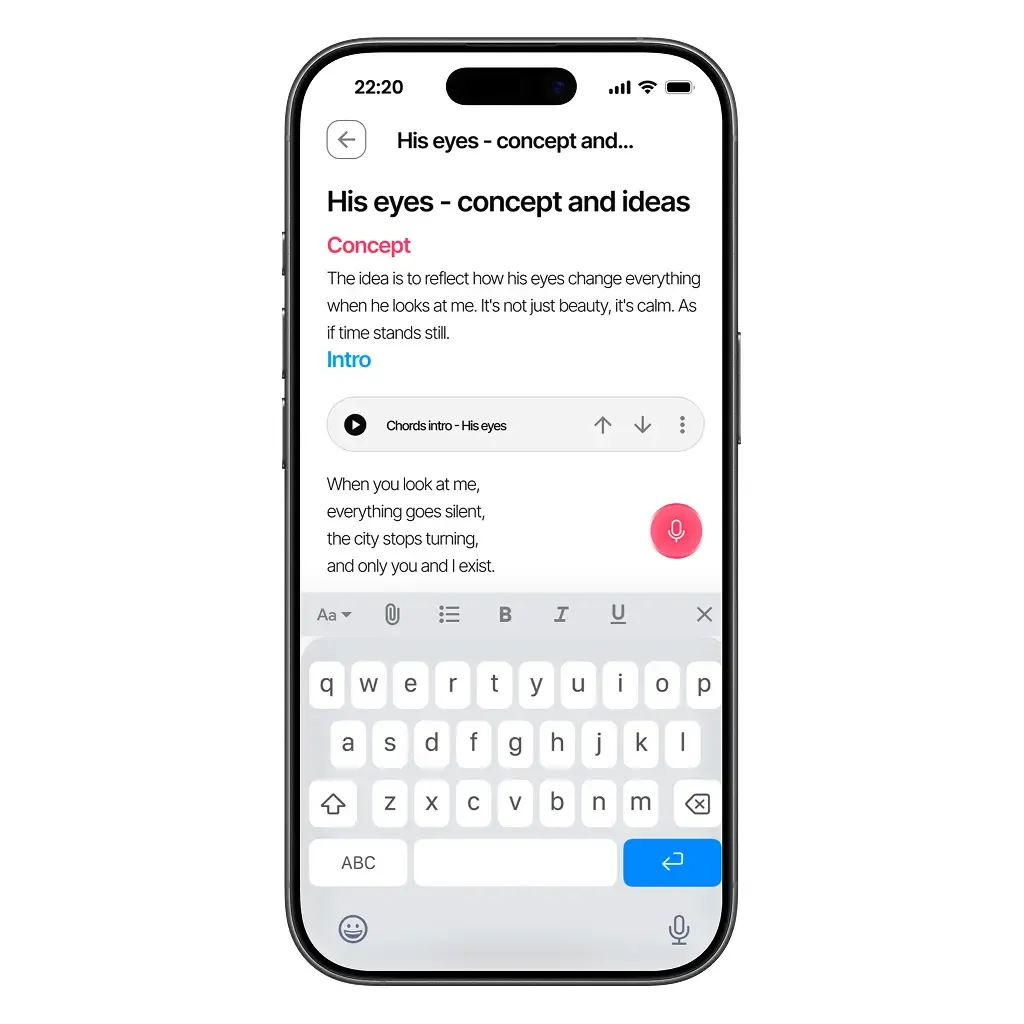
Share the song project with an invitation code. The other person signs in to see the recording and the working notes together. Leave a specific question, such as ‘Should the second verse use the quieter take?’ If you both have Pro, or the project belongs to a band on Band, timestamped audio comments let you discuss the moment you mean.
Collaboration →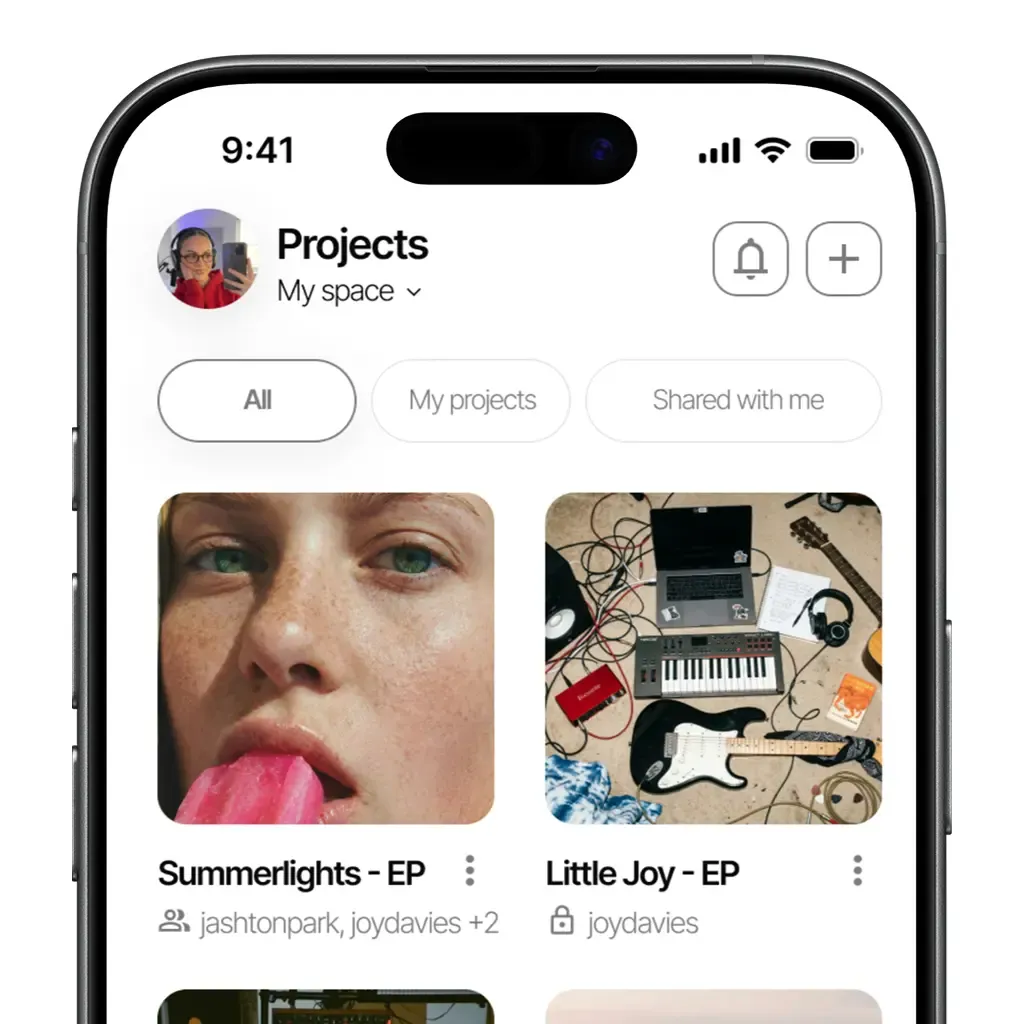
Yes. Save the recording as an audio file on your device, then import it into a Zoundroom project. From the project, you can insert it into a lyric note.
Start with one song and the takes you need for it. Bring in more recordings as you return to those ideas.
Yes. Record inside a project or directly in a note. A recording made in a note is also available in the project.
Yes. Zoundroom is available on iOS, Android and the web. Use the same account with an internet connection to access your song projects.
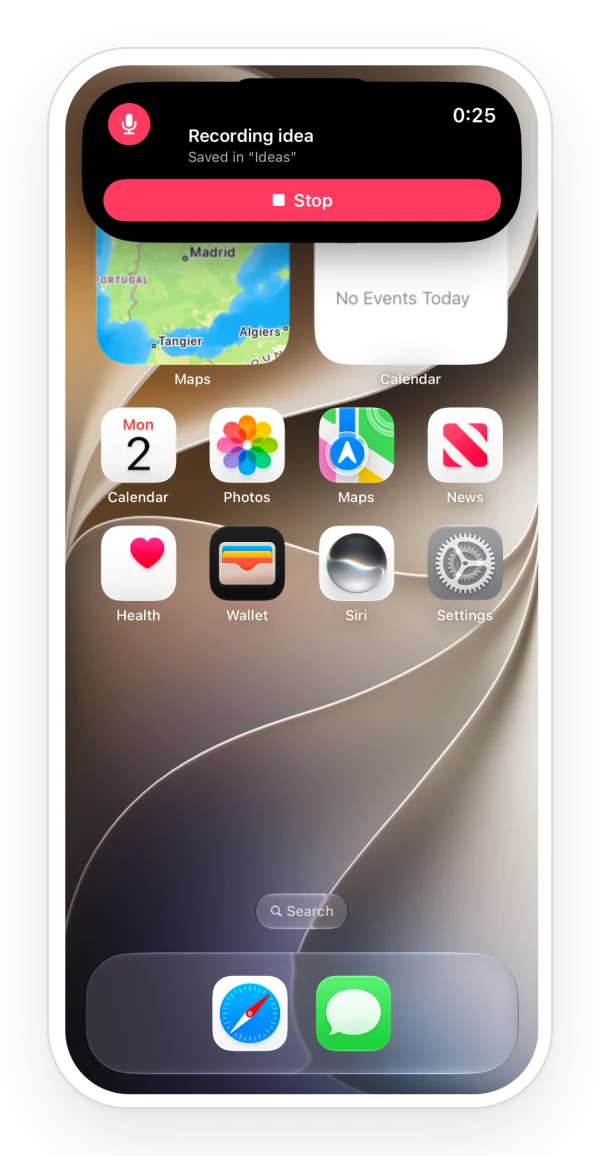
Yes. On iPhone with iOS 18 or later, from the widget, Control Center, the Lock Screen or the Action button. On Android, from the widget or the Quick Settings tile. The idea is saved on your phone and uploads itself to your «Ideas» project when you open the app.
Available on iOS, Android, and in your browser.