
How to slow down a song without changing the pitch
Published
Slow a song to 70% to learn a solo, practice singing or play along, with the pitch intact: Zoundroom's editor, YouTube, Audacity, GarageBand and a practice plan.
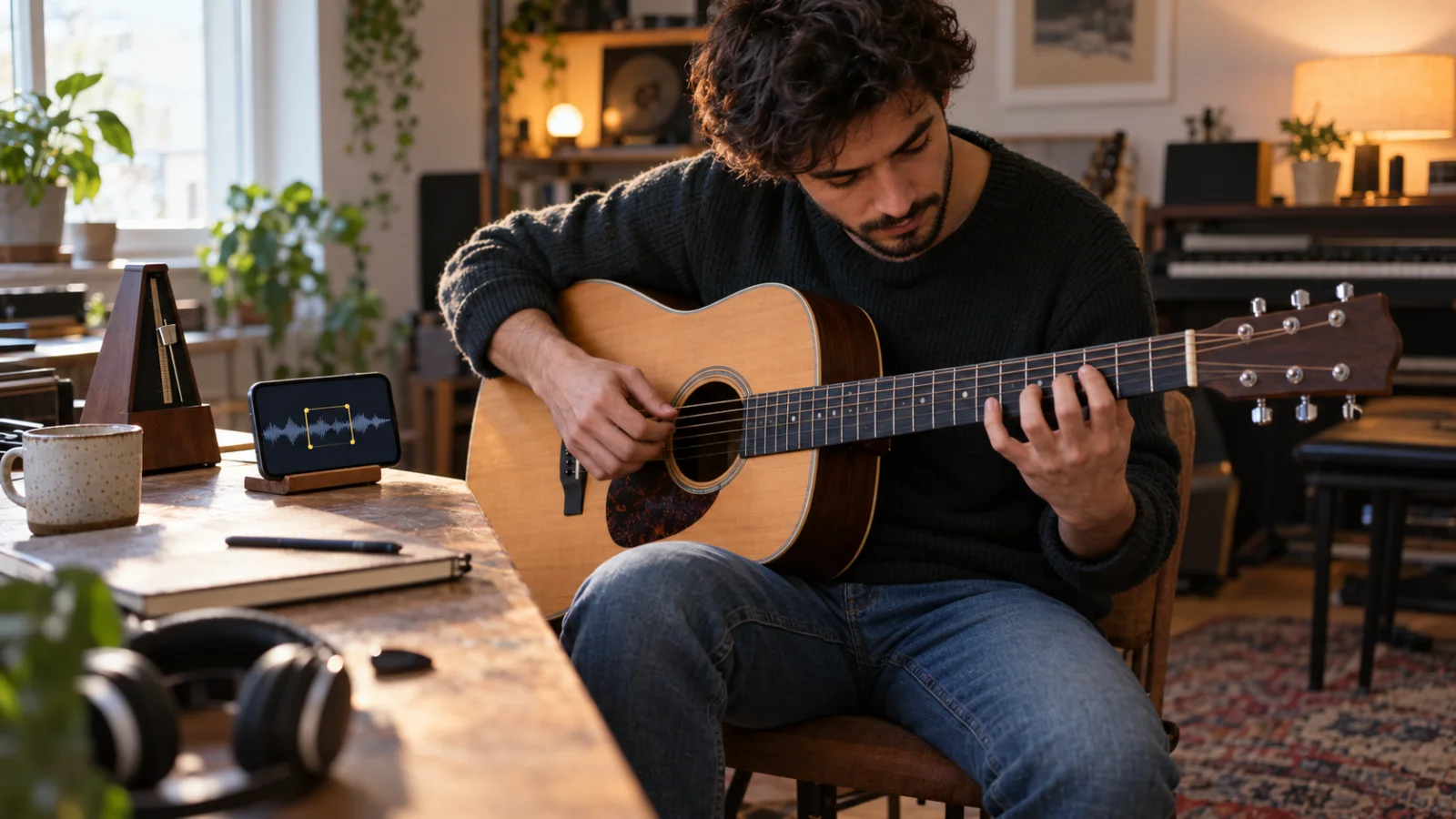
To slow down a song without changing its pitch, you need time-stretching: software that makes the audio longer while every note stays where it was. The old method, varispeed (a tape machine or a turntable running slower), lowers the pitch along with the tempo, by about a semitone for every 6% you slow down. The right tool depends on what you have. For an audio file (your demo, a backing track, a rehearsal recording), use Zoundroom’s multitrack editor on your phone or computer: 50–150% speed, a loop on the hard part and a metronome at the new tempo. For a video, use YouTube’s playback speed. For a permanent slowed-down file on a computer, use Audacity’s free Change Tempo, or GarageBand on Apple devices. Start around 70%, move to 85% and finish at 100%.
Why slow a song down, and by how much
Slowing down is how you hear what’s actually going on in a fast passage: which notes a guitar solo uses, where a singer breathes in a long run, how a strumming pattern sits against the drums. It’s for learning a song by ear, transcribing a solo, practicing a vocal line you’ll perform, playing along with a recording or getting a band through a cover it doesn’t know yet.
How much depends on the job. These bands are a practical guide, not a rule:
| Speed | At 120 BPM | What it’s good for |
|---|---|---|
| 50% | 60 BPM | Hearing every note of a fast run or melisma, transcribing |
| 60–70% | 72–84 BPM | First clean passes through a hard part |
| 75–85% | 90–102 BPM | Building flow, joining the hard part to what’s around it |
| 90–95% | 108–114 BPM | Feeling the groove at nearly full tempo |
| 100% | 120 BPM | Performance tempo |
The useful speed is the fastest one at which you can play or sing the passage cleanly three times in a row. On the first day that’s often somewhere between 60% and 75%. A simple ladder of 70% → 85% → 100% works as milestones, with 5% steps in between.
To turn percentages into BPM, multiply: 70% of 120 BPM is 84 BPM. If you don’t know the song’s tempo, the free song key and BPM finder estimates it from an audio file in your browser, and the tap tempo metronome finds it while you tap along to anything that’s playing. The guide what is BPM in music explains how tempo is counted and why you sometimes need to halve or double the number.
How to slow down a song in Zoundroom’s multitrack editor (phone or computer)
Zoundroom’s editor works on the audio in your song’s project, on iPhone, Android or at app.zoundroom.com in the browser. Here’s the whole routine with an example: the guitar solo in your band’s demo runs from 1:04 to 1:12 at 120 BPM, four bars of sixteenth notes, which is eight notes per second at full speed.
- Put the audio in the song’s project. Import the file, or use a recording you already made there.
- Open the editor. Tap ⋮ on the audio and choose Edit audio.
- Check the tempo it detected. The editor estimates the BPM and the key when it opens an audio. It’s an estimate and it can miss on a free tempo, so compare it with the song and correct it with tap tempo if it’s off. The metronome uses this number.
- Loop the hard part. Turn on Loop and set its start and end around the passage, one bar early so you have a run-up: 1:02 to 1:12 in the example.
- Set the speed. In Adjust, drag Speed down to 70%. The pitch stays where it was. If you’d rather think in tempo, tap the BPM chip and type the tempo you want it to play at, 84 here, and the editor sets the speed for you; that route covers 0.5× to 2×.
- Turn on the metronome. It clicks at the song’s tempo and slows down with it, so at 70% you hear 84 BPM under the loop.
- Raise the speed as it gets clean: 75%, 80%, 85%, then 100%. At 70% the solo is 5.6 notes per second; at 85% it’s 6.8; at 100% it’s back to eight.
Editing is non-destructive: the original stays untouched until you save. If you want the band to rehearse at 85% this week, save it as a new version, “Name (v2)”, next to the original. If you need a file to send, export the mix as M4A.
How to slow down a song in your browser, with nothing to install
If you have the file and want to practice right now, with no account, the pitch and speed changer works right here, on your phone or computer. Open the MP3 or M4A, set the speed to 70% (it goes from 50% to 150% without touching the pitch) and drag across the waveform to loop 1:02 to 1:12, or press A and B while it plays. The file never leaves your device, and you can download the whole song or just the loop as a WAV.
How to slow down a YouTube video without changing the pitch
YouTube keeps the pitch when you change the playback speed, which makes it the quickest option for a lesson or a live video.
- On a computer: hover over the player, click Settings and then Speed. Pick a preset (0.25, 0.5, 0.75, Normal, 1.25, 1.5, 1.75, 2) or use Custom, a slider from 0.25× to 2× in 0.05 steps. The keyboard shortcuts
<and>slow down and speed up;jjumps back 10 seconds, which is the closest thing to a loop for a short passage. - On a phone: tap the video once, then Settings and Playback speed.
- To repeat it: on a computer, right-click the player and choose Loop; on a phone, go to Settings, Additional settings, Loop video. YouTube’s loop repeats the whole video, not just the part you’re stuck on.
Without Premium you get speeds up to 2× in 0.05 steps, according to a Google statement from January 2026; Premium adds faster speeds up to 4×, which doesn’t matter when you’re slowing down. The limits for practice are the steps (5% at a time, with no way to type a BPM) and the loop, which can’t isolate four bars.
How to slow down a song in Audacity (free, Windows, macOS and Linux)
Audacity is the free choice when you want a slowed-down file to keep.
- Import the file and select the part you want, or the whole track.
- Choose Effect > Pitch and Tempo > Change Tempo.
- Enter the change. A Percent Change of −30 gives you 70% of the original tempo. You can also type the BPM: from 120 to 84.
- Turn on “Use high quality stretching (slow)”. It takes longer and keeps the complete audio.
- Preview, apply and export.
Don’t confuse it with Change Speed and Pitch, in the same menu, which is varispeed: it changes both at once. Audacity’s own page recommends keeping tempo changes moderate, within about ±50%, for the most natural result, and suggests its Paulstretch effect for extreme slowdowns. Paulstretch is a sound design effect, though, not a practice tool.
How to slow down a song in GarageBand (Mac, iPhone and iPad)
GarageBand changes the tempo of the whole project, and imported audio only follows when you tell it to.
On a Mac:
- In a new project, set the tempo to the song’s BPM before you import anything: click the triangle on the right of the LCD, choose Beats & Project, then double-click the tempo value and type it (120 in the example).
- Import the file and select its region. In the Audio Editor inspector, select Follow Tempo and Pitch, which makes the region match the project tempo.
- Lower the project tempo: 84 for 70%.
On iPhone or iPad:
- Open the song settings, tap Tempo and set it to the song’s BPM.
- Import the file, double-tap the blue audio region and choose Settings from the Edit menu. Turn on Follow Tempo & Pitch.
- Go back to the song settings and lower the tempo.
On iPhone and iPad, Apple notes that Audio Recorder recordings don’t change when you change the tempo, so Follow Tempo & Pitch is the step that matters there. Listen to the result before you practice with it: if the project BPM didn’t match the file, the region can drift against the click.
What happens to the sound at extreme speeds
Time-stretching cuts the audio into tiny overlapping slices and spaces them out (or analyzes and resynthesizes them) so the music lasts longer without dropping in pitch. The more you stretch, the more those seams show. Drum hits lose their snap because the attack gets smeared, reverb tails turn into echoes, and voices start to sound watery or metallic. Audacity’s manual warns that its fast algorithm can sound echoey, especially when slowing down percussive music, and that quality deteriorates badly at extreme changes.
| Speed | What you tend to hear | Use it for |
|---|---|---|
| 90–110% | Usually hard to notice | Playing along, final run-throughs |
| 75–90% | Drums slightly softer, tails a little longer | Most practice |
| 50–75% | Smeared drums, metallic voice, echoes | Learning notes and fast runs |
| Below 50% | An effect, not the song | Sound design |
Treat these bands as a starting point and trust your ears on your own file. Three ways to get more out of a heavy stretch:
- Slow a short loop, not the whole song. Four bars at 60% are easier to hear than four minutes at 60%.
- Try varispeed at exactly 50% when a fast run turns to mush. Nothing is stretched, so it sounds clean, and everything drops exactly one octave: every note keeps its name, so you can still work it out on your instrument.
- Use the EQ to help your ears. In Zoundroom’s editor, turning the lows down on the 3-band EQ can make a guitar line or a vocal easier to follow. It doesn’t remove the other instruments; that needs stem separation (see the table below).
A practice routine: loop, slow down, speed up
Fifteen focused minutes a day on one passage usually does more than an hour of playing the whole song from the top. Here’s the routine, with the solo from the example:
- Listen at 100% twice and mark where it breaks. Write it down: “solo, 1:04–1:12, bars 2 and 3”.
- Loop only that part, plus one bar before it.
- Find your starting speed: the fastest one at which you can play it cleanly three times in a row. Say it’s 70%, 84 BPM.
- Climb in steps. After three clean passes, go up 5%. If you miss twice in a row, go back one step. Don’t skip steps to save time.
- Join it to its neighbors. At around 85% (102 BPM), widen the loop to include the phrase before and after. Transitions are where a passage falls apart on stage.
- Finish at 100% with the metronome or the original drums. Then record yourself over the song to hear what your hands or your voice actually did.
- Next day, start one step below yesterday’s best. You’ll usually pass it within a few minutes.
The same ladder works for a vocal run or fast lyrics: at 70% you can hear every vowel and every breath, then you put the speed back gradually. If a line is hard because it’s too high or too low rather than too fast, slowing down won’t help; that’s a key problem, and how to change the key of a song shows how to move it into your range. If you’re practicing guitar and voice together, the 7-day plan in how to sing and play guitar at the same time builds on this routine.
Varispeed explained: when the pitch should change too
Varispeed is the turntable way: play it slower and everything drops in pitch, play it faster and it rises. Tape machines and DJ turntables work like this; a Technics SL-1200, for example, has a pitch control of ±8% or ±16% depending on the model. “Key lock” or “master tempo” on DJ gear is the opposite: time-stretching.
The math is simple. A semitone is a frequency ratio of about 1.059, so every 6% of speed moves the pitch by about one semitone, and half speed is exactly one octave lower:
| Varispeed | Pitch change |
|---|---|
| 94.4% | 1 semitone lower |
| 89.1% | 2 semitones lower |
| 84.1% | 3 semitones lower |
| 74.9% | 5 semitones lower |
| 50% | 12 semitones lower (one octave) |
Notice what happens in between: varispeed at 85% puts the song about 2.8 semitones lower, between two notes, so a guitar in standard tuning won’t fit it. That’s why time-stretching is the default for practice. Varispeed earns its place in two cases: exactly 50% for transcribing, as above, and when you like the darker, tape-like sound for its own sake. In Zoundroom’s editor, Varispeed is a switch next to Speed in Adjust. If what you really want is the same tempo in a lower key, that’s a pitch shift, not varispeed, and it’s covered in the change-the-key guide.
Your situation and the best method
| Your situation | Method | Tool |
|---|---|---|
| You have the audio file (demo, backing track, rehearsal) and want to learn a part | Loop the part, time-stretch to 60–75%, climb in steps | Zoundroom multitrack editor |
| The song is in a YouTube lesson or video | Playback speed 0.75× or Custom, Loop for the whole video | YouTube |
| You want a slowed-down file to keep on your computer | Change Tempo with high quality stretching, then export | Audacity |
| You already work in GarageBand | Follow Tempo & Pitch on the region, then lower the project tempo | GarageBand (Mac, iPhone, iPad) |
| A fast run turns to mush when slowed | Varispeed at exactly 50%: clean sound, one octave lower | Zoundroom editor (Varispeed), Audacity (Change Speed and Pitch) |
| You need the track without the guitar or vocal to play along | Stem separation, then slow it | A stem separation app such as Moises (free tier with limited uploads) |
| The song is too high or low to sing | Change the key, not the speed | The change-the-key guide |
| You don’t know the original BPM | Analyze the file or tap along | Song key and BPM finder, tap tempo |
Where Zoundroom fits: the hard part on loop, inside the song
Practicing a song goes faster when the recording, the lyrics and your notes about the hard part live in the same place. In Zoundroom each song is a project with its recordings, lyrics, notes and files. Import the demo or the rehearsal recording, open it from its ⋮ menu with Edit audio in the multitrack editor, loop the solo, set the speed and turn on the metronome, then write one line in the song’s note: “Solo bars 2–3: clean at 70%, try 80% tomorrow”. When you can play it at 100%, record a take over the song with wired headphones (Bluetooth can’t stay in time) and keep it as a new version, so the original stays as it was. It’s the same project on your phone and at app.zoundroom.com, so a practice version you save on the computer is waiting on your phone when you pick up the guitar. Be clear about what it doesn’t do: the editor works on audio in your projects, not on YouTube or streaming links; it doesn’t separate stems or remove instruments; and it exports the mix as M4A, not WAV or MP3.
Frequently asked questions
How do I slow down a song without changing the pitch?
Use a time-stretching tool: the Speed control in Zoundroom’s multitrack editor (50–150%), YouTube’s playback speed, Audacity’s Change Tempo or GarageBand with Follow Tempo & Pitch on the region. They all make the audio longer while the notes stay at the same pitch. Varispeed is the method that changes both.
What speed should I use to learn a song?
Start at the fastest speed where you can play the passage cleanly three times in a row, usually 60–75%. Then climb in 5% steps, with 70%, 85% and 100% as milestones. For transcribing a very fast run, go down to 50%.
Why does a slowed-down song sound weird?
Stretching audio leaves artifacts: smeared drum hits, echoes and a metallic or watery voice. They’re mild above 75% and obvious below 60%. Slow a short loop rather than the whole song, or try varispeed at exactly 50%, which sounds clean and drops everything an octave.
Does slowing down a song change its key?
Not with time-stretching: the key stays the same at any speed. With varispeed it does, by about one semitone for every 6% slower, and at speeds between whole semitones the song ends up between two keys.
Can I slow down a song on my phone for free?
Yes. YouTube’s app slows any video from 0.25× to 2×, and GarageBand on iPhone and iPad can slow an imported file. For an audio file you want to loop and practice with, Zoundroom’s editor works on iPhone, Android and in the browser.
Sources
- YouTube Help, “Change video playback speed”: Settings > Speed on a computer, Settings > Playback speed on Android. Checked October 2, 2026. support.google.com
- 9to5Google, “YouTube on the web gets ‘Custom’ playback speed controls” (December 12, 2024): Custom slider from 0.25 to 2.00 in 0.05 increments; presets 0.25 to 2.0. Checked October 2, 2026. 9to5google.com
- Android Authority, “YouTube is experimenting with paywalling this popular free feature” (January 2026): Google’s statement that users without Premium keep speeds up to 2x in 0.05 increments, and Premium goes up to 4x. Checked October 2, 2026. androidauthority.com
- YouTube Help, “Keyboard shortcuts”:
<and>change the playback rate,jandlseek 10 seconds. Checked October 2, 2026. support.google.com - YouTube Help, “Loop videos or playlists on YouTube”: right-click and Loop on a computer; Settings, Additional settings, Loop video on a phone. Checked October 2, 2026. support.google.com
- MDN Web Docs, “HTMLMediaElement: preservesPitch”: browsers keep the pitch by default when the playback rate changes. Checked October 2, 2026. developer.mozilla.org
- Audacity, “Free Audio Speed Changer”: Effect > Pitch and Tempo > Change Tempo keeps the pitch; high quality stretching; keep changes within about ±50%; Paulstretch for extreme slowdowns; free for Windows, macOS and Linux. Checked October 2, 2026. audacityteam.org
- Audacity Manual, “Change Tempo”: Percent Change and BPM fields; the fast algorithm can sound echoey when slowing percussive music; quality deteriorates badly at extreme changes. Checked October 2, 2026. manual.audacityteam.org
- Apple Support, “Set the tempo in GarageBand on Mac”: Beats & Project in the LCD, tempo from 5 to 990 bpm. Checked October 2, 2026. support.apple.com
- Apple Support, “Intro to the Audio Editor in GarageBand on Mac”: the Follow Tempo and Pitch checkbox sets whether regions match the project tempo and key. Checked October 2, 2026. support.apple.com
- Apple Support, “Change song settings in GarageBand for iPhone”: Tempo in the song settings; Audio Recorder recordings don’t change with the tempo. Checked October 2, 2026. support.apple.com
- Apple Support, “Change region settings in GarageBand for iPhone”: Follow Tempo & Pitch for blue (audio) regions. Checked October 2, 2026. support.apple.com
- Wikipedia, “Audio time stretching and pitch scaling”: resampling changes speed and pitch together; phase vocoder smearing on transients. Checked October 2, 2026. wikipedia.org
- Wikipedia, “Pitch control” (varispeed): speed and pitch change together on analog devices; Technics SL-1200 pitch control of ±8% or ±16%; key lock. Checked October 2, 2026. wikipedia.org
- Wikipedia, “Semitone”: twelve equal semitones per octave, each a frequency ratio of about 1.05946; an octave is 2:1. Checked October 2, 2026. wikipedia.org
- Moises, “Features” and “Pricing”: stem separation (vocals, drums, bass, guitar, keys) and a speed changer; a free tier with a limited number of uploads each month. Checked October 2, 2026. moises.ai