
Notion for songwriters: workflow, limits, and alternatives
Published · Updated
How to use Notion as a notes and planning layer for songs, where audio, version, and song-state limits appear, and when another tool fits better.
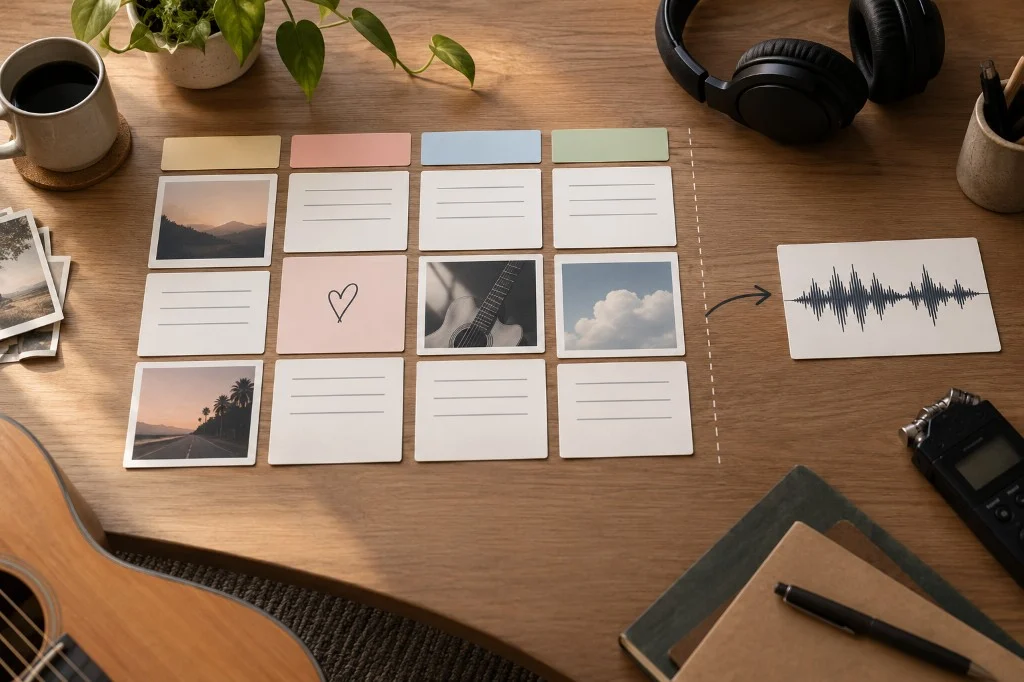
Notion can be a useful planning and documentation layer for a songwriter. A song database, a handful of properties, pages for briefs and references, and two or three views can create clarity without turning the system itself into another project to maintain.
The trouble starts when a flexible tool is asked to solve every job. Notion supports databases, pages, files, and audio, but that does not automatically make each page a specialist workspace for reviewing a song, identifying the current reference, or keeping creative decisions attached to changing musical material.
Short answer
Use Notion when your main problem is seeing and structuring information: what songs exist, what state they are in, what the next action is, and where the material lives. Keep the system small. Add Drive when you need shared file storage, a document when the work is text editing, a DAW when the problem is production, and a song-centered tool when audio, lyrics, notes, and decisions need to live together as creative context.
What Notion does well for songwriters
The basic unit in a Notion database is a page with properties. That maps well to a song as a catalog item: you can filter, sort, and show the same songs in different views without duplicating them.
Notion is especially useful for:
- listing active, paused, and archived songs;
- storing a brief, references, questions, and written decisions;
- seeing the next action for each song;
- grouping by status, project, EP, or collaborator when that information actually changes your work;
- creating views such as “Active,” “Waiting for feedback,” or “Archive”;
- linking or attaching material that lives elsewhere.
The advantage is not having twenty properties. It is being able to answer quickly: “Which songs need attention, and what do I do next on each one?”
A minimum viable workflow: one Songs database
Start with four properties beyond the song name:
| Property | Type | Example |
|---|---|---|
| Status | Select | Seed / Draft / Review / Waiting / Closed |
| Next action | Text | “Sing both chorus endings over take B” |
| Current reference | URL | Link to the demo you want to hear first |
| Last reviewed | Date | The date you last made a useful decision |
Use the database’s title property for the song name. Put an uploaded audio block inside the song page if you prefer it to an external link; the Current reference URL is for material hosted elsewhere. These are ordinary Notion property types, so you can start without formulas or relations.
Add collaborator, project, or priority later only if the field supports a real decision. If a property stays empty or never changes what you do, remove it.
Inside each song page, keep the structure short:
- Song center: one or two sentences about what you are trying to communicate.
- Current reference: the link or file you should listen to today.
- Working lyric or notes: only the material that benefits from being visible there.
- Current decisions: choices you do not want to reopen without a reason.
- Open questions: problems that still require a test.
- Next action: a concrete task that fits the next session.
That is enough to begin. A huge template with moodboards, twenty tags, and automations can wait.
Three views with a clear job
Create views of the same Songs database. Each row remains one song even when it appears in several views.
| View | Filter | What you use it for |
|---|---|---|
| Writing | Status is Draft | Choose a song you can develop in your next writing session |
| Review | Status is Review | Find material ready for a listening decision |
| Waiting | Status is Waiting | See which songs need someone else’s recording or reply |
Show Next action in each view. Sort the Writing view by Last reviewed, oldest first, when you want to revisit neglected drafts. A blank date simply means you have not reviewed that song yet; fill it in when you do.
A worked song page: “North Window”
Here is enough information to return to a draft without reading every earlier note:
Status: Draft
Current reference: link to “North Window — chorus B”
Next action: sing endings A and B over the same chords
Last reviewed: 17 September 2026
Inside the page:
- Idea: someone leaves a light on for a person who may not return.
- Working chorus: the four lines you are testing today.
- Ending A: “I leave the hallway light for you.”
- Ending B: “The hallway light stays on till two.”
- Decision so far: keep the quieter verse; compare the chorus endings before adding a bridge.
After singing both, write the choice and change Next action to “record the verse into chorus B”. Update the review date. The useful record is the decision that moves the song forward.
Add a playable audio reference
Notion supports audio and file blocks, including MP3 uploads. Put the recording near the working lyric and label it with the difference you need to hear, such as “chorus B — quieter ending”. If your file already lives in shared storage, keep its link in Current reference instead.
When you add a new take, update the current reference and move the old one below an “Earlier takes” heading if it still matters. Add one sentence about the change: “same words, higher melody on the final line”. Now someone opening the page knows what to play and why you kept the alternative.
Page history is not the same as a song’s creative state
Notion provides version history for pages. That is useful for recovering changes to page content. It does not automatically define the current musical state.
A song can have a revised lyric, several recordings, a DAW bounce, an external reference, and a new decision at the same time. Page history tells you how the page changed; your workflow still needs to say which combination of materials is current now.
Do not turn this distinction into a feature battle. If Notion’s history solves your problem, use it. If you still ask “which demo is the right one?” whenever you return, the problem is elsewhere.
The real risk: building the system instead of writing songs
Notion makes it easy to add properties, relations, formulas, automations, and views. That flexibility can become an elegant form of procrastination.
Use one rule: every element in the system should save a future decision. If a property does not change what you open, review, or do next, you do not need it yet.
Signs of overbuilding:
- you update the dashboard after every tiny change;
- you maintain the same status in three places;
- you need instructions to remember how to capture an idea;
- you avoid capturing something because “the record needs filling in first”;
- the database is tidy, but you still do not know which version to hear.
Notion, Drive, documents, a DAW, and Zoundroom solve different jobs
| Tool | Best fit | Boundary to remember |
|---|---|---|
| Notion | Catalog, planning, briefs, and views | Its flexibility means you define the musical state yourself |
| Google Drive | Storing and sharing files | A folder does not explain which material is current |
| Shared document | Writing and commenting on text | A document does not represent the whole song project |
| DAW | Recording, editing, arranging, and mixing | Often too heavy for notes, decisions, and process tracking |
| Zoundroom | Keeping song context around a song project: takes inside the lyric, comments at the exact second | Production stays in your DAW, and catalog planning can stay in Notion |
The goal is to give each tool a clear job: Notion as a repertoire index, Drive for large files that need to move between people, a document for shared lyrics, your DAW for production, and Zoundroom for the hands-on work on each song, where the take sits inside the lyric’s note and a co-writer leaves a comment at the exact second of a take. Pro holds up to 1,000 projects and 10,000 items, PDF chord sheets and custom tags, and comments need Pro or Band for whoever writes them; it is 7 days free on iPhone and on the web, enough to try the split with one song. You can keep the system you have and move one song at a time.
When Notion alone is enough
Notion may be enough when:
- your work is mainly text, links, and tasks;
- each song has few audio references;
- you always know where the current file is;
- the database helps you choose the next action without duplicating information.
In that case, do not add tools out of anxiety. A simple system you use is better than a specialized one you do not need.
When to combine Notion with a file layer
Pair it with Drive or another file store when you have stems, mixes, or sessions that need to remain shared files. Notion can keep the index and link; the shared file store can remain the place where those files live.
A useful rule: Notion describes the work; the file store holds the file. Do not copy everything into both places without a reason.
When a song-centered tool makes sense
If the friction appears after capture — the lyric is on one page, audio is in another app, notes are in a chat, and nobody is quite sure what is current — the problem is no longer just planning.
In Zoundroom, you can bring recorded or imported audio, text or notes, and other files into that song’s project so the next session starts with the same material and open decisions in view. It can sit beside Notion: keep the repertoire overview, editorial calendar, or planning there if they work, and use Zoundroom for the hands-on work on the song. Open the DAW for detailed production; keep large shared files in Drive if that already works for the team. The practical next step is to test the split with one song rather than migrating the whole system.
In the phone app, while you write the lyric, rhymes for the line that still needs a pair appear above the keyboard when you finish a line (rhymes while you write), and «Chords» puts each chord over its syllable and plays it on guitar, piano or ukulele (chords over the lyrics). In the browser, you also get the rhymes and put the chords over the lyric and hear them, with the same account.
Example: from captured idea to next action
Imagine you record a melody on your phone:
- Capture: record the idea without opening the full system.
- Classify: create or update the song row and write
Next action: test two chorus lyrics. - Context: link the recording or move it into the project where the song will actually be developed.
- Writing: keep the lyric draft beside the reference you are listening to.
- Production: when the decision becomes arrangement or sound, work in the DAW.
- Return to the system: update only the status and next action; do not document every click you made.
The system works if you can leave the song for a week and come back knowing what to hear and what to decide. For the capture step, apps for recording and organizing song ideas are compared on speed and on finding the take later.
Checklist before you complicate Notion
- Can I see every active song without hunting through folders?
- Does each song have one concrete next action?
- Do I know which audio or document is the current reference?
- Do the properties I maintain change a decision?
- Am I linking material or duplicating it without a reason?
- Is the system still faster than a simple note?
- Do I know which job belongs to Notion, which to Drive, and which to the DAW?
- Does the song now need specialist context, or is planning still enough?
For a broader system, see how to organize your music.
Official sources
- Notion Help — Intro to databases
- Notion Help — Database properties
- Notion Help — Views, filters, sorts & groups
- Notion Help — Images, files & media
- Notion Help — Embeds, bookmarks & link mentions
- Notion Help — Delete & restore content / version history
Documentation reviewed: 2026-09-17.