
Best apps to capture and organize song ideas in 2026
Published · Updated
Compare apps for capturing melodies and lyrics, preserving context, finding ideas later, and continuing the work across devices.
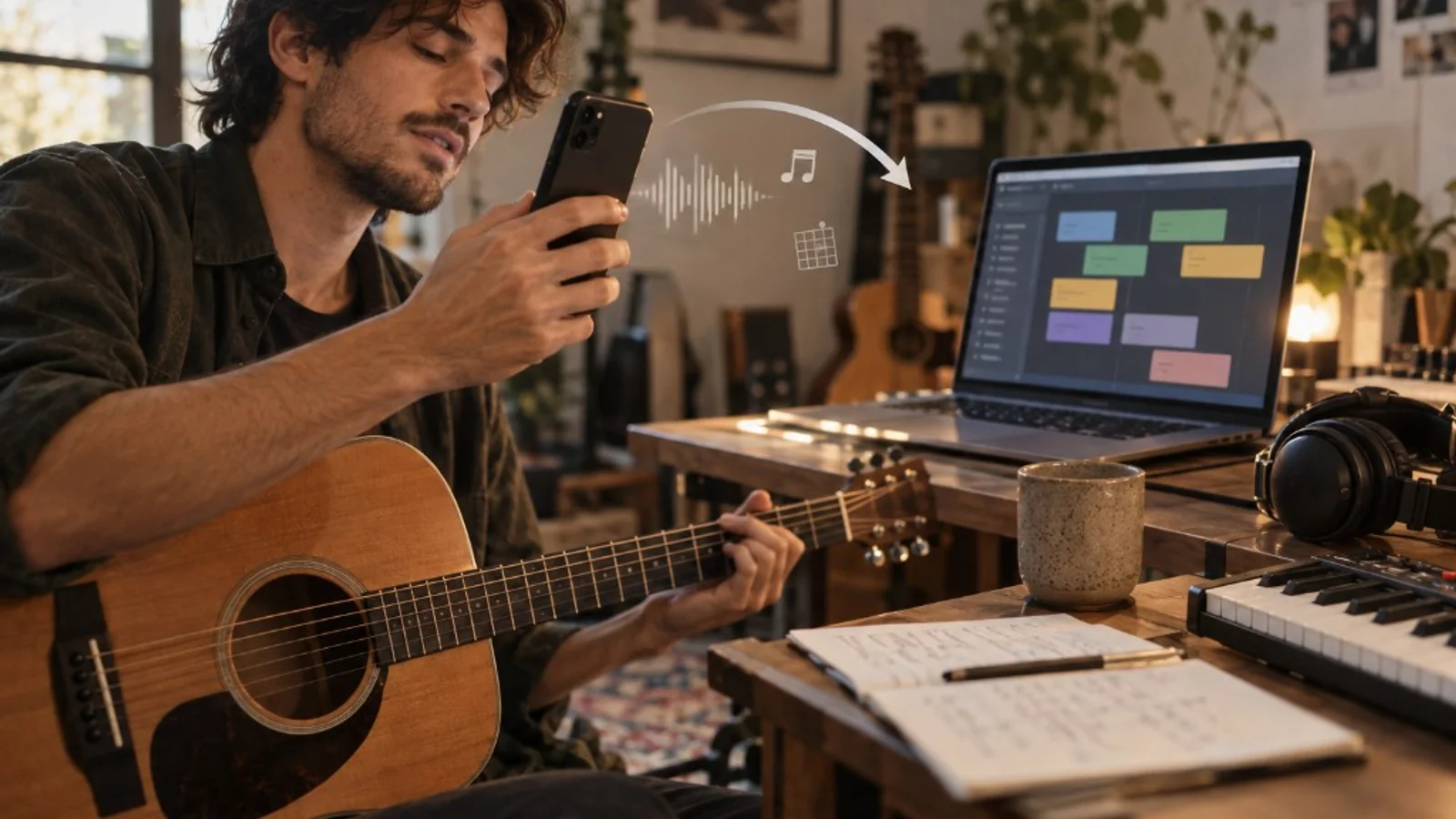
A useful song-idea app should help you record the fragment and find it again. Compare quick recorders, audio-processing apps and song organizers by how you capture a melody, name it and return to it with your lyrics or notes.
If you already have hundreds of recordings and your problem is cleanup rather than tool choice, use the guide to organizing voice memos for songwriting.
Quick comparison
| Tool | Documented platforms | Context beside audio | Retrieval / continuity | Best fit | First test |
|---|---|---|---|---|---|
| Zoundroom | iOS, Android, browser | Audio, lyrics, notes, files inside a song project | The same project can continue between mobile and browser | You want a captured idea to become organized song material | Record inside a lyric note and reopen the project |
| Apple Voice Memos | iPhone, iPad, Mac | Names, folders, favorites | iCloud across Apple devices | You want very low-friction audio capture | Record, rename and find the take in a song folder |
| Google Recorder | Pixel 3+ and Pixel Tablet | Titles, favorites, transcription where supported | Backup/sync and access through recorder.google.com | You use Pixel and want searchable recordings with browser access | Find a backed-up take in the browser |
| Dolby On | iOS and Android | Audio/video recording and editing | Mobile sharing/export | You want capture with built-in audio processing | Record a loud chorus and listen to the processed result |
| BandLab | Web, iOS, Android | Project with audio/MIDI tracks and studio tools | Mobile projects can open on web and vice versa | Capture should move directly into a cloud DAW | Record a melody and add a second track |
| Song Cage | iOS and Android; web/desktop continuation | Recordings, lyrics, chords, ideas | Mobile capture can continue on web/desktop when synced | You want songwriting context around the capture | Capture a melody with its lyric and chord idea |
The order follows fit for the job in the title, capturing an idea and finding it again inside its song: the tool that keeps the take with its lyric and notes comes first, then the recorders, the audio processor and the studios.
1. Zoundroom: capture the melody beside the lyric
Create a song project in Zoundroom, open a note and write the chorus line you want to try. Record directly inside the note so the take appears beside that passage. If you already have an audio file on your phone, import it into the project, then insert it into the note. Add a second take when the melody changes and name what changed. You can continue with the same project on iOS, Android or in the browser when connected.
To record without opening the app, use the «Record idea» widget, Control Center, the Lock Screen or the Action button on iPhone: one tap, even with the phone locked (on Android, the widget or the quick settings tile). The next time you open Zoundroom, the idea uploads itself to your «Ideas» project, and from there you move it to its song (record without opening the app).
Pro matters once the ideas pile up: Free holds 2 projects and 5 items, while Pro holds up to 1,000 projects and 10,000 items, with custom tags to sort takes by section. Pro is 7 days free on iPhone and on the web.
See the current record and import music ideas workflow.
To bring an existing recording into a song, follow the steps for moving from voice memos to Zoundroom.
2. Apple Voice Memos: fast capture inside the Apple ecosystem
Apple lets you mark recordings as favorites and organize them into folders. With iCloud, recordings can stay available across compatible Apple devices. That makes Voice Memos a strong choice when the immediate task is simply record the idea with almost no setup.
The limitation appears later. An audio folder does not automatically tell you which lyric belonged to that melody, what version you were testing, or what the next songwriting decision was. For isolated fragments that may be fine. For songs that accumulate different types of material, another layer becomes useful.
3. Google Recorder: strong retrieval, but Pixel-specific
Google documents Recorder for Pixel 3 and later phones and Pixel Tablet. It can back up and sync recordings, while backed-up files are accessible at recorder.google.com, where you can play recordings, edit titles, and search available content.
The platform constraint matters: Google Recorder is not a general Android recommendation. If several band members use different Android phones, that changes how portable the workflow is.
4. Dolby On: capture with audio processing built in
Dolby On focuses on recording from a phone and applying processing such as noise reduction, dynamic EQ, compression, limiting, and editing controls before sharing. Dolby also positions it for rehearsals and song ideas.
It is useful when the captured reference itself should sound more controlled. The reviewed official documentation, however, emphasizes recording, editing, and sharing audio/video, rather than keeping a recording connected to lyrics, notes, and the state of a song.
5. BandLab: when capture and production are almost the same stage
BandLab runs on web, iOS, and Android. Its Studio is a cloud DAW that supports Voice/Audio tracks, instruments, and imported files. Current documentation also says mobile projects can load on web and vice versa.
That reduces the gap between “idea” and “production.” The trade-off is weight: if you only need to save a nine-second melody, opening a studio environment may be more process than you need. BandLab’s current platform requirements also state that an active internet connection is required. If you just want that melody saved, the online voice recorder runs in the browser with no account, but takes vanish when you close the tab unless you download them.
6. Song Cage: mobile capture built around songwriting context
Song Cage documents an iPhone and Android app for capturing melodies, lyrics, chords, and ideas. Mobile capture can work offline and without an account; when sync is used, captures can continue into the web and desktop environment under the service’s documented account and plan conditions.
Its interesting distinction is that a capture is treated as songwriting material, not only an audio file. The service itself separates mobile capture from the more complete arrangement environment on web/desktop.
Choose by the job
- Audio, lyrics, notes, and files that should stay inside one song project: Zoundroom.
- Fastest simple capture on iPhone: Apple Voice Memos.
- One tap from the home screen, with the idea ending up in its song: Zoundroom’s «Record idea» widget.
- Pixel recording with search, transcription, and browser retrieval: Google Recorder.
- Mobile capture where audio processing matters before sharing: Dolby On.
- Capture that should move straight into multitrack production: BandLab.
- Mobile capture centered on melody, lyrics, and chords: Song Cage.
If you are still choosing the category rather than a specific tool, the apps for musicians by stage guide separates capture, writing, production, review, and organization. For an iPhone-only shortlist, see the best iOS music-making apps.