
How to Make a Song With AI (and Keep It Yours): Step by Step
Published · Updated
Two ways to make a song with AI: generate it with a tool like Suno, or write it yourself with AI as your assistant. Steps, prompts, rights and credits.
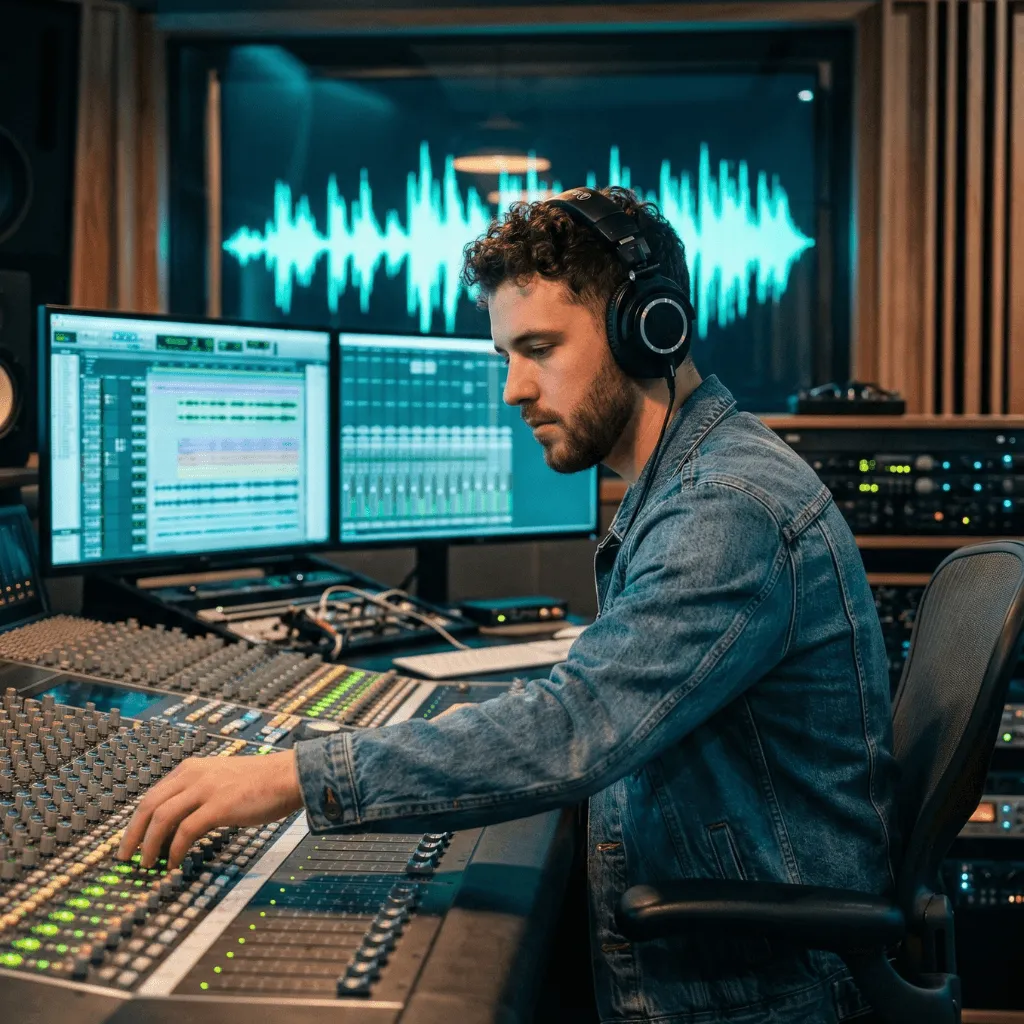
There are two ways to make a song with AI. Route A: generate it. An AI music generator such as Suno takes a description of the genre, tempo and mood, plus your lyric if you have one, and returns a finished-sounding track in minutes. The melody, the voice and the arrangement come from the model. Route B: write it with AI as your assistant. You use AI for text (lyric alternatives, rhymes, chords written out, structure), then write the melody, sing it and record it yourself.
Route A is faster, but in the US only what a human wrote can be protected, and the service’s terms decide what you may do with the file. Route B takes an evening, not five minutes, and the song is yours from first line to last take.
Two ways to make a song with AI: what each one costs you
| Route A: generate the song | Route B: write it with an AI assistant | |
|---|---|---|
| What the AI makes | Audio: melody, voice, arrangement, often lyrics | Text: lyric options, rhymes, chords, structure |
| What you make | The prompt, your lyric (optional), the selection | The idea, the final words, the melody, the performance |
| Time to a first result | Minutes | One or two sessions |
| Whose voice you hear | A generated voice, or a model based on yours | Yours |
| What you can call your own work | Your lyric and your creative edits; the generated music is on weak ground | The whole song, as long as you rewrote what you kept |
| Best for | Sketches, mood references, songs you will not register | Songs you will perform, release or register |
You can combine them, as long as you write first and generate second. The section on existing lyrics explains why. If you’re wondering how many artists already do either, what LANDR’s AI survey actually found separates how many use AI from how many feel positive about it.
Route A: generate a full song with an AI music generator
The steps work with any generator. The examples use Suno because its official guides document them; check your tool’s help for its own field names.
Step 1: write the brief before you open the tool
Decide five things on paper first, so you judge the results against your idea, not the tool’s defaults:
- Genre in words: “acoustic pop ballad”, not an artist’s name.
- Tempo: a number. 84 BPM feels unhurried; 120 BPM moves.
- Mood, with a contrast: “hopeful but tired” says more than “sad”.
- Voice: register and tone, such as “warm male vocal, close to the mic”.
- Form: which section comes when, and where the energy rises.
Suno’s official guide asks for this kind of detail (genre, mood, instrumentation) instead of a vague “happy pop song”.
Step 2: write the prompt and paste your own lyric
In Suno, Custom mode gives you a field for your own lyrics and one for the style. Label the sections: Suno’s guide says it works best with structure tags such as [Verse], [Chorus] and [Bridge]. A complete example:
Style: Acoustic pop ballad, 84 BPM, warm male vocal close to the mic, fingerpicked guitar and soft piano in the verse, full band in the chorus, hopeful but tired
Lyrics:
[Verse]
We said some things we can’t take back
You grabbed your keys and slammed the door
I warm your plate up one more time
And listen for the car once more[Chorus]
Leave the porch light on
Leave the porch light on
If you’re driving past at two
It’s still on for you
Generators can write the lyric too, but then even the words are not yours.
Step 3: generate variations, changing one thing at a time
After a first round, change one variable per round (tempo, voice, instrumentation or one mood word), or you cannot tell what made a version better. Log each version’s prompt, date and change: you will need it in step 6.
Step 4: listen with a checklist
Check each version against your brief before you pick a favorite:
- Are the words the ones you wrote? Read along: lines can be repeated, dropped or changed.
- Do the stresses fall right? “Leave the PORCH light ON” should not become “leave THE porch light on”.
- Does the chorus arrive where you wanted, and lift?
- Does it sound like a specific existing song or singer? Then do not release it: you cannot know what the model drew on.
Step 5: check the terms before you use it commercially
The service’s terms, which differ by plan, decide what you may do with the file. The official pages on October 2, 2026:
| Service and plan | What you may do with the audio | What else to know |
|---|---|---|
| Suno Free | Personal, non-commercial use only | 50 credits a day; no monthly downloads (accounts created since September 3, 2026 only get an occasional trial download) |
| Suno Pro or Premier | Commercial use of songs you download while subscribed; Suno assigns you its rights in the output | Pro from $8/month and Premier from $24/month, billed yearly; 20 or 60 downloads a month |
| Udio (all plans) | Personal, non-commercial use; no downloads | Its terms forbid posting outputs on streaming or social platforms; you may share links from the service |
Note that Suno’s terms make no promise that any copyright will exist in the output: a paid plan gives you permission to use the file, not a copyright. The comparison of AI apps for songwriting and song generation covers more tools and prices.
Step 6: credit it honestly
- In the credits and metadata, say what was generated: “Music and vocals generated with Suno; lyrics by Jane Doe”. Spotify has announced support for the DDEX standard for AI disclosures in credits (vocals, instrumentation or post-production); the information comes through your distributor, and not every distributor offers it yet.
- If you register the song in the US, the Copyright Office’s guidance asks you to claim only your human contribution (your lyric, for example), exclude AI-generated material that is more than minimal, and never list the AI as an author.
- Keep your log from step 3: it records what you contributed.
Route B: write the song yourself with AI as your assistant
Here AI is a writing partner that only hands you text. The worked example builds “Leave the Porch Light On” from scratch. Any chat assistant can do this job; the best AI tools for lyrics are compared by what each one does well, from brainstorming to reworking a pasted draft.
Step 1: choose the idea and the title yourself
Write one sentence about what happens and a phrase that could be the title (and chorus hook): someone leaves after a fight; the narrator waits up with the porch light on. Do not ask AI for the idea: it is the first decision that makes the song yours. The step-by-step lyric guide shows how to turn a feeling into a scene.
Step 2: draft the lyric, then ask AI about one line at a time
Write a rough verse on your own before you open any assistant:
We said some things we can’t take back
You grabbed your keys and slammed the door
I’m sitting here and feeling sad
I hope you’re coming home tonight
Line 3 names the feeling instead of showing it. Ask for alternatives to that line only, with constraints:
Here is my verse. Line 3 tells the listener the narrator is sad. Give me five alternatives for line 3 that show it through something the narrator does in the house. About eight syllables, no “sad”, “heart” or “tears”.
Suppose the options include these:
- “The silence echoes down the hall”: generic, it could sit in any song.
- “My heart is heavy as a stone”: breaks your own rule.
- “I reheat your dinner, then I stop”: concrete. The idea is worth keeping.
Keep the idea, not the line, and rewrite it in the narrator’s voice: “I warm your plate up one more time”. Eight syllables, stress on WARM, PLATE, ONE and TIME, and a hint that this has happened before. Then rewrite line 4 yourself to rhyme with “door”: “And listen for the car once more”. To prepare the request, fill in the AI songwriting brief at the end of this article.
Step 3: pick the chords (AI can suggest them as text)
Ask an assistant for “three progressions for a hopeful but tired verse in C” and play each one, or start from a proven loop such as vi–IV–I–V:
After the count-in, Am arrives at 0:02, F at 0:04, C at 0:07 and G at 0:09; the loop restarts at 0:12. Starting on the minor chord gives the verse its tired color, and the C at 0:07 is the moment of hope. Sing one lyric line across two chords: “We said some things” over Am, “we can’t take back” over F.
Open the same loop in the chord player to slow it to 84 BPM or swap a chord. The guide to chord progressions for songwriting explains which loops suit a verse or a chorus.
Step 4: write the melody yourself over the loop
This is the step Route A skips, and the one that makes the song unmistakably yours:
- Loop the chords and hum on “la” for two minutes. Record it on your phone.
- Speak the verse in rhythm and put the stressed syllables on strong beats.
- Sing three versions of the chorus: one starting low, one starting high, one repeating a single note on “Leave the porch light on”. Keep the one you still remember an hour later.
If you get stuck, how to put music to lyrics goes from spoken words to a sung line in six steps, and how to write a melody for a song shows how to shape phrases.
Step 5: record your own voice
A phone is enough for a demo. With headphones on, record a take over the loop in the chord player (it stays in your browser until you download it), or play the chords yourself in a quiet room. Record the whole song twice. The guide to recording a demo with your phone covers mic distance, levels and noise.
Step 6: get feedback with one precise question
Send the take to one or two people with one question, not “what do you think?”: Does the chorus lift after the verse, or does it arrive too early? How to give feedback that leads to a better song shows how to ask and turn comments into a new version.
If you already have the lyrics
Both routes work when the words come first.
With a generator: paste the lyric, label the sections and write a style prompt as in Route A. Suno’s help center says you keep ownership of the original lyrics you enter, but the music is generated: treat the result as a reference that shows which lines sing well and which trip.
Yourself, in about an hour:
- Read the lyric aloud and mark the stressed syllables. The lyric syllable counter helps you compare line lengths.
- Chant the chorus rhythm on one note until it feels natural.
- Loop four chords in the chord player and sing three melodies for the chorus.
- Keep the strongest, fit the verse to it and record the whole song once, even roughly.
Both, in the right order: record your own melody first, then generate a version if you are curious, so you compare its melody with yours instead of copying it. For a guided start, the melody exercise in the lyric guide lets you record yourself over a practice melody.
Is a song made with AI yours? Rights, credits and ethics
In the US, the Copyright Office set out its position in Part 2 of its report on copyright and artificial intelligence, published on January 29, 2025:
- AI output is protected only where a human author has determined sufficient expressive elements.
- Prompts alone are not enough, however detailed.
- Human-authored material that is perceptible in the output, such as your own lyric in a generated track, can be protected, and so can creative arrangements or modifications of the output.
- Using AI as a tool, or including AI material in a larger human work, does not by itself rule out protection.
In practice, a song generated from a prompt probably gives you no copyright in the melody, arrangement or voice, whatever the service lets you do with the file, while your lyric remains your work. A Route B song, with every kept suggestion rewritten, is on solid ground, especially if you keep your drafts.
The UK, Canada and the EU apply their own laws, and courts are still settling these questions. In the EU, the AI Act’s transparency obligations (Article 50) have applied since August 2, 2026; the European Commission’s guidelines explain who must disclose AI-generated content. This is general information, not legal advice: before releasing or registering a song made with AI, check with your national copyright office, your performing rights organization and your distributor.
Ethics are simpler than the law:
- Do not clone someone else’s voice. Spotify’s policy allows vocal impersonation only when the impersonated artist has authorized it, and Suno’s Voices feature asks you to verify that the voice you upload is yours.
- Tell your collaborators which parts were generated before you split credits, and tell listeners through the credits.
Where Zoundroom fits: AI drafts next to your own takes
Route B leaves a trail that usually ends up scattered: a draft in one app, AI alternatives in a chat, a dozen takes in your phone. In Zoundroom, each song is a project. Put the lyric in a note, paste the AI alternatives under the line they were meant to replace, and record your melody inside the same note, where your cursor is, so every take sits next to the words it tests. Auralis, Zoundroom’s assistant, works on that text: lyric lines, words around your theme, chords written as text and song structures, and it takes into account what you tell it about your music in your Creative DNA. It does not generate audio, sing or analyze recordings, so the melody and the voice stay yours. If you also sketch with a generator, import the file into the project as a labeled reference; the final mix and the master happen in a DAW, which Zoundroom is not. Next step: create a project for the song you are writing, paste your weakest line into a note and ask Auralis for three alternatives with one constraint.
Frequently asked questions
Can I make a song with AI for free?
Yes, with limits. Suno’s free plan gives you 50 credits a day for personal, non-commercial use, with no monthly downloads; Udio allows no downloads at all. Route B costs nothing: a free AI assistant, this site’s free chord player and syllable counter, and your phone.
Can I make a song with AI using my own voice?
The simplest way is Route B: write the song and sing it yourself. If you want a generator to sing new songs in a voice based on yours, Suno’s Pro and Premier plans let you record or upload your voice: 15 seconds to 4 minutes of audio, plus a spoken phrase to verify it is yours. The melody and performance are still generated.
Is a song made with AI mine?
It depends on who made what. In the US, the parts you authored (lyric, melody, creative edits) can be protected; music generated from a prompt alone cannot. The service’s terms separately decide what you may do with the file. This is not legal advice.
How do I make a song with AI in Spanish or another language?
Write the lyric yourself in that language, or rewrite every line an assistant gives you: generated lyrics often sound translated. With a generator, check its help pages for supported languages and listen for stresses on the wrong syllable. On Route B, ask the assistant in the song’s language and name your variety, such as Mexican or Rioplatense Spanish.
Sources
Official pages checked on September 26, 2026 (Suno and Udio pages checked again on October 2, 2026):
- Suno — pricing (checked October 2, 2026)
- Suno — terms of service (revised August 10, 2026; effective September 3, 2026)
- Suno — download changes FAQ (edited August 10, 2026) and announcement of the new download limits (August 10, 2026)
- Suno — Can I use my own lyrics?
- Suno — How to make a song (official guide, August 12, 2026)
- Suno — Voices: use your voice in Suno
- Udio — terms of service (last revised November 12, 2025)
- Udio — changes associated with the UMG partnership (updated February 17, 2026)
- US Copyright Office — Copyright and Artificial Intelligence, Part 2: Copyrightability (January 29, 2025) and the Office’s summary
- US Copyright Office — registration guidance for works containing AI-generated material (March 16, 2023)
- European Commission — guidelines on the AI Act’s transparency obligations (applicable from August 2, 2026; updated August 6, 2026)
- Spotify — Spotify strengthens AI protections for artists, songwriters and producers (September 25, 2025)
Write a useful AI songwriting brief
Give the assistant a specific writing task and keep the creative decision yours. Start from words or an idea you want to develop.
Suggest three endings for this chorus, each under six words.
Paste your own lines or describe the scene you are writing.
First person, conversational, addressed to a friend who has moved away.
Short phrases, room for a held note at the end, stress on the last meaningful word.
Keep the train-station image. Avoid perfect rhymes and the phrase “broken heart”.
Sing each option over your melody. Keep one image and rewrite it in your own words.
Save a draft on this device to return later, or copy or download it. Your answers are not sent to Zoundroom.
Use the brief with Zoundroom’s AI assistant, then keep the lines you choose in a project note. Record yourself singing them to hear which phrasing works.