The best apps for musicians in 2026: which to use and when
2026 app guide for musicians, organized by stage: capturing ideas, songwriting, lyric writing, demo recording, AI tools, and band collaboration.
Eliseu Bellés · Founder of Zoundroom. Musician and entrepreneur from Valencia. I am building Zoundroom so musicians stop losing their best ideas.
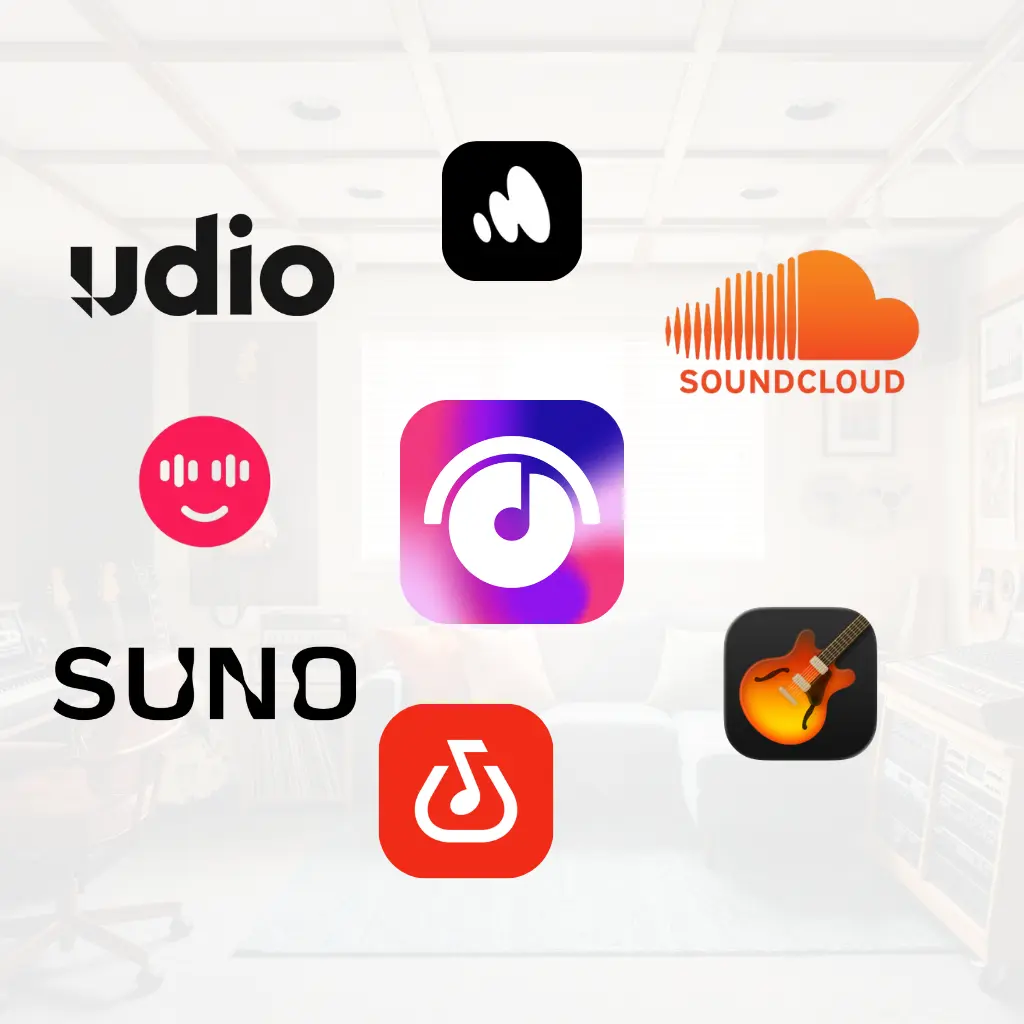
The best apps for musicians in 2026: which one to use and when
You search for "apps for musicians" and what you get is a list mixing GarageBand with Spotify, a tuner, and Pro Tools. All on the same page, as if they were the same thing.
They are not.
A tuner and a songwriting app do not compete. They are tools for different moments in the process. The problem isn't that there are too many apps. It's that no one tells you which one to use at each stage.
This post does exactly that. This is not a list of the 20 best music apps. It is a step-by-step map of the creative process: what to use when an idea hits, when you develop it, when you work with your band, and when you need to record or distribute. Complete with links to detailed comparisons where applicable.
To capture ideas before they disappear
Your most important idea won't strike while you are sitting in front of your computer. It will hit you on the subway, in the shower, or at 2 AM. And if you don't capture it right then, it's gone.
For this, you need an app you can open, record with, and close in under ten seconds. No friction, no setup, no thinking.
Zoundroom is the most complete option for capturing because your recordings are automatically linked to your song project. It is not a loose file in your voice memos folder: it is an idea kept in context. You can add a title, a status tag, and return to it days later without losing your train of thought.
Your native voice memo app on iOS or Android also works for pure capture. It is faster to open if you keep it on your home screen. The problem is organization: over time, you accumulate dozens of audio files with no context, not knowing what each one was. Three months later you have 80 recordings named "Voice Memo 47" and no memory of what any of them were.
This is a common pattern among songwriters: they have the discipline to record ideas but not to organize them. The result is a useless library of clips. Capturing without a system is almost as bad as not capturing at all.
What actually works is capturing and tagging at the exact same time. Even if it's just a temporary title and a status tag. Thirty seconds of organization right after recording is worth more than an hour of sorting every three months.
The rule for this stage is simple: speed over quality, but with minimal context. The perfect capture you never recorded is useless. The capture you recorded but can't find is just as bad.
To write and develop songs
Once you have captured the idea, you need a space to develop it. Here, the criteria changes: it's no longer about speed, but organization and connection between elements. The melody, lyrics, chords, and notes need to live together.
There is a very common mistake in this phase: using the same tool to capture and to develop. Native voice memos are fine for capturing, but they lack the structure needed for songwriting. GarageBand is great for producing demos, but it is not where you develop the song before recording it. They are different tools for different moments.
Options vary widely depending on your workflow:
Zoundroom is designed exactly for this phase. Every song is a project with audio, lyrics, chords, and notes in one place. When you pick a song back up after two weeks, you have all the context ready without rebuilding it from scratch. You don't have to open four different apps to remember where you left off.
GarageBand (iOS and Mac, free) is the go-to for those who want to build more elaborate arrangements on the go. Virtual instruments, multitrack recording, and a polished interface. Ideal if you want to turn an idea into a demo with full instrumentation. Where it falls short is in process organization: there is no concept of a "song project" with lyrics, notes, and context. It is a production tool, not a songwriting tool.
Demo is a good option for songwriters who work mainly with chords. Its progression generator and guided onboarding help musicians without a strong background in theory. If your songs always start with a chord progression, Demo can fit well into your workflow.
Offtop deserves a mention for songwriters who focus primarily on lyrics and melody. It is designed to capture ideas by recording vocals over backing tracks. More limited than Zoundroom in terms of organization, but with a very direct "sing an idea and save it" interface.
For a detailed comparison of these and other options, our post on the 6 best apps for writing music in 2026 dives deep into each one.
To write song lyrics
Lyrics have a specific need that generic note apps don't cover well: they need to be connected to the melody. Writing lyrics without listening to your audio track is like writing ad copy without seeing the image.
The most common problem with lyrics is not writer's block. It is disorganization. You have a verse in your phone's notepad, the chorus on a piece of paper you saved three weeks ago, an idea for the bridge in a WhatsApp message to yourself, and the latest version of all of it only in your head. When you sit down to work on the song, you waste fifteen minutes reconstructing what you had before writing a single new line.
Zoundroom solves this because your lyrics live inside the song project, right next to the audio. You can listen to the recording while you write and adjust syllables, cadence, and structure with the melody playing. All lyric versions are in the same place. No more "final versions" lost in folders.
Lyrics Notepad is the most specialized option if you need technical writing tools: syllable counter, color-coded rhyme detector, and a metronome-like mode to sync with tempo. For lyricists or rappers who focus heavily on meter and structure, these features have real value.
LyricStudio works well as a complementary tool when you hit a roadblock. Its AI assistant suggests line-by-line continuations without writing the lyrics for you. Useful for getting past a specific block, not as a primary writing tool.
Our post on the 5 best apps for writing song lyrics in 2026 compares these options in detail and includes a complete comparison table.
To record demos
Recording a demo at home doesn't require expensive gear or production knowledge. It requires knowing what kind of demo you need and having the right software for that level.
GarageBand is the entry point for most. Free on iOS and Mac, it allows multitrack recording, includes virtual instruments, and has a minimal learning curve. For work tapes and pitches, it does everything you need at no cost.
BandLab is the cross-platform alternative: it works on iOS, Android, and browsers. It has useful online collaboration features if you want other band members to listen and comment on tracks directly in the app.
Audacity (Windows, Mac, and Linux, free) is more basic visually but powerful for audio editing. Ideal if you work on a computer and don't have a Mac.
For the complete process of recording a demo from scratch, including minimal gear and common mistakes, our post on how to make a music demo at home covers the entire workflow step by step. And if you record exclusively on your phone, our post on how to record demos on your phone has specific tips for that format.
To work with AI
The music AI market in 2026 is divided into two types of tools that shouldn't be on the same list but always appear together.
Generative AI (Suno, Udio, Boomy) creates music for you from a prompt. Useful for generating production references, exploring genres, or creating royalty-free background tracks. Not useful if you want to write your own songs.
Assistive AI helps you develop what you already have. It doesn't generate for you; it helps you keep creating. Zoundroom's AI assistant, Creator DNA, works this way: you configure it based on your creative voice and references, and when you get stuck on a song, it suggests directions without replacing your process.
To understand the difference in depth and see which app fits your case, our post on the best AI apps for creating songs in 2026 explains it honestly and in detail.
To collaborate with your band
Working on songs with other people comes with coordination issues that WhatsApp and Google Drive simply don't solve well. Feedback gets mixed up with other chat threads. Files get lost between versions. No one knows which file is the right one. And when someone shows up to rehearsal without having heard the new demo because "I didn't see it in the group," you waste half an hour.
The underlying problem is that WhatsApp and Drive are generic tools forced into a workflow they weren't designed for. They work for many things, but they aren't built to manage the creative process of a song with a group.
Zoundroom, with its Band plan, creates a shared space where all members work on the exact same projects. Comments are linked to the audio at the precise second of the feedback. The bass player can flag 1:23 and write, "the tempo drags here." Lyrics, chords, and notes are visible to everyone. No more rebuilding context at every rehearsal.
The Band plan includes up to 7 members with distinct roles: owner, editor, and viewer. Highly useful when one person in the band coordinates the process (the Gatekeeper) and others just need access to view and listen.
BandLab is a free alternative with online collaboration features. It allows multiple musicians to record on the same project from different devices. It is more focused on joint production and has an active community where you can share music publicly. Where it falls short is in process organization: it lacks the song-by-song project structure with lyrics, notes, and statuses that Zoundroom has.
If your band works remotely or simply wants to stop managing songs via WhatsApp, a dedicated post on the best apps for bands is on the way to cover this territory in detail.
To distribute your music
Once your songs are finished, you need to get them onto streaming platforms. This phase is no longer about songwriting, but distribution, and the tools are completely different.
The digital distributors most used by independent musicians are DistroKid, TuneCore and Amuse. All three allow you to upload music to Spotify, Apple Music, Amazon Music, and all other stores from a single platform, without a record label.
DistroKid is the fastest and cheapest for high volume: a flat annual fee with no commission per song. Ideal if you release music regularly. TuneCore charges per release with no annual fee option. Better if you release rarely and want complete control over earnings. Amuse has a free plan with basic distribution, with limits on release speed and advanced features.
None of these distributors play a role in the songwriting process or song organization. They are the final stage of the workflow, not the first. But they are part of the ecosystem every independent musician needs to know.
If you want to understand how independent music distribution works in detail, our post on independent music distribution covers the entire process.
To practice and learn
This category is different from all the previous ones. Practice apps are not meant for creating; they are meant to help you improve as a musician. They are complementary tools, not songwriting tools.
They are worth mentioning because many independent musicians are self-taught or looking to improve their technique while they write. The two are not mutually exclusive, and your practice tools directly affect the quality of what you write.
GuitarTuna is the most popular tuner on the market. Free, accurate, and fast. It works for guitar, bass, ukulele, and other stringed instruments. It detects pitch in real time using your phone's mic and is accurate enough for live use and studio work. It includes a metronome and some chord learning features in its paid version, though the free version covers everything you need to stay in tune.
Yousician is the most complete option for learning to play from scratch or improving your technique. Guitar, piano, bass, ukulele, and vocals. It works like a video game: it listens to what you play in real-time and scores you. The gamification helps maintain practice consistency. The free plan has daily practice limits but is plenty to start and see if the format works for you.
Ultimate Guitar has the largest catalog of tabs and chords available. Over a million songs in tab, chord chart, and sheet music formats. If you need to learn to play a specific song or find the chord progression of a reference track, it is the first place to look. It also has an integrated tuner and metronome.
Musictheory.net (web and app) is the go-to free reference for learning music theory. If you want to understand why your chord progressions work or expand your harmonic vocabulary, this platform's structured lessons are a great starting point without paying for a course.
These apps are not the focus of Zoundroom and won't appear in our blog comparisons. But they are part of the tool ecosystem that independent musicians use daily.
Summary table: which app to use based on your needs
Need | Go-to App | Alternative |
|---|---|---|
Quickly capture ideas | Zoundroom | Native voice memos |
Write and organize songs | Zoundroom | GarageBand |
Write lyrics | Zoundroom | Lyrics Notepad |
Record home demos | GarageBand | BandLab |
Generative AI (references, backings) | Suno v4 | Udio v2 |
Assistive AI (developing songs) | Zoundroom (Creator DNA) | LyricStudio |
Band collaboration | Zoundroom (Band plan) | BandLab |
Tuning and practice | GuitarTuna | Yousician |
Tabs and chords | Ultimate Guitar | |
Distribute music | DistroKid | TuneCore |
Frequently Asked Questions
Do I need multiple apps or is one enough? It depends on your workflow. For most independent musicians, a writing and organization app like Zoundroom covers 80% of daily needs. For the rest, GarageBand for more complex demos and GuitarTuna for tuning cover the essentials. You don't need ten apps installed.
Which of these apps work on Android? Zoundroom, BandLab, GuitarTuna, Yousician, and Ultimate Guitar are all available on Android. GarageBand is Apple-exclusive. Demo and some lyric apps are also iOS-only. If you use Android, BandLab is the most complete alternative for recording and collaboration.
Are there free apps worth using, or is all the good stuff paid? Yes. GarageBand is completely free and is one of the best recording apps available. BandLab is also free. Zoundroom has a free tier with essential features. GuitarTuna and Ultimate Guitar have free versions that are plenty for basic use. You don't need to pay to get started.
What app would you recommend to someone starting to write songs from scratch? Zoundroom to capture, organize, and develop ideas. GarageBand to record demos when songs start taking shape. GuitarTuna to tune. With these three, you have everything you need at the beginning without spending anything.
Does it make sense to use multiple songwriting apps at once? Generally, no. Using two songwriting apps in parallel splits your context: half your songs are in one place, and the other half in another. It's better to choose one as your main system and use it consistently. You can complement it with specific tools (a tuner, a distributor, a tab app), but the core of your process should live in one place.
Are these apps useful for producers or only for songwriters? It depends on the phase. The apps in this post are geared toward the songwriting process: capturing ideas, developing songs, writing lyrics, making demos. A producer who also writes can use them for the creative phase and then move to their DAW (Ableton, Logic, FL Studio) for production. They don't replace a professional DAW; they are tools for the pre-production stage.
The independent musician of 2026 doesn't need more apps. You need to know which ones to use when and stop switching tools every time you start a new song.
The fastest way to test it: download Zoundroom and start with the next idea that comes to mind. No setup, no learning curve. You open, you record, and your idea already has a home.