Music Organizer Software | 2026 Artist Guide
Lost song ideas scattered across voice memos, notes, and folders? Discover the ultimate tool to organize your music and streamline your creative process.
Eliseu Bellés · Founder of Zoundroom. Musician and entrepreneur from Valencia. I am building Zoundroom so musicians stop losing their best ideas.
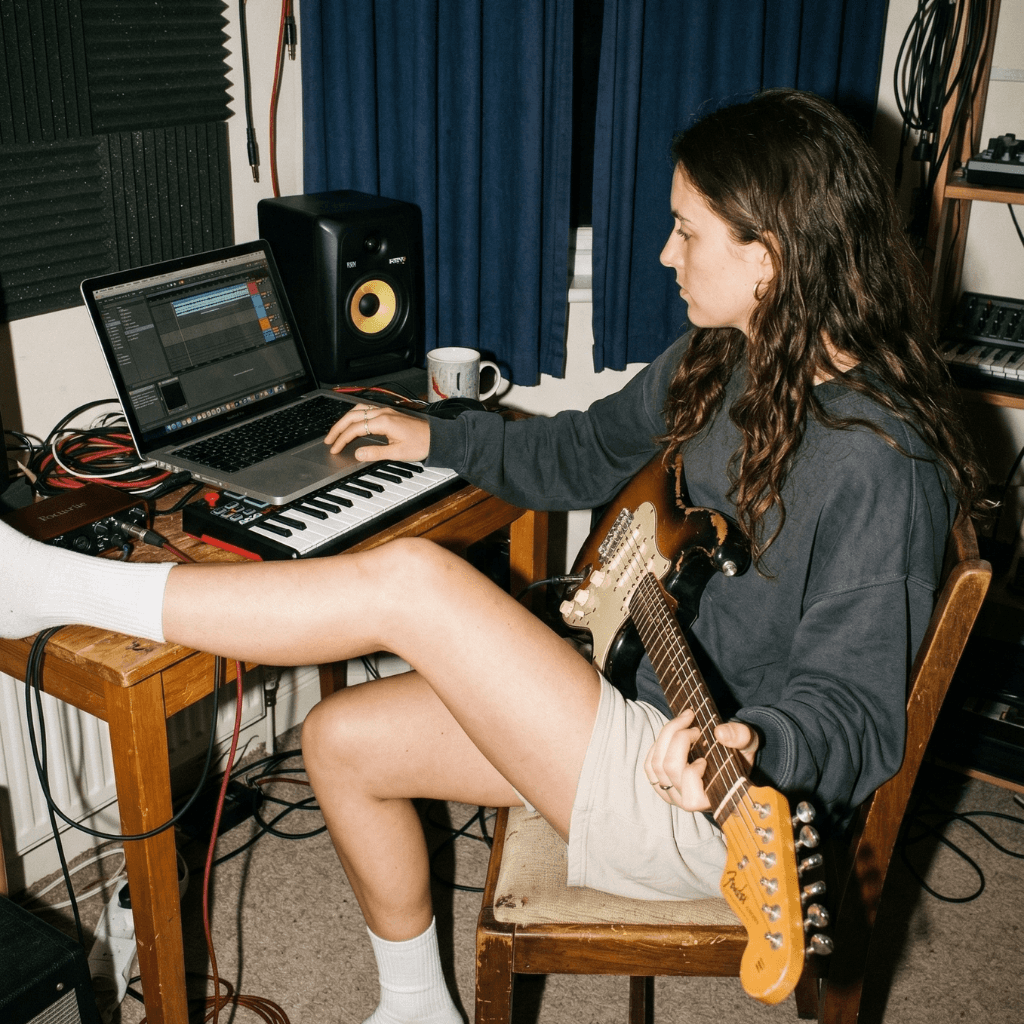
Music Organizer Software: The Ultimate 2026 Guide for Artists
If you're an artist, this will sound familiar. You have a WhatsApp voice note with a melody that came to you on the subway. A voice memo with a riff you played at 2 AM. A Google Drive folder called "Song Ideas" that you haven't opened in months. And three audio files on your desktop with names as descriptive as "final_audio_v2_GOOD_this_one_for_sure.mp3".
The result is always the same: high-potential ideas buried in digital chaos. And the worst part isn't the mess itself. The worst part is that those ideas get lost. They get forgotten. They get stuck halfway between inspiration and the song they could have become.
If you've made it this far looking for a music organizer software, you're probably already at that point. You know you need a system. The question is which one. In this guide, we're going to break down the existing options, what works and what doesn't, and the best way to bring order to your creative process without the method killing your urge to create.
The best music organizer software in 2026 is one that centralizes ideas, lyrics, recordings, and collaboration in one place, without replacing your creative process.
The real problem: you aren't messy, the tools just aren't designed for you
Before talking about solutions, it's worth understanding the root issue. Because it's not a discipline or method problem. It's a tool problem.
The process of making music has very specific needs. A musical idea isn't a text document or a photo. It's an audio recording, sometimes accompanied by lyrics, chords, structure notes, reference tracks, and an emotional context that only makes sense in your head. Together, all of that forms a "project" that needs to live somewhere you can return to, develop, and share if you work with other people.
And what do most of us do? We use what's at hand: the phone's voice recorder, a notes app, a cloud folder. Generic tools that don't understand what a song-in-progress actually is. It's like trying to pack up for a house move using plastic grocery bags. You can do it, but it's not ideal.
The average musician uses between 7 and 9 different apps to manage their music ideas. The result is predictable: fragmentation, lost context, and ultimately, ideas that never get developed.
The usual workarounds (and why they fall short)
You've probably tried some of these. Or all of them. Let's be honest about what they offer and where they fail.
Phone Notes (Apple Notes, Google Keep)
It's the fastest way. You open the app, type "idea: E minor riff, fast tempo, Radiohead vibe" and move on. The problem is you can't integrate audio smoothly, there's no project structure, and within a week that note gets lost between your grocery list and a phone number you don't even recognize.
The good: Instant capture. The bad: Zero musical structure. Doesn't handle audio. Impossible to collaborate on an idea.
Voice Memos / Dictaphone
The ultimate capture tool. Recording an idea takes two seconds. But that's where it ends. Recordings pile up in an endless chronological list with no categories, no tags, and no way to link a recording with lyrics or other ideas from the same project. Searching for something from three months ago is like finding a needle in a haystack.
The good: Quick, direct capture. The bad: No organization. No context. No connection between ideas.
Google Drive / Dropbox folders
The "one folder per song" approach. You create a folder, throw in the audios, a document with the lyrics, maybe a photo of chords scribbled on a napkin. It sounds reasonable in theory. In practice, you end up with a folder structure nobody maintains, duplicate files, and the need to open three different apps just to see everything a project contains.
The good: Storage and access from anywhere. The bad: No integrated player. Managing loose files is tedious. Collaboration is basic at best.
DAWs (Logic, Ableton, GarageBand, FL Studio)
A DAW is a production tool, not an organizer. You can create projects and produce inside it, but using it to organize ideas is like using a moving truck to buy groceries. It's too heavy for the initial creative phase: capturing an idea, jotting down lyrics, tracking project statuses. Plus, most DAWs are desktop-based, meaning they aren't handy when inspiration strikes on the go.
The good: Limitless production power. The bad: No portability. Too complex for the brainstorming stage. Not designed to organize, but to produce.
Music Collaboration Apps (BandLab, Splice)
These platforms are closer to the music world, but their main focus is collaborative production or sample distribution. BandLab, for example, lets you record and collaborate, but its interface is geared more toward production and social community than personal organization for your ideas. It's not a space to think and structure your work-in-progress; it's a place to record and publish.
The good: Musical environment. Basic collaboration. The bad: Focus on production/community, not organization. Can be more distracting than helpful.
Comparison: Which tool fits your needs?
To see it clearly, here is a breakdown of the features that actually matter when looking for a music organizer software for your creative workflow.
Feature | Phone Notes | Voice Memos | Google Drive | DAW | BandLab | Zoundroom |
|---|---|---|---|---|---|---|
Quick audio capture | ✅ | ✅ | ❌ | ❌ | ✅ | ✅ |
Organization by projects | ❌ | ❌ | Partial | ✅ | Partial | ✅ |
Lyrics & notes next to audio | ✅ | ❌ | Manual | ❌ | ❌ | ✅ |
Project tags and statuses | ❌ | ❌ | ❌ | ❌ | ❌ | ✅ |
Band collaboration | ❌ | ❌ | Basic | ❌ | ✅ | ✅ |
AI songwriting assistant | ❌ | ❌ | ❌ | ❌ | ❌ | ✅ |
Mobile support | ✅ | ✅ | ✅ | Partial | ✅ | ✅ |
Designed for musicians | ❌ | ❌ | ❌ | ✅ | ✅ | ✅ |
The conclusion is clear. Generic tools solve piece of the puzzle, but leave out the essentials: a unified workspace where your music-in-progress can live, grow, and become a finished track.
What a great music organizer software should have
If you were to design the perfect tool for a musician looking to clean up their creative process, what would it include? Based on feedback from hundreds of musicians, these are the game-changing features.
1. Frictionless, instant capture
Inspiration doesn't wait. If opening the app and recording takes more than 5 seconds, you've already lost half the idea. A good organizer needs an integrated recorder that is one tap away. And that recording must automatically link to a project, not get lost in a generic list.
2. Song-first project structure
A song-in-progress isn't just a file. It's a collection of elements: recordings, lyrics, chords, structural notes, references. All of this needs to live together in one place, organized in a way that makes musical sense. Not folders with loose files. Projects with context.
3. Clear project status and progress
Where does each song stand? Is it just an idea? Does it have lyrics yet? Is it ready for band practice? Tracking the status of each project gives you a bird's-eye view of your creative output. You know what's pending, what's moving, and what's ready. It's like a Kanban board, but for your music.
4. Real collaboration for bands
If you play in a band, you know sharing ideas is a logistical nightmare. Audios on WhatsApp, lyrics via email, voice notes that vanish. A solid program needs a shared space where all band members can access the same project, listen to ideas, add theirs, and give feedback. Everything in one place.
5. Built-in creative tools
We're not talking about replacing your DAW. We mean having what you need within arm's reach during songwriting: a tuner, a metronome, maybe an intelligent assistant to help you bounce back when you're stuck. Add value, not complexity.
6. Mobile-first
Ideas don't wait for you to sit at your desk. They hit you on the bus, in the shower, at 3 AM. The software must be where you are: in your pocket. Mobile-first isn't a luxury; it's a structural necessity for the creative workflow.
Zoundroom: The home for your work-in-progress music
This is where Zoundroom comes in. It's not a DAW. It's not a social network for musicians. It's not a notes app on steroids. It's a creative workspace built from the ground up for one mission: giving your music-in-progress a home.
Zoundroom was born out of frustration. Its founders are musicians who got tired of scattering ideas across five different apps and losing tracks along the way. So they built the tool they needed themselves.
What makes Zoundroom different?
The real difference is the focus. While other tools try to solve generic problems (file storage, audio recording, note-taking), Zoundroom solves a specific one: organizing and developing your music from the first spark to the final ready-to-produce track.
Everything in the app revolves around the musical project. Every song is a project. Inside that project, your recordings, lyrics, notes, chords, and band feedback co-exist. No hopping between apps. No lost files. No lost context.
And when you run into a block, the integrated AI assistant is there to help you explore new directions: suggest chords, flesh out lyrics, propose structures. Not to write for you, but to keep your creative momentum going.
If Spotify is where music is published, Zoundroom is where it's born and raised. It's the space between inspiration and the finished song.
Who is Zoundroom for?
Zoundroom is built for any artist who makes music and needs structure. This includes:
The songwriter with 47 voice notes of melodies who can't remember which lyric they belonged to.
The guitarist recording riffs non-stop who needs a secure place to store them.
The band looking for a shared space to pitch ideas, develop songs, and stop using WhatsApp groups as project managers.
The producer who wants to lay down and organize ideas before firing up the DAW.
Plans and Pricing
Zoundroom operates on a freemium model so you can start at zero cost:
Free: All the essentials to organize your music ideas. Capture, projects, and basic tools.
Pro: For musicians who want more: full AI assistant access, expanded storage, and advanced features.
Band: The plan for groups. A shared space where the whole band can work on the same tracks together.
Start with the Free plan and upgrade as you grow. No strings attached.
How to start organizing your music today (Step-by-Step)
Whatever tool you end up choosing, the important thing is to make a start. Here is a simple process to bring order to your creative chaos today.
Step 1: Inventory your assets
Before organizing, you need to know what you have. Go through your voice notes, recorder, and folders. Make a quick list of scattered ideas. You don't have to listen to all of them right now. Just know they exist and where to find them.
Step 2: Keep statuses simple
Don't overcomplicate it. Three stages are enough to start:
Idea: A recording, a brief melody, something that sounds good but has no structure yet.
In Progress: Already has a structure. Maybe a verse and chorus, or at least a clear direction.
Ready to Produce: The song is defined. Lyrics, structure, arrangements done. Time to open the DAW.
Step 3: Centralize in one spot
This is the critical step. Choose one program and migrate everything there. If every new idea still goes to a different app, you're back to square one. One place. One system. That is the rule.
Step 4: Capture first, organize later
Don't let the system slow you down. When an idea strikes, record it. Period. Organize it later. The worst thing you can do is skip recording something because "you don't have time to file it properly" right then. Capture is always more urgent than organization.
Step 5: Review weekly
Spend 15 minutes a week reviewing your projects. Listen to new ideas, move the ones that are progressing, shelf the ones that aren't going anywhere. Think of it like tidying your desk: a little regular maintenance avoids total chaos.
Frequently Asked Questions
Does a music organizer replace my DAW?
No. They are completely different tools. An organizer handles the pre-production phase: capturing ideas, writing lyrics, structuring songs, and collaborating. The DAW is for production. Think of it as the difference between a sketchbook and the art studio. You need both.
Can I use Zoundroom if I'm a beginner and don't know how to produce?
Absolutely. In fact, Zoundroom is incredibly useful for musicians who don't produce. If your process is composing with an instrument and your lyrics, you need a place where those ideas don't get lost. You don't need production experience to organize your music.
Does Zoundroom work on Android and iOS?
Yes. Zoundroom is a mobile app available on both the App Store and Google Play. The experience is engineered mobile-first, because that's where you are when inspiration strikes.
Can I use Zoundroom with my band even if not everyone pays?
Yes. The Band plan is designed so the whole group can work together in a shared space. Check the plan details at zoundroom.com to see how team collaboration works.
Is it safe to store my song ideas in an app?
100%. Your music belongs to you alone. Zoundroom doesn't share or use your content. You can read our full privacy policy on our website.
Your music deserves a home
Every musician has ideas that never made it to finished songs. Not due to a lack of talent, but a lack of a system. A place where that melody you captured on the subway can meet the lyrics you wrote a week later. Where that 2 AM riff can turn into the chorus of your next single.
That's what a great music organizer software does. And that's exactly what Zoundroom is built for.
Stop losing ideas. Start finishing songs.
Download Zoundroom for free and give your music the space it deserves.