The 5 Best Songwriting Apps for Lyrics in 2026
Comparison of the top 5 tools in 2026 for songwriters, singer-songwriters, and lyricists.
Eliseu Bellés · Founder of Zoundroom. Musician and entrepreneur from Valencia. I am building Zoundroom so musicians stop losing their best ideas.
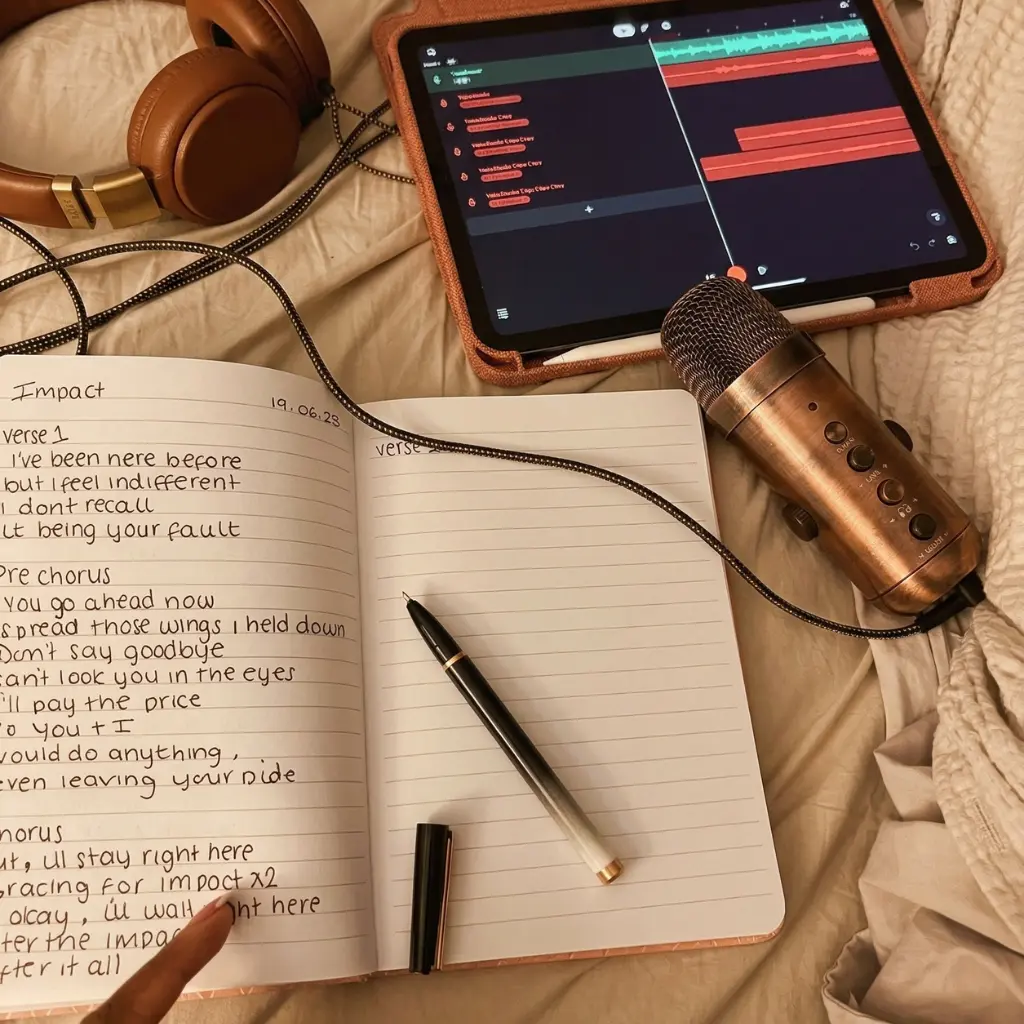
The 5 Best Apps for Writing Song Lyrics in 2026: A Songwriter's Comparison
Writing lyrics is one of the most intimate parts of the creative process. For a long time, the tools to do it have been split into two extremes: on one hand, generic note apps (which work but don't understand what a song is) and on the other, AI generators that write the lyrics for you (which are fast but aren't your voice).
Between those two extremes, there is a massive space for tools that help you write your lyrics in an organized way, connected to your music without unnecessary complications. That is exactly what we looked for in this comparison.
We analyzed the best apps for writing lyrics available right now, focusing on what really matters to a songwriter: Is it easy to use? Does it connect with the song's audio? Does it help me organize my lyrics without losing them? Does it respect my creative process or try to replace it?
Let’s start with the one we believe hits all those marks best.
1. Zoundroom — Lyrics Live Where They Belong: Inside the Song
Zoundroom is not just a lyric app. It is a creative workspace for musicians where lyrics are just another part of the musical project, on the same level as audio recordings, chords, and structural notes. And that is exactly why it works better than any standalone lyric app.
Why It's Number 1
Most lyric writing apps have a fundamental flaw: they treat lyrics as isolated text. You write it, you save it, and there it sits. But a lyric is not just loose text. It is a piece of a song. And a song has melody, structure, chords, and emotional context. If the lyrics live separated from all of that, you lose the connection between what you write and what you hear.
In Zoundroom, every song is a project. Inside that project, the lyrics live alongside the melody audio, the chords you've tried, and notes on structure. You can listen to your recording while reading the lyrics you wrote for it. You can tweak a verse knowing exactly how it fits with the melody. Everything together. Everything connected.
The Zoundroom writing interface is intentionally clean and minimalist. If you've ever used Apple Notes, you'll feel right at home. No unnecessary buttons, no complex menus, no distractions. A blank space to write right next to the audio that lyric belongs to. Simple. Powerful.
What It Does Well
Lyrics and audio together. Not in separate apps. Not in loose files. Inside the same project. It's the natural way to write: listening and writing at the same time.
Clean Apple Notes-style interface. No learning curve. Open, write, save. The simplicity is intentional: we want your attention on the lyrics, not the tool.
Project-based organization. Every lyric lives inside the song it belongs to. You don't have to rack your brain remembering "which lyric went with which melody?". The connection is automatic.
Integrated AI Assistant. When you get stuck on a verse, the assistant can suggest directions, synonyms, rhymes, or alternative ways to express an idea. It doesn't write the lyrics for you. It gives you options so you can decide. Like a co-writer who never gets tired.
Band collaboration. With the Band plan, all members see the same lyrics. No more sending versions back and forth on WhatsApp and losing track of the good one. The lyrics live in the project. Everyone gets access.
Where It Has Room to Improve
Zoundroom does not have specialized writing tools like a built-in rhyming dictionary, syllable counter, or meter detection. If you need those advanced features natively, apps like Lyrics Notepad offer them. But for the vast majority of songwriters, Zoundroom's combination of lyrics + audio + organization is much more valuable than a standalone rhyming dictionary.
Who It's For
Songwriters, solo artists, and bands who want a space where lyrics aren't separated from the rest of the song. Musicians who value simplicity and organization over decorative features.
Platforms and Price
iOS and Android. Free plan with the essentials. Pro plan with full AI assistant. Band plan for groups.
2. Demo: Songwriting Studio — The Songwriting Studio for Beginners
Demo is a mobile songwriting studio that includes lyric writing features within a broader workflow of composing with chords, beats, and recording.
What It Does Well
Demo integrates lyrics within its composition tool. You can write lyrics while listening to the chord progression you created, which is great for keeping your flow and musicality. Its interactive onboarding is excellent: it guides you step-by-step to create your first song, including the lyrics.
The chord generator with over 60 presets makes it easy for songwriters without music theory training to build harmonic backdrops to write over. And the ability to export lyrics as a printable chord sheet is a practical touch that many musicians appreciate.
Where It Falls Short
Demo is primarily designed for chord-based songwriting, making lyric writing a secondary feature rather than the main focus. It lacks advanced writing tools (rhymes, synonyms, meter structure). Most limiting for our purposes: long-term lyric organization is not designed to manage a large catalog of songs in progress. If you have 15 lyrics in different stages, Demo doesn't give you the overview you need.
Also, it is only available on iOS. Android users are left out.
Who It's For
Beginner songwriters who want a guided tool to write complete songs (chords + lyrics + structure) from scratch, especially if they don't play an instrument.
Platforms and Price
iOS only. Limited free version. Demo+ premium subscription.
3. Lyrics Notepad — The Specialized Lyric Notebook
Lyrics Notepad is an app dedicated exclusively to lyric writing. It’s the digital equivalent of a songwriter’s notebook, packed with specific writing tools a generic notes app lacks.
What It Does Well
This is where you will find the most writing features. It has a rhyme detector that analyzes your text and highlights rhymes using colors, a syllable counter per line, a measure mode that splits lyrics into quarters to sync with tempo, a built-in metronome, and a word search with synonyms, antonyms, and rhymes.
It also includes a recorder to capture melodies next to the lyrics, and a customizable tabbed notebook system to organize different projects.
Where It Falls Short
The primary issue with Lyrics Notepad is that it is strictly a lyric app. The text lives in isolation. It is not connected to audio recordings within a musical project. There is no concept of a "song as a project" where lyrics, audio, and chords live together. You write the lyrics in the app, but your melody audio is in another app, chords in another, and structure notes in yet another.
For a pure lyricist who only writes text, this might be enough. For a songwriter who needs lyrics to live alongside the rest of the song, this disconnect is a real problem.
The interface, while functional, can feel cluttered with all tools visible at once. Some users also report occasional freezing.
Who It's For
Lyricists and rappers who focus exclusively on text and value specialized writing tools like rhymes, syllables, and meter.
Platforms and Price
iOS and Android. Free version with limited features. Premium subscription for full access.
4. LyricStudio — The AI Assistant for Finishing Lyrics
LyricStudio is an AI tool focused on helping songwriters finish their lyrics. Unlike generators that write complete songs, LyricStudio is designed as an assistant that suggests lines, rhymes, and continuations based on what you have already written.
What It Does Well
The approach is spot on: it doesn't generate the lyrics for you, but offers suggestions line by line. Write a verse, and the AI proposes continuations, alternative rhymes, or different ways to express the same idea. It is genuinely useful when you're stuck on a specific part of a lyric and need a push.
The interface is simple and the process is intuitive: you write, the AI suggests, you decide. No complex learning curve. You can specify the topic, mood, and genre to get more relevant suggestions.
Where It Falls Short
LyricStudio is strictly an AI text tool. No audio recorder, no music player, no concept of a musical project. The lyrics you write there have no connection to any melody recording. If you want to listen to your melody while tweaking the lyrics, you need to open another app alongside it.
The free plan is highly limited (few suggestions per day). And suggestion quality varies widely: sometimes inspiring, other times generic and unhelpful. It depends heavily on the prompt you provide.
Additionally, it is a web tool, not an optimized native mobile app. The mobile experience is not as smooth as on desktop.
Who It's For
Songwriters experiencing writer's block who need an AI assistant tailored specifically for lyrics. Best used as a complementary tool, not your primary workspace.
Platforms and Price
Web (accessible from any browser). Very limited free plan. Paid plans start at ~$5.99/month.
5. Songwriter's Pad — The Digital Notebook with Built-In Inspiration
Songwriter's Pad is an iOS app that combines lyric writing with inspiration tools and a rhyming dictionary. It has been on the market for years and has a solid user base among English-speaking songwriters.
What It Does Well
The "Ideas Generator" feature is its key differentiator: it displays random combinations of themes, emotions, and situations to spark your creativity when you don't know what to write. It's like rolling creative dice. Sometimes it yields nothing; other times it gives you the exact spark you needed.
The rhyming dictionary is well-integrated into the writing screen, letting you search for rhymes without leaving your page. You can also insert chords next to your lyric lines, which is helpful for keeping a harmonic reference right by your text.
Where It Falls Short
Songwriter's Pad is an older app, and it shows in the design. The interface is not as modern or clean as other options. It lacks an integrated audio recorder (it only links to the system's native recorder). And like all standalone lyric apps, the text lives completely separate from the song's audio.
It is only available on iOS. It lacks collaboration features and has no band plan. The inspiration generator, while original, has limited utility: it works about 10% of the time, while the other 90% of suggestions feel disconnected.
Who It's For
English-speaking songwriters who value random inspiration tools and an integrated rhyming dictionary.
Platforms and Price
iOS only. Free version with limited features. One-time purchase for the full version.
Comparison Table: The 5 Best Lyric Writing Apps
Feature | Zoundroom | Demo | Lyrics Notepad | LyricStudio | Songwriter's Pad |
|---|---|---|---|---|---|
Lyric Writing | ✅ | ✅ | ✅ | ✅ | ✅ |
Lyrics Next to Audio | ✅ | ✅ | Partial | ❌ | ❌ |
Project Organization | ✅ | Basic | Notebooks | ❌ | Basic |
Rhyming Dictionary | AI | ❌ | ✅ | AI | ✅ |
Syllable Counter | ❌ | ❌ | ✅ | ❌ | ❌ |
AI Assistant | ✅ | ❌ | ❌ | ✅ | ❌ |
Built-In Recorder | ✅ | ✅ | ✅ | ❌ | ❌ |
Band Collaboration | ✅ | ❌ | ❌ | ❌ | ❌ |
Clean & Simple Interface | ✅ | ✅ | Cluttered | ✅ | Outdated |
iOS | ✅ | ✅ | ✅ | Web | ✅ |
Android | ✅ | ❌ | ✅ | Web | ❌ |
Free Plan | ✅ | ✅ | ✅ | Very Limited | ✅ |
Which is the Best Lyric App for You?
If you want lyrics to live inside the song (next to audio, chords, and notes): Zoundroom. It is the only app that treats lyrics as part of a complete music project, not as isolated text.
If you are starting out and want a step-by-step guide to writing your first song: Demo. Its interactive onboarding and chord generator walk you through the process.
If you are a lyricist or rapper needing technical writing tools (rhymes, syllables, meter): Lyrics Notepad. It is the most specialized app for text.
If you have writer's block and need AI suggestions to get unstuck: LyricStudio as a secondary tool. Or Zoundroom's AI assistant if you want that support built right into your project.
If you write in English and like random prompts: Songwriter's Pad. Its idea generator can provide that initial spark.
Lyrics Shouldn't Live Alone
Lyrics without music are just a poem. Lyrics with music make a song. For lyrics and music to meet, they need to live in the same space.
Most lyric-writing apps treat your text like an isolated document. Zoundroom treats lyrics as what they actually are: a piece of your song that only makes sense alongside audio, chords, and structure. It's a puzzle piece that needs the rest of the puzzle to show the whole picture.
Download Zoundroom for free and write your next song where it belongs: inside the music.