Mobile Demo Recording: A Practical Guide for Musicians
You don't need a studio to capture your song. Your phone, a pair of headphones, and these 8 tips are all you need to record a decent demo.
Eliseu Bellés · Founder of Zoundroom. Musician and entrepreneur from Valencia. I am building Zoundroom so musicians stop losing their best ideas.
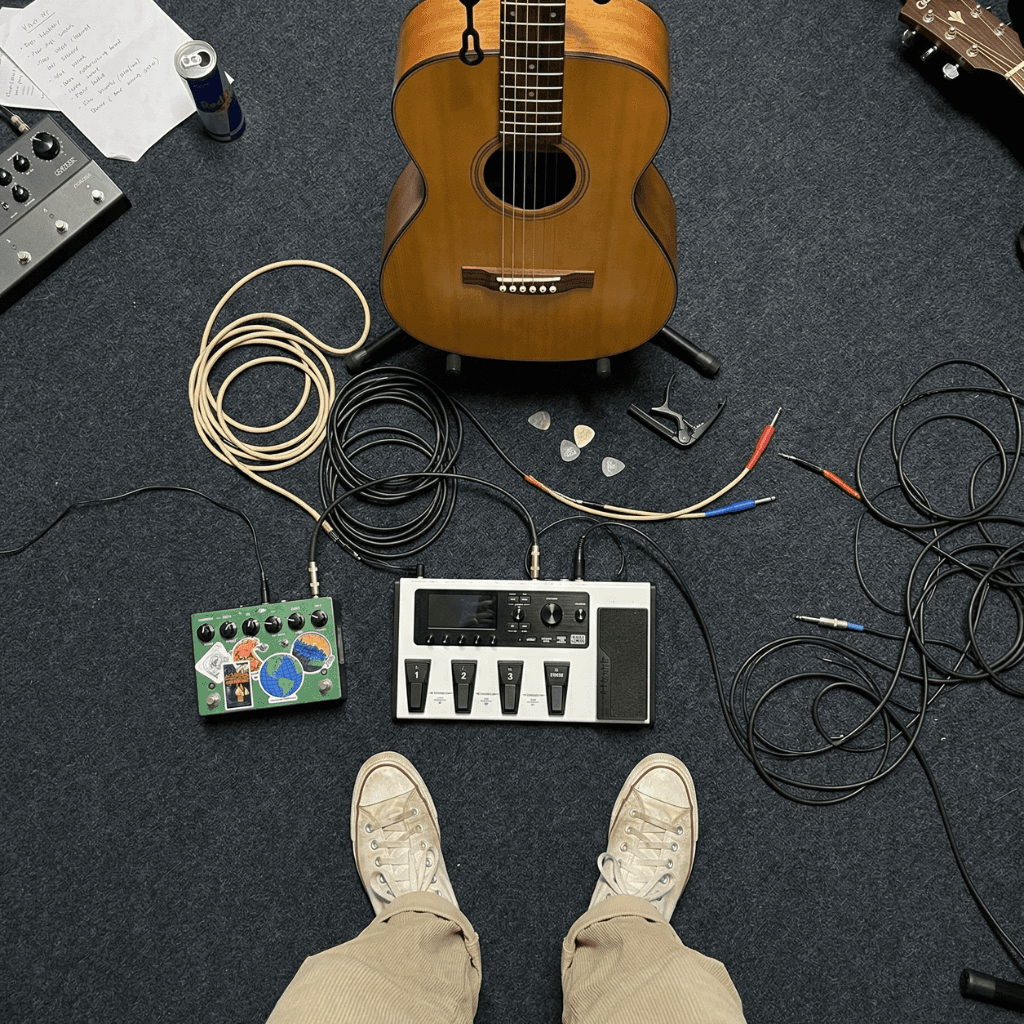
How to record demos on your phone: a practical guide for musicians
You have a song. It's in your head, in your fingers, in your voice. It sounds good when you play it. But it doesn't exist outside of you. If you forget how the chorus went tomorrow, the song disappears.
What you need is a demo. A recording that captures your song exactly as it is right now: imperfect, in progress, but real. And for that, you don't need a studio. You don't need an audio interface. You don't need a €300 microphone. You need your phone.
The phone in your pocket is a 24/7 portable demo studio. Yet, most musicians don't record demos regularly. Some because they think they need professional gear. Others because they don't know how to get the best out of their phone's mic. And others because they record, but then the demo gets lost in an endless list of unnamed audio files.
This guide teaches you how to record demos with your phone practically: what you need, how to do it right, and how to make sure that demo actually serves a purpose after recording.
What a demo is (and what it isn't)
Before recording anything, clarify what you are doing. Because confusing a demo with production is what holds most musicians back.
A demo is not a production. It's not a demo to send to record labels. It's not a master ready for Spotify. It's a working recording that captures the essence of your song: the melody, the lyrics, the structure, the emotion. Audio quality is secondary. What matters is that the song is recorded clearly enough to listen to, evaluate, and decide what to do with it.
The Beatles recorded demos on cheap tape recorders. Bob Dylan did one-take demos with a single microphone. Bon Iver recorded his first album in a cabin with minimal gear. Demos have always been lo-fi. They have always been imperfect. They have always been enough.
Your phone is simply the modern version of that tradition. A device you carry with you that can capture your song anytime, anywhere. Don't underestimate it.
The goal of a demo is not to sound professional. It is to sound like your song.
What you need (spoiler: you already have it)
Here is the complete list of gear needed to record a demo with your phone. Read it slowly because you probably already have everything.
Your phone. Any smartphone made in the last five years has a microphone capable of recording audio with more than enough quality for a demo. You don't need the latest model. You don't need a specific iPhone or Android. The one you have works.
Wired headphones. They serve two functions. First, to listen to the demo after recording without feedback (the phone speaker playing back while the phone mic records creates a feedback loop). Second, many headphones with built-in mics capture vocals quite clearly, and you can use them as an alternative to the phone's own mic. If you don't have wired headphones, Bluetooth ones work for listening, but not as an alternative mic due to latency.
Your instrument. Guitar, piano, ukulele, just your voice, whatever you use to write. The demo captures what you play and sing. You don't need more instruments than you already use.
A recording app. The phone's native recorder works for quick captures. But it has a serious limitation: the recording sits in isolation, without context, disconnected from your song. Zoundroom solves this because the recording goes directly inside your music project, right next to the lyrics, chords, and notes for that song. You record, and everything stays connected.
A quiet space. Not soundproofed. Just free of loud noises. Your bedroom with the door closed is enough. The bathroom has good natural acoustics (hard walls reflect sound, which can work well for vocals). The key is to have no traffic, TV, or background conversations competing with your recording.
That's it. No purchases. No setup. No excuses.
8 tips for recording decent demos with your phone
These are the practical tips that make the difference between an unusable audio file and a demo that does its job. All of them are applicable right now, with no extra gear.
1. Distance to the microphone: 20-30 centimeters
This is the most common mistake. Too close to the mic and the recording distorts (especially if you sing loudly or play acoustic guitar energetically). Too far away and the room sound dominates the recording: echo, reverb, background noise.
The sweet spot for most situations is between 20 and 30 centimeters from the phone's mic. For vocals, that's roughly the distance of your extended hand between your mouth and the phone. For acoustic guitar, point the mic at the soundhole from about 30 cm. Test, listen, adjust.
2. Know where your phone's microphone is
Most phones have the main microphone at the bottom of the device (next to the charging port). Some have a second mic at the top. Knowing where it is allows you to point it correctly at the sound source.
A typical mistake is leaving the phone flat on a table with the mic facing down. The sound reaches it indirectly, and the table amplifies vibrations. Better to stand the phone vertically (with something supporting it) with the mic pointing towards you, or simply hold it in your hand while recording.
3. Turn on airplane mode
It seems like a minor detail. It isn't. A WhatsApp notification in the middle of your best take ruins the recording. An incoming call cuts it off. And even if they don't interrupt, knowing they could creates unconscious tension. Airplane mode. Total silence. Your song deserves those 3 distraction-free minutes.
4. Find the smallest, softest room
Large, empty rooms generate echo. The larger the hard surfaces (walls, floors, ceilings) and the fewer things there are to absorb sound, the more reverb your recording will have. That's not necessarily bad (sometimes natural reverb sounds great), but for a demo where you want to hear the song clearly, less is more.
The best room in your house for recording demos is probably your bedroom: it's small, it has a bed, clothes, curtains, cushions. All of that absorbs sound. If you want even less reverb, record inside a wardrobe full of clothes (seriously, many professional producers record reference vocals this way). It's not glamorous. It works.
5. Record in one take if you can
The demo doesn't aim for perfection. It aims to capture how your song sounds right now, with its natural energy and flow. If you can play the whole song in one go, do it. Don't stop for a mistake. Don't repeat the verse because you sang a flat note. Mistakes in a demo are information, not failures. They tell you which parts need more work.
Recording in one take also captures something that editing cannot create: emotional continuity. A song that flows from start to finish has an energy that gets lost when you record section by section and glue them together later.
6. Do 2 takes (maximum 3)
The first take is for warming up. It's rarely the best, but it gets the nerves out and lets you adjust the distance to the mic. The second take is usually the good one: you already know where you are, your body is warm, and your mind is focused.
If a third take comes out better, fantastic. But don't do more than 3. From the fourth take onwards, you start overthinking, you lose spontaneity, and each take sounds more tense than the last. The demo is not a studio performance. It's a capture.
7. Don't edit or mix (yet)
The temptation to open the recording in an app and start cutting, EQing, and adding reverb is huge. Resist. That is production, not demoing. They are different phases with different goals.
Editing the demo immediately has a negative effect that isn't obvious: you start evaluating the sound instead of evaluating the song. You worry about a sibilance in the verse instead of asking yourself if the chorus melody works. The demo gives you distance to listen to your song as a listener, not an engineer. Don't lose that perspective by jumping into editing too early.
Listen to the demo as is. Take notes. Decide what to change in the song (not in the recording). And then, if the song moves on to production, you will record a quality version.
8. Jott down notes right after recording
This is the most underrated tip on the list. Right after recording (while the song is still fresh in your head), write down what you think. "The bridge needs another chord." "The second verse lyrics sound forced." "The tempo should be a bit slower." "The pre-chorus melody is the best part." "Try the last phrase higher."
These fresh notes are the most valuable you will write about your song. They capture your intuition before the rational brain edits it. Two days later, you won't remember exactly how you felt when recording. The notes will.
3 types of demos depending on what you need
Not all demos serve the same purpose. Knowing what type you are recording helps you calibrate how much effort to put in.
Capture Demo
When: When an idea strikes out of nowhere and you need to make sure it doesn't get lost. On the bus, in the street, before falling asleep.
How: Fast. Without thinking. 15-30 seconds of a hummed riff, a sung melody, a chord progression played half-heartedly. Quality doesn't matter. Noise doesn't matter. The only thing that matters is that the idea is recorded.
Time: 10-30 seconds of recording. 5 seconds of prep.
Goal: To get the idea out of your head. Nothing else.
Work Demo
When: When you want to hear how your song sounds with structure. You already have several parts and want to evaluate them together.
How: You record the whole song (or the parts you have) from start to finish. Vocals and instrument. One or two takes. In a quiet place, with the phone at a good distance.
Time: 3-10 minutes of recording. 5 minutes of notes after.
Goal: To listen to yourself from the outside. Evaluate what works, what is extra, what is missing. Make decisions about the song.
Presentation Demo
When: When you want to show the song to someone: your band, a producer, a collaborator. You need whoever listens to it to understand what you have in mind.
How: Record with a bit more care. Good space, good distance to the mic, clean take. Maybe you do 3 takes and keep the best one. You can record vocals and instrument separately if you want more clarity (first record the instrument, then sing on top while listening with headphones).
Time: 15-30 minutes including prep and several takes.
Goal: To communicate your song to another person. Make them understand the melody, the structure, the lyrics, and the emotional intent, even if the audio isn't professional.
The key is not to spend presentation-demo effort on a capture demo. And don't judge a capture demo by presentation standards. Each type has its place and its moment.
The mistake 90% of musicians make with demos
The mistake is not the quality of the recording. It's what happens after you record.
Most musicians record a demo and do nothing with it. It sits in Voice Memos as "New Recording 047". No context. No notes. No connection to the lyrics they wrote yesterday or the chords they tried last week. Three weeks later, that demo is just another audio file in a list of hundreds. They don't know what it is, what song it was for, or where the song was at when they recorded it.
The value of a demo is not in recording it. It's in what you do with it:
Listen to it with the ears of a listener, not a musician. Does the song hook you? Does the chorus stick in your head? Is there any part that feels too long or unnecessary?
Take notes on what to change, what to keep, what to explore. Notes are the bridge between today's demo and tomorrow's writing session.
Link it to a project with the lyrics, chords, and other pieces of that song. Without this link, the demo loses its context and becomes noise.
Review your demos periodically to decide which songs deserve more work. Sometimes a demo you recorded a month ago sounds much better than you thought when you tracked it.
A demo without review is just noise taking up space on your phone. A demo with notes, context, and follow-up is the seed of a song.
How Zoundroom turns your phone into a systemic demo studio
The phone recorder works for capturing audio. But not for managing what you capture. That's where Zoundroom makes the difference.
When you record with Zoundroom's built-in recorder, the demo automatically stays inside the project it belongs to. Not in a generic list of audio files. Inside the song, right next to the lyrics, the chords, and the notes.
You can take notes right after recording, in the exact same place where the audio is. "Change the bridge chord", "second verse needs more emotion", "try a slower tempo". Notes and demo live together. When you return to the project in a few days, all the context remains intact.
You can mark what stage each project is in. If you just tracked a capture demo, the project is an "idea". If you have recorded a work demo and the song has shape, it moves to "in development". If the presentation demo is ready, the project moves to "ready to produce". At a glance, you know what you have and where each song stands.
And if you play in a band, you can share the demo with your bandmates directly in the shared space of the Band plan. Without sending it over WhatsApp, without losing it among messages, without anyone having to ask "what song was this for?"
It's not a better recorder. It's a recorder with a system.
Frequently asked questions about recording demos on your phone
Is the phone's microphone really enough?
For a demo, yes. Modern smartphone mics capture audio with surprising clarity. It's not studio quality, but it's more than enough to evaluate a melody, lyrics, and structure. If the song sounds good on a demo recorded with your phone, it will sound great when you record it with professional gear.
Can I record with Bluetooth headphones?
To listen to the demo afterwards, yes. As a microphone to record, it is not recommended. Bluetooth headphones have latency that can throw your recording out of sync if you are singing while listening to a backing track. Additionally, Bluetooth mic quality is usually lower than the phone's own. To record, use the phone mic or wired headphones.
How many demos should I record per song?
There is no set number. A song can have a single capture demo and move straight to production. Or it can have 5 work demos recorded at different times as the song evolves. What matters is that each demo is linked to the project and that you take notes after recording. Don't pile up demos without processing them.
Can I use the demo as reference for a producer?
Absolutely. In fact, it's one of the most practical uses of a presentation demo. The producer needs to understand what you have in mind: the melody, the structure, the feel. A phone-recorded demo gives them all that information. It doesn't need to sound like a finished record. It needs to sound like your song.
What if my demo sounds bad?
If the melody is good, the lyrics connect, and the structure works, the demo does its job even if the audio isn't perfect. Remember: you are not recording the master. You are capturing the song. If the song is good, production will make it sound great. If the song doesn't work, no amount of production will save it. The demo helps you tell the difference.
Your next song is one recording away
The phone in your pocket can record more demos in a week than a professional studio in a month. Not because of quality, but because of accessibility. It's always with you. It needs no setup. It needs no configuration. It just needs you to hit record.
The difference between a musician with ideas and a musician with songs is often just one thing: the habit of recording. Capturing what sounds good before it evaporates. Turning the sound in your head into something that exists outside of it.
Don't wait for professional gear. Don't wait until the song is "ready". Don't wait for the perfect moment. Record now. Use your phone. Use what you have. The song doesn't have to sound perfect. It just has to exist.
Download Zoundroom for free and turn your phone into the demo studio you've always had but never used.